60 fps GIF: why it plays at 50 fps and what to use instead
A GIF cannot store 60 frames per second exactly. The GIF89a specification stores each frame's delay in hundredths of a second, and 60 fps needs 1.67 of them. LoopGIF's encoder writes 2 per frame, so a 60 fps source plays at 50 fps and runs 20% long. Below: measured delays, real frame rates and file sizes at 60, 50, 30, 25 and 24 fps.
By Kevin Fan ·
What the GIF specification stores
According to the GIF89a specification, a frame's Delay Time is the number of hundredths of a second to wait before continuing. The unit is fixed at one hundredth, so a steady frame rate is exact only when 100 divided by it is a whole number: 50 fps is 2 hundredths and 25 fps is 4.
60 fps would need 1.67 hundredths per frame, and the format has no fractions. A file can only round each delay up or down, or mix two values so that they average out. The shortest delay it can name is 1 hundredth, which is 100 fps, and nothing is faster than that.
What our encoder writes at 60, 50, 30, 25 and 24 fps
We drew one 2 second animation at five frame rates and wrote each with the delays LoopGIF's tools use, then read the delays back from the bytes of the files. The 60 fps version has 120 frames, each stored as 2 hundredths, so it plays for 240 hundredths: 2.4 seconds at 50 fps, 20% longer than the 2 seconds it was drawn for.
| Source rate | Ideal delay (hundredths) | Stored delays | Frames | Plays for (s) | Real fps | Bytes |
|---|---|---|---|---|---|---|
| 60 fps | 1.67 | 2 | 120 | 2.4 | 50 | 117,953 |
| 50 fps | 2 | 2 | 100 | 2 | 50 | 99,287 |
| 30 fps | 3.33 | 3 and 4 | 60 | 2 | 30 | 60,456 |
| 25 fps | 4 | 4 | 50 | 2 | 25 | 49,618 |
| 24 fps | 4.17 | 4 and 5 | 48 | 2 | 24 | 48,895 |
The other rates keep their timing. 50 fps stores 2 every time, 25 fps stores 4, and 30 fps mixes 3 and 4 while 24 fps mixes 4 and 5. Each of these plays for exactly 2 seconds, because the encoder rounds against a running total instead of rounding each frame on its own.
So a 60 fps GIF from our tools is really a 50 fps GIF with 120 frames where 100 would fill the same time. If you want the timing right, resample the source to 50 fps: 100 frames at 2 hundredths each play for exactly 2 seconds, and the file is smaller.
Why 100 fps and 120 fps are not options either
The specification's unit allows 1 hundredth at most, which is 100 fps, so a 120 fps GIF cannot be stored at all. LoopGIF's frame planning never asks for a delay below 2 hundredths, so the fastest GIF its tools make plays at 50 fps. We use 2 as a floor because the GIF frame rate checker page counts delays of 0 or 1 as 10 hundredths, a rule this site uses.
That checker marks those frames in red, so you can see how many are affected. Other apps may differ, and we have not measured any browser or app, so we make no claim about how a particular one plays a file with 1 hundredth delays.
What more frames cost in bytes
Each frame costs bytes. On our test animation, the file grew from 60,456 bytes at 30 fps to 117,953 bytes at 60 fps, 1.95 times larger, for 120 frames instead of 60. It averaged 983 bytes per frame at 60 fps. The animation is flat colour on one background, so a photographic clip costs far more per frame, as the sizes in what is a GIF show.
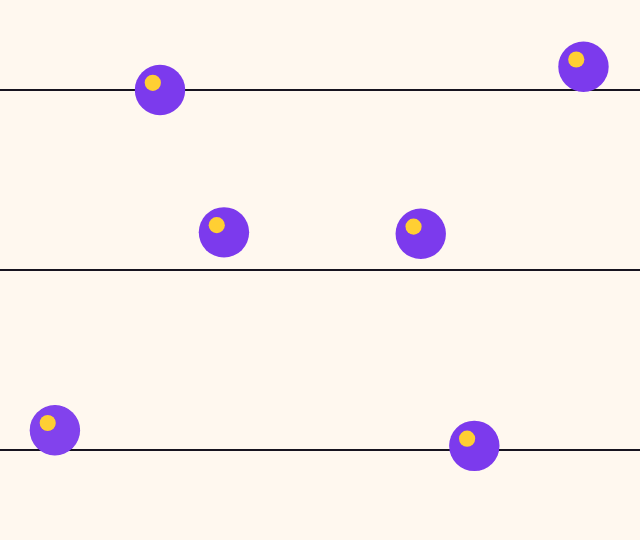 60 fps source, plays 2.4 s
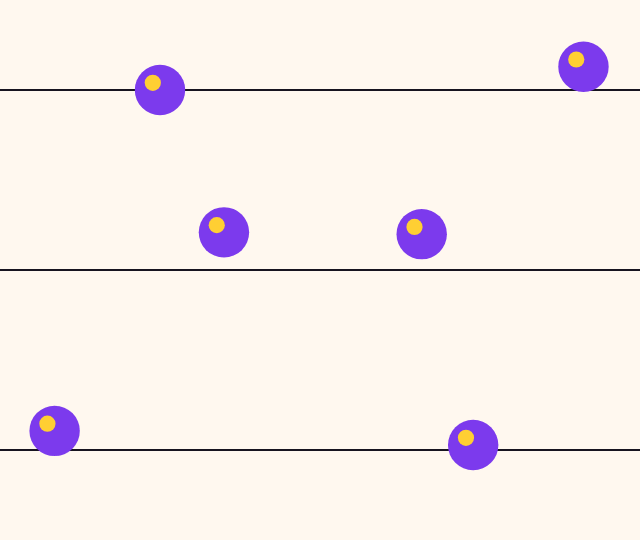 50 fps, plays 2 s
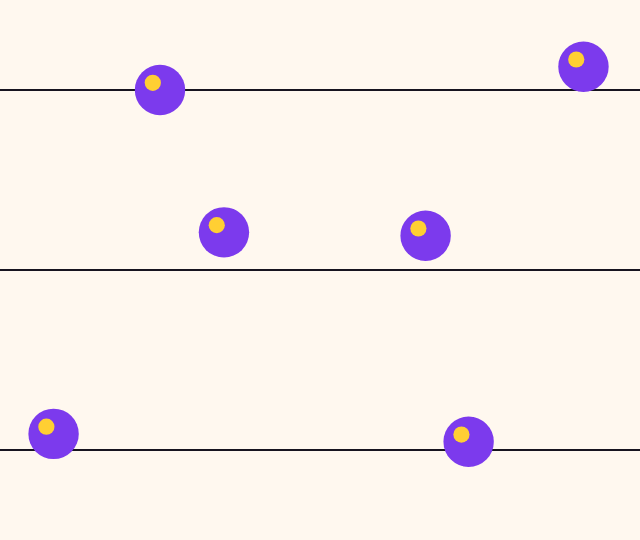 30 fps, plays 2 s
When you need real 60 fps, use video
For true 60 fps, keep the video. The same animation as MP4 at 60 fps came to 53,725 bytes, against 117,953 for the GIF. Meta's API documentation lists 23 to 60 fps for Instagram video, so see the GIF for Instagram guide. Our GIF to MP4 converter stops at 30 fps, so keep your original video for 60.
Get the smoothest GIF with LoopGIF
- Open video to GIF and pick 15 frames per second, the highest it offers. Delays of 6 and 7 hundredths alternate so the clip keeps its length.
- Drop the GIF into the GIF frame rate checker and read the Mean rate and the Slowest to fastest cards. A red row is a delay under 2 hundredths.
- If a GIF you already have has delays under 2 hundredths, open the GIF speed changer, pick Fixed delay and set 20 milliseconds, which is 2 hundredths and 50 fps.
- Press Create new GIF, then check the result in the frame rate checker again.
- For true 60 fps, do not convert to GIF. Keep the video file.
How we checked this page
We read the W3C GIF89a specification and Meta's developer documentation on 19 Nov 2026. Delays, real frame rates, durations and file sizes were measured with LoopGIF's own encoder and read back from the bytes of the files; the MP4 was written with a desktop H.264 encoder at the converter's bitrate. We did not measure how any browser or app plays these files. See all LoopGIF guides for related help.
Questions, answered
Can a GIF be 60 fps?
Not exactly. The GIF89a specification stores delays in hundredths of a second, and 60 fps would need 1.67 of them. Our encoder writes 2 per frame, so a 60 fps source plays at 50 fps. If you need 60 fps, keep the video file instead of converting it to a GIF.
What frame rate does a 60 fps GIF really have?
In our test, 120 frames written at 2 hundredths each play at 50 fps and last 2.4 seconds instead of 2. LoopGIF writes it that way because its frame planning never asks for a delay under 2. We tested only our own encoder, so another tool may write a 60 fps source differently.
What is the maximum fps of a GIF?
The GIF89a specification counts delays in whole hundredths of a second, so 1 hundredth, or 100 fps, is the fastest a file can name. LoopGIF's frame planning never asks for less than 2 hundredths, so the fastest GIF its tools make plays at 50 fps. We did not measure how any player handles shorter delays.
Why does my GIF play slower than its fps says?
We have not measured any browser, so we cannot say. The GIF frame rate checker page counts delays of 0 or 1 hundredth as 10 hundredths, a rule this site uses, and marks those frames in red. If the checker shows red frames, the GIF speed changer can set a fixed delay of 20 milliseconds.
Does a higher frame rate make a GIF bigger?
Yes. On our flat-colour test animation, 120 frames at 60 fps came to 117,953 bytes and 60 frames at 30 fps to 60,456, 1.95 times larger. The 25 fps file was 49,618 bytes and the 24 fps file 48,895. A photographic clip grows faster, so check the byte count of your own file.
Which frame rate should I choose for a GIF?
Rates that divide 100 evenly keep exact timing with one delay: 50, 25, 20 and 10 fps. Others, such as 30 and 24 fps, mix two delays but still add up to the right length in our tests. Video to GIF offers 10, 12 and 15 fps, and 15 is the smoothest it makes.