Neon Text Generator
Make a glowing neon sign out of any word. Pick a neon colour, choose a steady glow, a flickering tube or a sign that switches on letter by letter, set how far the glow spreads, and download a looping neon text GIF. It runs in your browser, so there is no sign-up and no watermark, and your text stays on your device.
Free · no sign-up · runs in your browser
estimating size
Encoding happens in your browser when you click Download. Nothing is uploaded.
How to use it
Pick a neon look
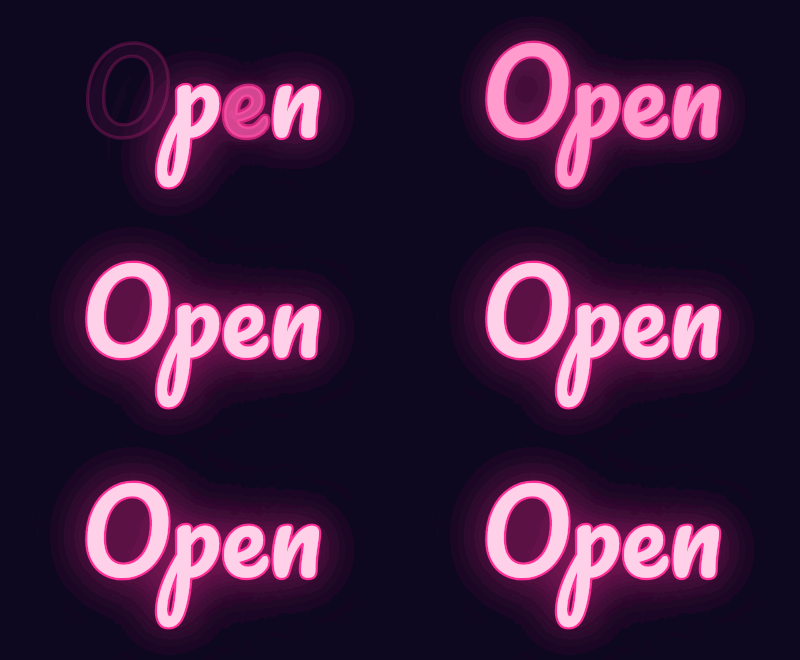
Pink flicker, Cyan sign, Lime glow or Amber in Style presets. Each preset sets a word, a font, a neon colour, a sign style and a dark background.
Type your text and choose a font
Short words look best, such as OPEN, BAR or a name. Script fonts such as Pacifico and Lobster look like bent glass tubes, and Bebas Neue and Orbitron give a straight-edged sign.
Choose the sign style and glow
Under Sign style, pick Steady, Flicker or On and off. Set Glow size from 1 to 5 and change the Neon colour with the colour picker.
Download your neon GIF
Press Download GIF. The loop is encoded in your browser and saved straight away. The estimated size is shown under the preview before you export.
Examples made with this tool
Four neon text GIFs made by this tool, in three sign styles. Each caption lists the exact settings, and the size line under each GIF is measured from the real file.
 seamless
Pink flicker preset: Pacifico at 110 px, Flicker style and glow size 3.Settings usedNeon glow effect · Pacifico, 110 px · 400 × 220 · #ff2d95 on #0d0820 · flicker neon sign, glow size 3 of 524 frames · 185 KB · 1.2 s loop 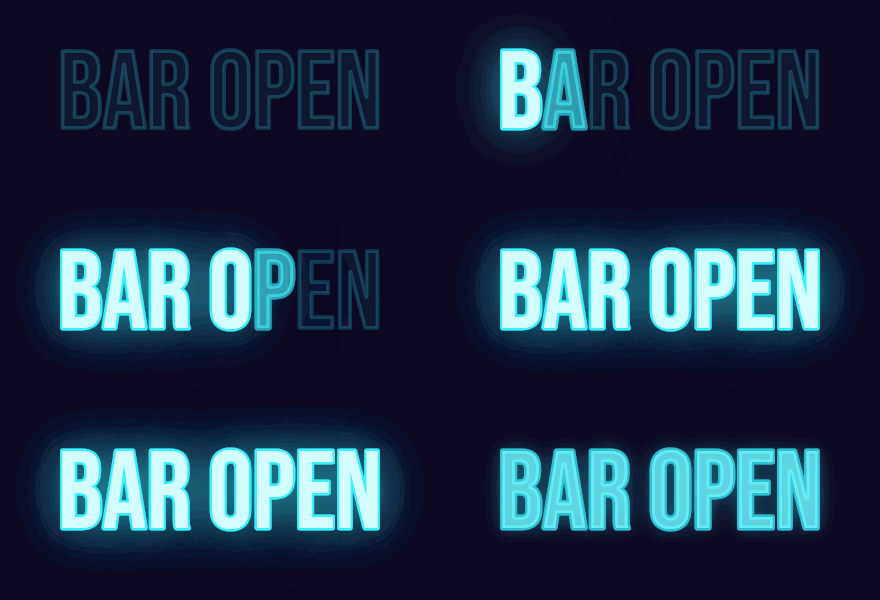 seamless
Cyan sign preset: Bebas Neue at 110 px with the On and off style, a 30-frame loop of 1.8 seconds.Settings usedNeon glow effect · Bebas Neue, 110 px · 440 × 200 · #39f0ff on #0d0820 · on and off neon sign, glow size 3 of 530 frames · 149 KB · 1.8 s loop 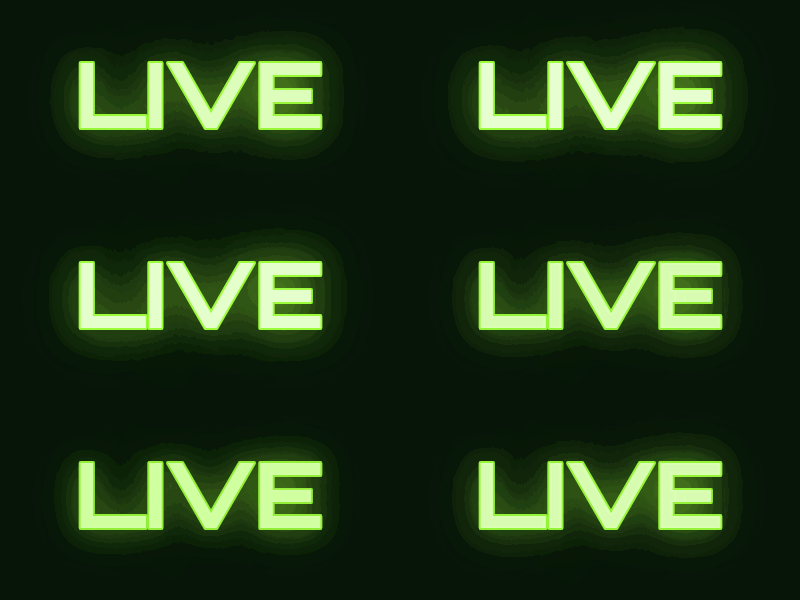 seamless
Lime glow preset: Orbitron at 90 px, Steady style and glow size 4.Settings usedNeon glow effect · Orbitron, 90 px · 400 × 200 · #9dff3a on #07140a · steady neon sign, glow size 4 of 516 frames · 152 KB · 1 s loop 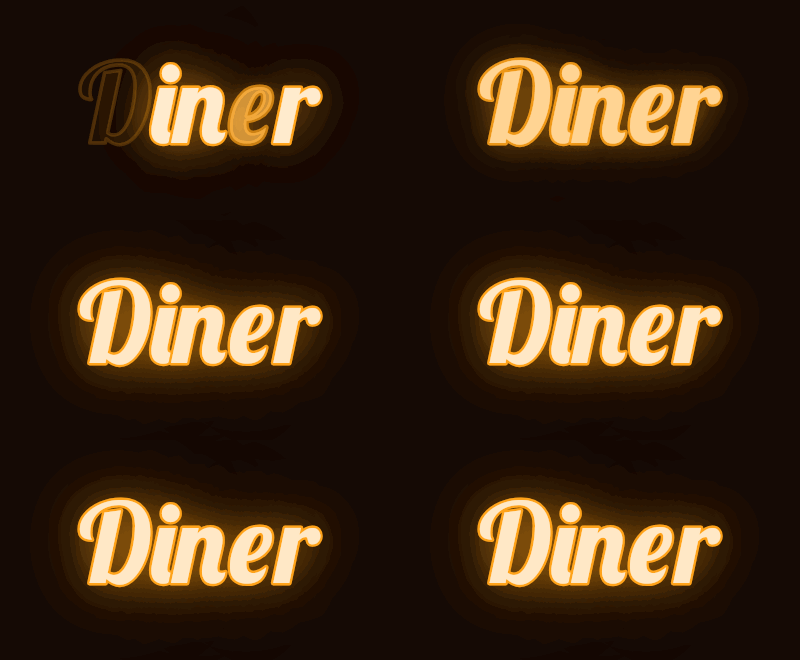 seamless
Amber preset: Lobster at 110 px, Flicker style and glow size 3.Settings usedNeon glow effect · Lobster, 110 px · 400 × 220 · #ffa31a on #140a06 · flicker neon sign, glow size 3 of 524 frames · 156 KB · 1.2 s loop
How the neon glow is drawn
Every letter is drawn in layers. First come two blurred halos in your neon colour, one wide and one tight. Then a coloured outline forms the tube, and a pale core, your colour mixed about three quarters of the way toward white, fills the inside. That pale centre inside a coloured edge is what makes a neon tube look lit instead of just bright.
Glow size sets how far the halo spreads, from tight at 1 to wide at 5. The halo is a soft blur, so it looks best on a solid dark background. Each letter is drawn on its own, which lets the sign switch letters on and off one by one.
Steady, flicker or on and off
Steady is a calm glow that breathes slightly over a 16-frame loop. Flicker runs 24 frames: the whole sign occasionally dips to roughly 55 to 80 percent of its brightness, and two letters are unstable and sometimes dim or drop out, like a failing tube. The pattern is chosen with a fixed random seed, so the same text always flickers the same way.
On and off is a 30-frame, 1.8-second sign. The letters light up one at a time, each with a short stutter of a bright flash, a dim moment and then a steady glow. The full sign holds, goes dark for two frames, gives one half-bright flash and starts again. Switched-off letters are drawn as dark glass with a faint outline, so the sign is still readable while it is off.
Glowing text on a transparent background
You can tick Transparent background, but a halo is a soft blur and GIF transparency is on or off. The soft parts are blended toward your Edge colour and the faintest are dropped, so the glow gets a harder edge than on a solid background. Set the Edge colour to the colour of the page behind the GIF.
For the best glow, keep the dark background colour in the GIF. If you need the sign on a photo, a dark photo works much better than a bright one, because neon only looks lit against darkness.
More ways to animate text
Neon is one of several effects built on the same free text engine.
- Text GIF maker with six effects: typing, slide, bounce, neon, wave and glitter on one page, with an AI tab.
- Fire text generator: flames that rise from the letters, in four colours.
- Happy birthday GIF maker: name and message presets, including a neon sign style.
What people use neon text for
Shop and bar signs
OPEN, BAR, CAFE or a business name in a flickering neon style makes a lively header or banner.
Stream and gaming overlays
A glowing handle or a LIVE sign suits a channel page, a panel or an overlay.
Party and event invitations
Pink and cyan signs with a dark background suit night-time events and retro themes.
Greetings and wall-art mockups
A short phrase in steady neon works as a greeting or as a preview of a sign on a dark wall.
Social posts
A single word with a flicker gets noticed in a feed. Keep the canvas small so the file stays light.
How this tool works and its limits
What this neon text generator does with your text, and where it stops.
- Everything happens in your browser. Your text is not uploaded, no account is needed and no watermark is added.
- Text is limited to 200 characters, but short words work best. The canvas can be up to 640 pixels wide and 640 pixels tall, within 307,200 pixels in total.
- Loops are 16 frames at 6 hundredths of a second for Steady, 24 frames at 5 hundredths for Flicker and 30 frames at 6 hundredths for On and off. Every GIF is capped at 150 frames.
- The glow is a soft blur, and GIF has at most 256 colours. On a dark background it looks smooth at the sizes on this page, but wide canvases may show faint steps in the glow.
- Transparent GIFs have on-off transparency only, so the halo gets a harder edge. A solid dark background gives the best glow.
- The four examples on this page, each about 400 by 200 pixels, came out between 149 KB and 185 KB. The size shown under the preview is an estimate that is usually within a quarter of the real size.
- We tested this page in Chrome. It needs a 2D canvas and a Web Worker. If your browser cannot encode the GIF, the page shows an error and nothing is uploaded.
Questions, answered
How do I make neon text?
Type a short word, pick a neon colour and a sign style, set the glow size and press Download GIF. The preview shows the exact animation that will be saved.
Is the neon text generator free?
Yes. It is free, needs no sign-up and adds no watermark. Your text stays on your device. The only paid option is the AI version, which costs 1 credit.
Is this also a glowing text generator?
Yes. Neon is a glowing text effect, and Steady gives a glow without any flicker. For other glowing looks, change the neon colour to any colour you like.
What is the difference between this page and the neon effect in Text to GIF?
The Text to GIF hub has a simple neon glow among six effects. This page is built only for neon: it adds the tube look, a glow size, and three sign styles including a sign that switches on letter by letter.
Can I put neon text on a transparent background?
Yes, but the glow loses softness. GIF transparency is on or off, so the halo is blended toward the Edge colour you pick. For the best look, keep a dark background.
Can AI make a fancier neon sign?
Yes. The button under the preview opens the AI tab of Text to GIF with your text and the neon flicker style filled in. It draws a sign with a scene around it, costs 1 credit and needs a signed-in account.
Related tools
Other tools you may need next.
 Text to GIFFree + AIDescribe a GIF, or animate exact words with AI.
 Fire Text GeneratorFreeAnimated flames rising from your letters, in four colours, with a transparent background option.
 Happy Birthday GIF MakerFree + AIType a name, pick a style and download a happy birthday GIF free, plus an AI tab for cakes and balloons.
 AI Sticker Generator1 creditDescribe a sticker and get an animated GIF, with transparent GIF and PNG export.