Text to GIF: a free text GIF maker with an AI tab
Type your words, pick one of six animated effects and download a text GIF made in your browser: no sign-up, no watermark. Want a scene drawn by AI instead? The AI tab turns a description or exact words into a GIF for 1 credit.
Free tool in your browser · AI tab: 1 credit per GIF, account needed
estimating size
Encoding happens in your browser when you click Download. Nothing is uploaded.
How to use it
Choose an effect
Pick Typing, Slide, Glitter, Bounce, Neon glow or Wave. Each one switches the controls to what that effect needs, and the preview updates as you change them.
Type your text
Write up to 200 characters, with line breaks and emoji. Choose one of 13 bundled open-licence fonts, a size and your colours, or tick Transparent background.
Check the preview
The canvas plays your GIF on a loop with its real frame timing. Under it you see the frame count, the length and an estimated file size before anything is exported.
Download, or open the AI tab
Press Download GIF to encode it in your browser. For an AI-drawn version, open the AI tab: Describe a GIF turns a prompt into a scene and Animate words animates your exact text. That costs 1 credit.
Examples made with this tool
Six GIFs made with the free effects above, then four made with the AI tab. The settings under each free example are exactly what the tool offers; the AI examples show the prompt and the exact text we sent.
 seamless
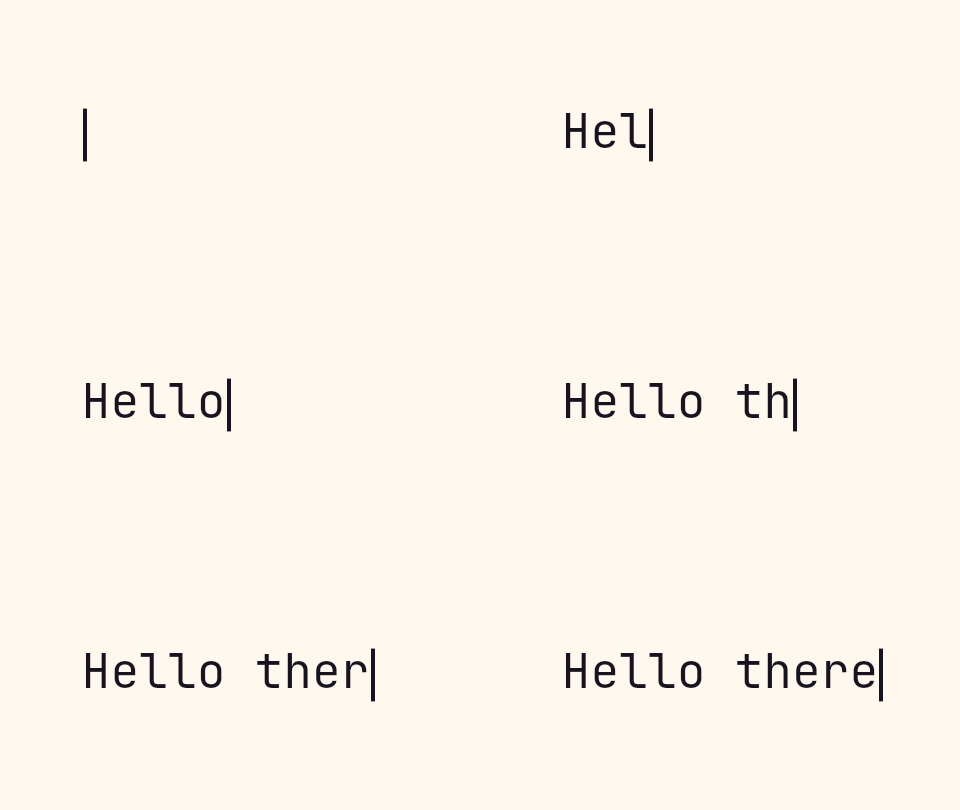
Free · Typing effect. Letters appear one by one, then the finished line holds with a blinking cursor.Settings usedJetBrains Mono, 48 px · 480 × 270 · #17141f on #fff8ef · 10 characters per second · bar cursor · hold 1.5 s14 frames · 14 KB · 2.6 s loop  seamless
Free · Slide effect. The loop length is a whole number of steps, so the wrap has no jump.Settings usedBebas Neue, 72 px · 480 × 120 · #ffffff on #c4281c · scroll left at 220 px per second · 70 px gap · text shadow33 frames · 199 KB · 1.3 s loop 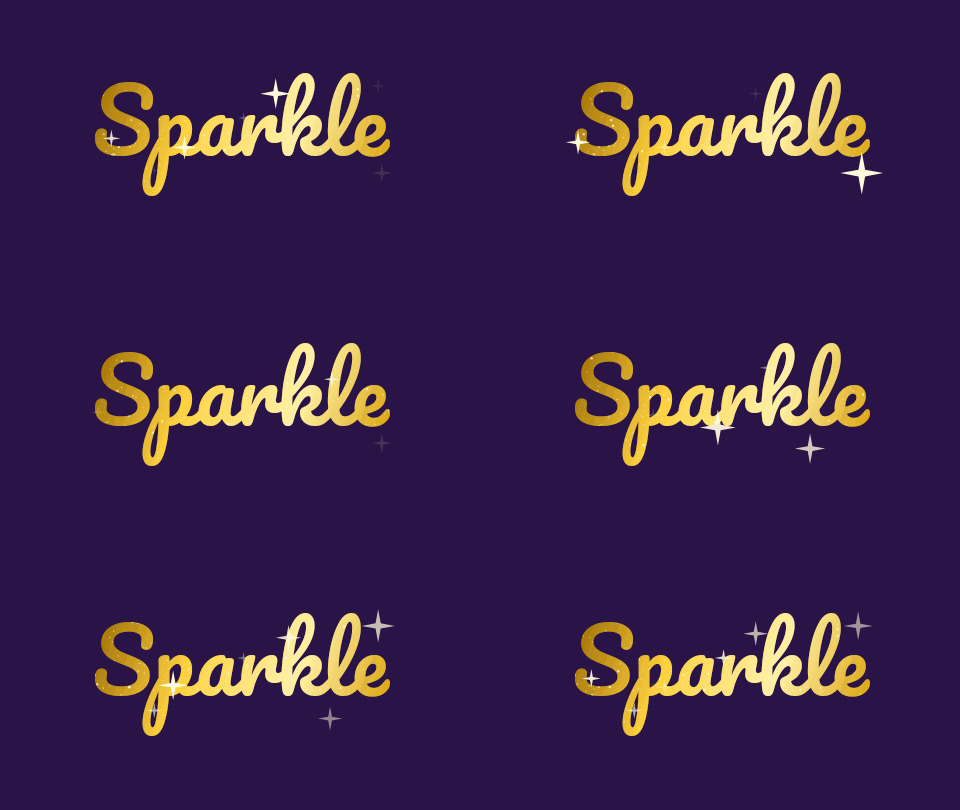 seamless
Free · Glitter effect with the gold texture and medium sparkle density.Settings usedPacifico, 88 px · 480 × 270 · #ffd23f on #2a1346 · Gold glitter, sparkle density 3 of 512 frames · 33 KB · 1 s loop 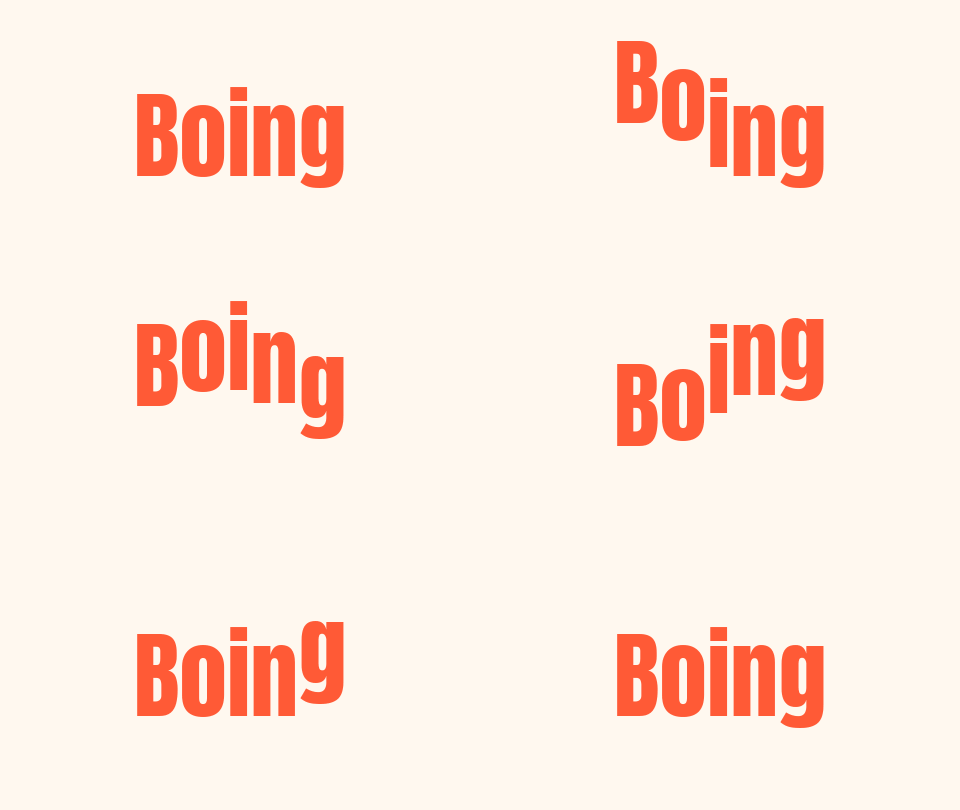 seamless
Free · Bounce effect. Letters hop one after another and land back on the baseline.Settings usedBounce effect · Anton, 96 px · 480 × 270 · #ff5a36 on #fff8ef16 frames · 34 KB · 0.8 s loop 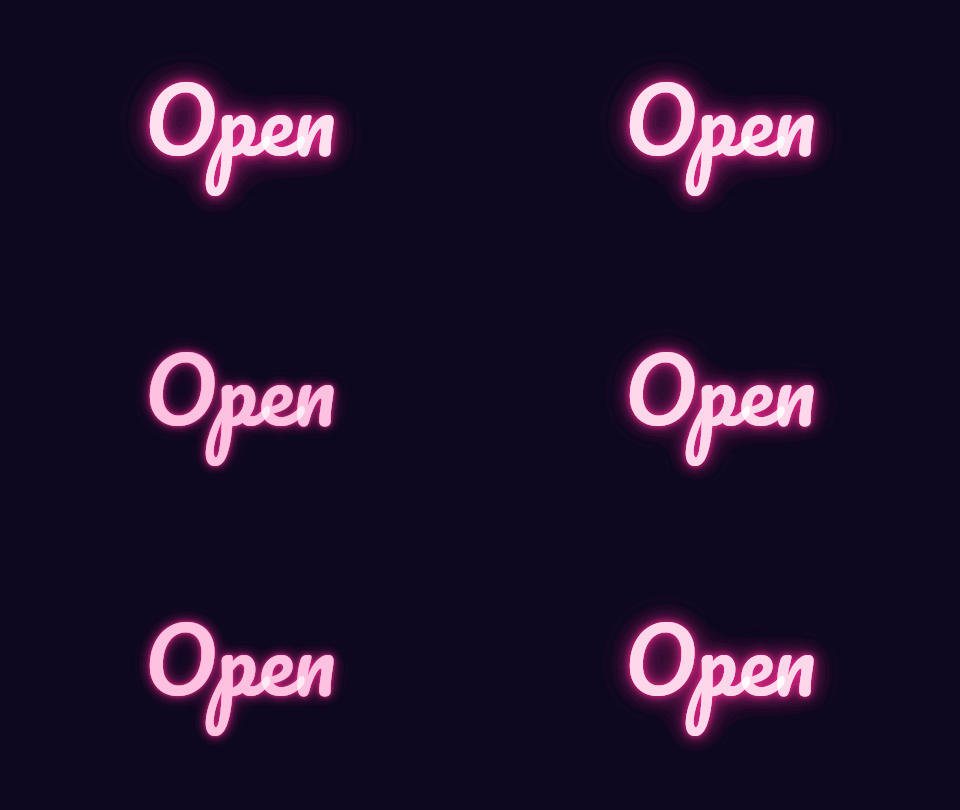 seamless
Free · Neon glow effect. A soft flicker with a bright white core and a coloured halo.Settings usedNeon glow effect · Pacifico, 88 px · 480 × 270 · #ff2d95 on #0d082012 frames · 130 KB · 0.8 s loop 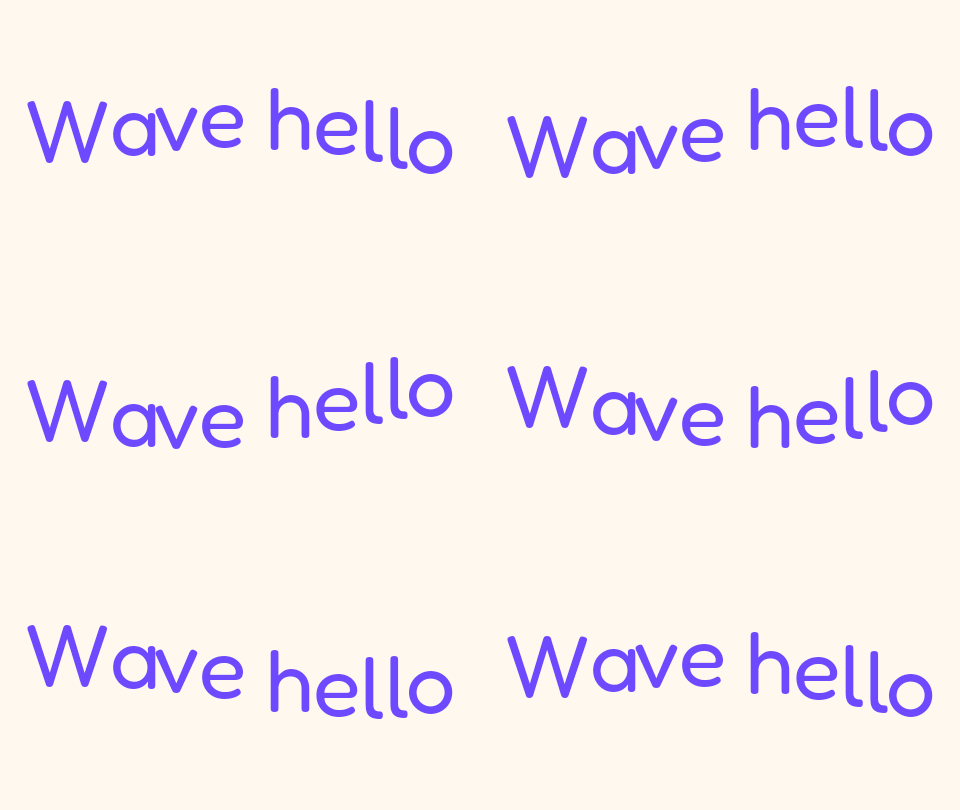 seamless
Free · Wave effect. Each letter follows the same sine curve a little later than the one before.Settings usedWave effect · Fredoka, 88 px · 480 × 270 · #6d4aff on #fff8ef20 frames · 91 KB · 1 s loop 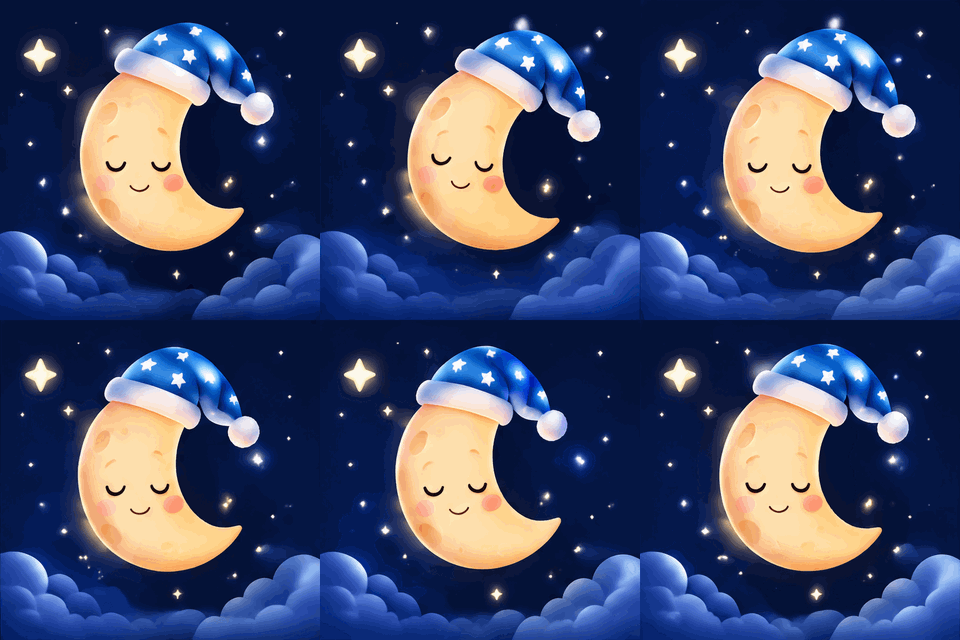 seamless
AI · Describe a GIF. A scene with no words in it, drawn from a short prompt.Settings useda sleepy cartoon moon with a nightcap gently rocking among twinkling stars16 frames · 495 KB GIF · 320 px wide · 1 credit 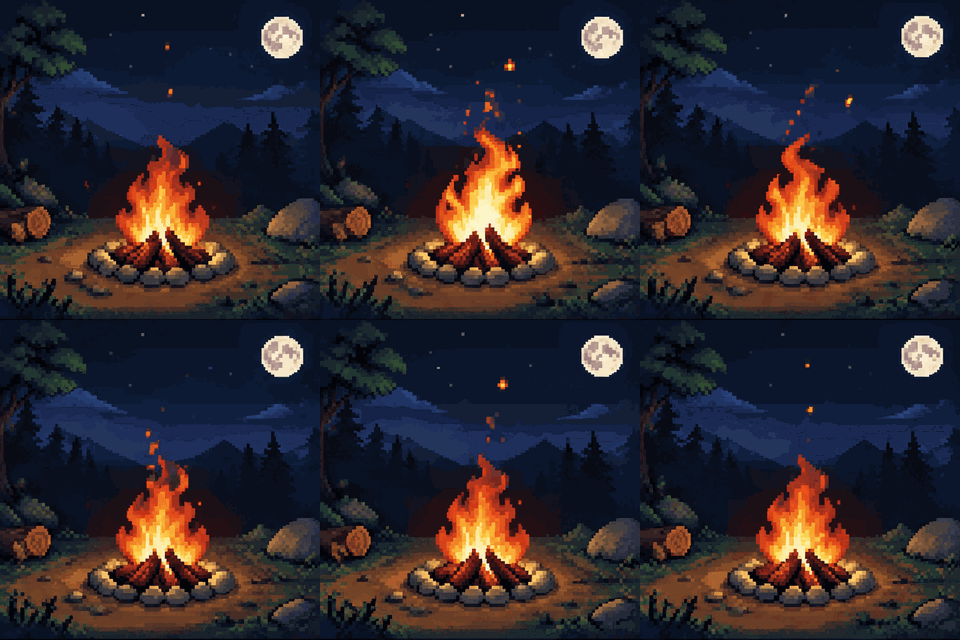 seamless
AI · Describe a GIF. Pixel-art style requested in the prompt.Settings usedpixel-art campfire at night with flickering flames and floating sparks, 16-bit retro game style16 frames · 610 KB GIF · 320 px wide · 1 credit 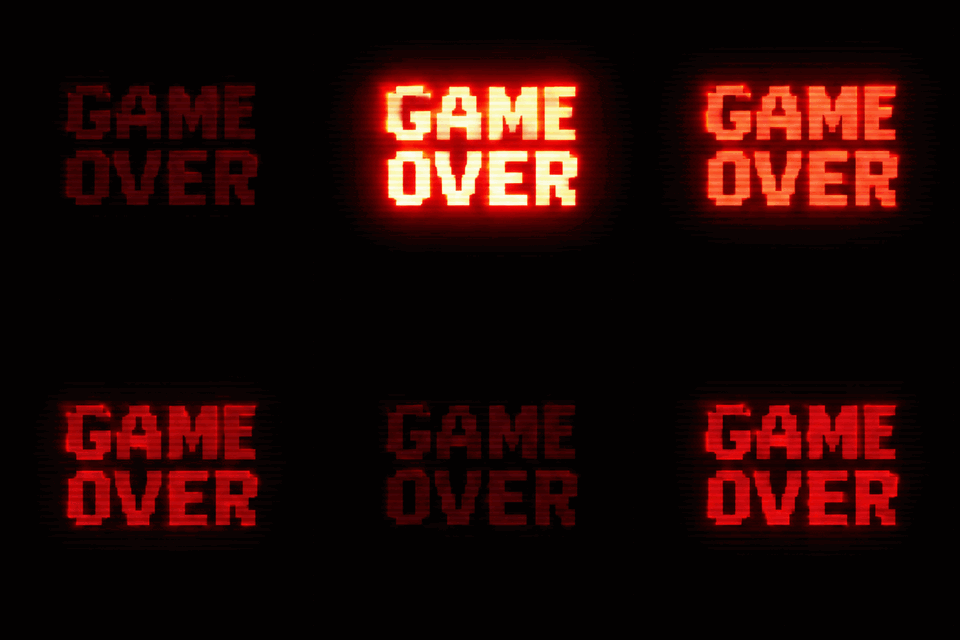 seamless
AI · Animate words. The exact text stays spelled correctly in every frame.Settings usedretro arcade letters blinking on a dark screen with scanlines Exact text: "GAME OVER".16 frames · 252 KB GIF · 320 px wide · 1 credit 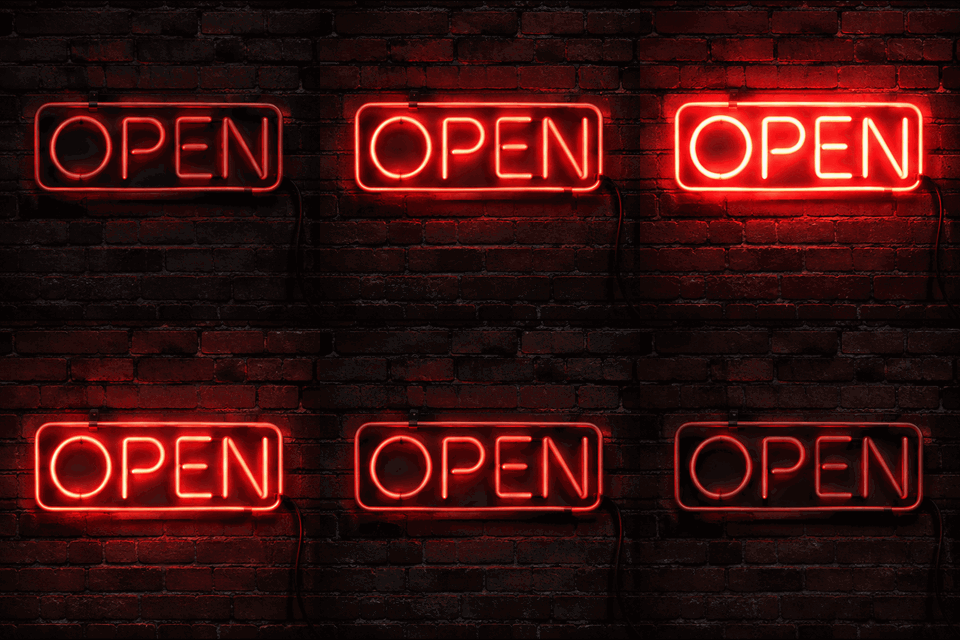 seamless
AI · Animate words with the neon flicker style and the exact text OPEN.Settings usedneon flicker Exact text: "OPEN".791 KB GIF · 16 frames · 320 px wide · 1 credit
Which text GIF effect fits your message?
Typing is the classic: letters appear one at a time with a cursor, which suits a quote, a chat message, a title card or a line of code. Slide moves one line of text across the frame in a loop, like a news ticker or a shop sign. Bounce makes each letter hop in turn, which reads as playful and works well for short words and names. Wave is the calmer cousin: a smooth ripple through the line.
Neon glow gives a lit sign with a soft flicker, and Glitter fills the letters with a sparkling texture. Pick by mood and length. Long sentences read best in Typing or Slide, where the viewer follows the text as it arrives. Two or three words suit Bounce, Wave, Neon and Glitter, because the effect is the main event and the words only need to be read once. The same page works as an animated text generator for all six effects, and the pages below go deeper on one effect each.
Make a GIF from text with AI
The AI tab has two modes. Describe a GIF takes a prompt such as a cat dancing in the rain or a pixel-art campfire and draws a short animated scene. Animate words takes exact text of up to 40 characters plus a style such as neon flicker, bouncy balloon letters or glitter sparkle, and asks the image model to keep those words spelled correctly in every frame.
Each AI GIF costs 1 credit, needs a signed-in account and usually arrives in under a minute. The model draws 16 frames at about 512 pixels, so the motion is chunkier than the free effects, which render dozens of frames from a formula. Use the free tab when you need exact control of colours, fonts and size, and the AI tab when you want an illustrated scene or a decorated lettering style.
How the free text GIF maker builds each frame
Every effect is a small program that draws your text onto a canvas for frame number N. The preview calls it in a loop, and the exporter calls it once per frame and passes the pixels to a GIF encoder running in a background thread. Nothing is sent to a server, which is why it needs no account and adds no watermark.
Delays are whole hundredths of a second and never below 2, because browsers play anything faster than that at 10. Typing and Slide choose their frame count from your speed setting and stay under 150 frames; Slide rounds its loop to a whole number of pixel steps so the last frame leads into the first. A transparent GIF only has on and off pixels, so soft edges are blended toward a matte colour you choose.
Go deeper on one effect
Each of these pages is built around a single effect, with its own presets and settings.
- Typing text GIF maker: typewriter text with cursor styles, terminal and chat presets and delete-and-retype.
- Sliding text GIF maker: scrolling and marquee banners in four directions, with LED and ticker presets.
- Glitter text generator: seven glitter textures, an outline option and a real transparent background.
- Add text to an existing GIF: caption a GIF or MP4 you already have, with several layers and frame ranges.
- Neon text generator: a glowing sign with steady, flicker and on-and-off styles.
- Rainbow text generator: a smooth moving rainbow across the letters, or a solid colour cycle.
- Gradient text generator: a moving gradient fill with two to four colours.
What people make text GIFs for
Chat reactions
A two-word reply in Bounce or Neon says more than plain text. Keep it short and pick a high-contrast colour pair.
Social posts and stories
Use a square canvas and a bold font for a caption that moves. Typing works for hooks, Slide for announcements.
Presentation and email banners
A wide Slide banner or a typed title adds motion to a slide or a newsletter header without a video file.
Shop and event signs
Open now, sale this weekend, doors at 8: Neon and Slide give a storefront feel to a short message.
Greetings with a name
Put a name in Glitter or Bounce for a birthday or thank-you. For ready-made wording, the birthday GIF maker has presets.
How this tool works and its limits
The free tab and the AI tab work differently, so each has its own limits.
- The free tab runs in your browser. Your text is never uploaded, no account is needed and no watermark is added.
- Text is limited to 200 characters. The canvas can be up to 728 by 640 pixels and 307,200 pixels in area, and every GIF is capped at 150 frames.
- Frame delays are whole hundredths of a second and never below 2. The size shown under the preview is an estimate, usually within about a quarter of the real file.
- Thirteen bundled fonts, all under the SIL Open Font License, load on demand. Emoji are drawn with your device's emoji font, so they look different on different systems.
- Transparent GIFs have on-off transparency only. Soft text edges blend toward the matte colour you pick, so choose the colour of the page the GIF will sit on.
- The AI tab needs a signed-in account and costs 1 credit per GIF. Exact text is limited to 40 characters made of letters, digits, spaces and a few marks such as ! ? . , ' & - : and hearts or stars. A failed job is refunded.
- AI GIFs have at most 16 frames at about 512 pixels, and the prompt must not ask for real people or brand names. Exporting an AI GIF at another width or speed in your browser is free.
Questions, answered
How do I make a text GIF?
Pick an effect above, type your words, adjust the font, size and colours while watching the preview, then press Download GIF. The file is built in your browser, so it is ready in a few seconds and nothing is uploaded.
Is this text GIF maker free?
Yes. The free tab needs no sign-up, adds no watermark and has no daily limit. Only the AI tab costs money: 1 credit per AI-generated GIF.
Can I make a text GIF with a transparent background?
Yes. Tick Transparent background and pick the colour of the page the GIF will sit on as the matte colour. GIF transparency is on or off, so soft edges blend toward that matte colour instead of being semi-transparent.
How do I create a GIF from text with AI?
Open the AI tab and sign in. Describe a GIF draws a scene from a prompt; Animate words animates exact text of up to 40 characters in a style such as neon flicker or glitter sparkle. Each generation costs 1 credit.
Why does the AI tab use exact text instead of just a prompt?
Image models sometimes misspell words they draw. In Animate words your text is passed as an instruction that it must read exactly in every frame, which is why that mode keeps lettering readable. Describe a GIF is better for scenes without words.
Which effect should I use for a name or a short word?
Bounce, Wave, Neon glow and Glitter all suit a name or a word. For a long sentence use Typing or Slide, which give the viewer time to read it as it arrives.
Related tools
Other tools you may need next.
 Meme GIF MakerFree + AICaption reaction loops or your own GIF free, or generate an AI meme with an exact caption.
 Happy Birthday GIF MakerFree + AIType a name, pick a style and download a happy birthday GIF free, plus an AI tab for cakes and balloons.
 AI Sticker Generator1 creditDescribe a sticker and get an animated GIF, with transparent GIF and PNG export.
 Image to GIFFreeCombine several images into one GIF: reorder, set delays, crossfade.