GIF Compressor
Make a GIF smaller without leaving your browser. Pick Light, Medium or Strong, or ask for a target such as 256 KB and let the tool try until it fits. Nothing is uploaded and there is no sign-up.
Free · no sign-up · runs in your browser
GIF only · up to 25 MB · up to 300 frames · nothing is uploaded
Drop a GIF here
Your new GIF appears here.
How to use it
Drop your GIF
Drop a GIF onto the box or click to choose one. It can be up to 25 MB and 300 frames. The tool shows its dimensions, frame count, length and file size.
Pick Level or Target size
Level applies one fixed setting: Light, Medium or Strong. Target size takes 256 KB, 512 KB, 1 MB, 2 MB or your own number of KB and keeps trying until the file fits.
Set a max width if you want
The picture keeps its original width unless you choose 480 or 320 pixels. A narrower GIF is the biggest single saving, but it also changes how the picture looks.
Compress and download
Press Compress GIF. The result appears next to the original with before and after sizes and the exact settings used. If it isn't smaller, the tool says so and offers your original.
Examples made with this tool
These five GIFs were made by running GIFs we already had through this tool's own compression code. Each one lists its settings and the size before and after.
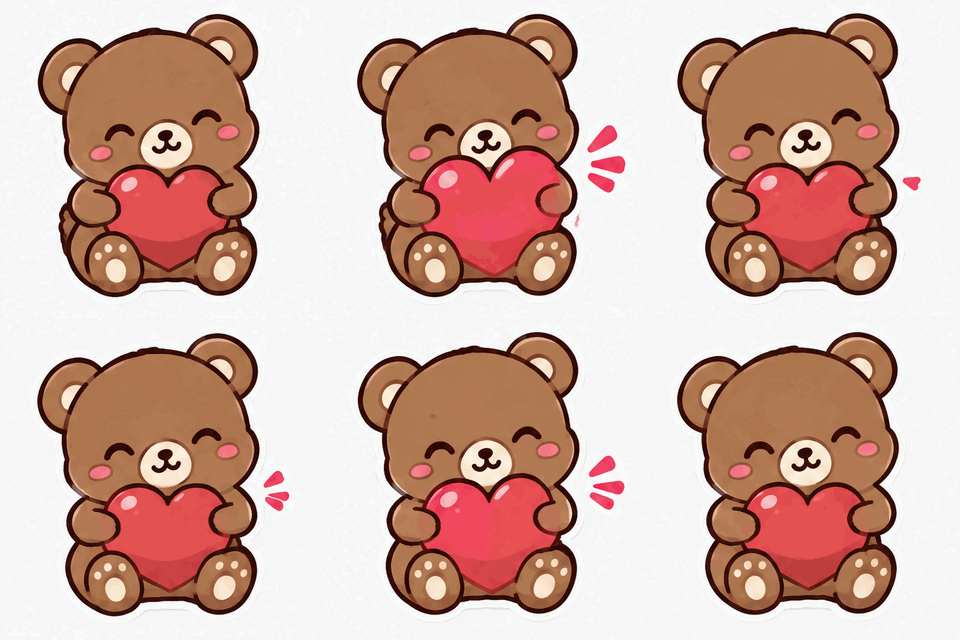 Original
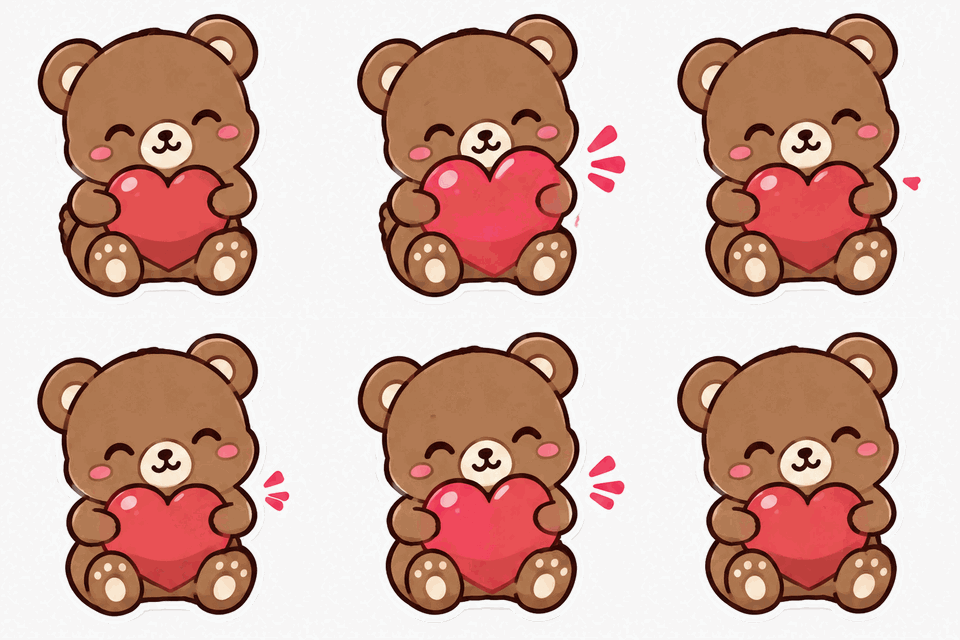 Compressed
Light level on a sticker-style GIF with a plain background. This one has large flat areas, so even the gentlest setting removes about a third of the file.Settings usedLight level: 255 colours, change threshold 6, all frames, 320 px wide.498 KB → 340 KB · 32% smaller · 16 frames · 320 × 320 px 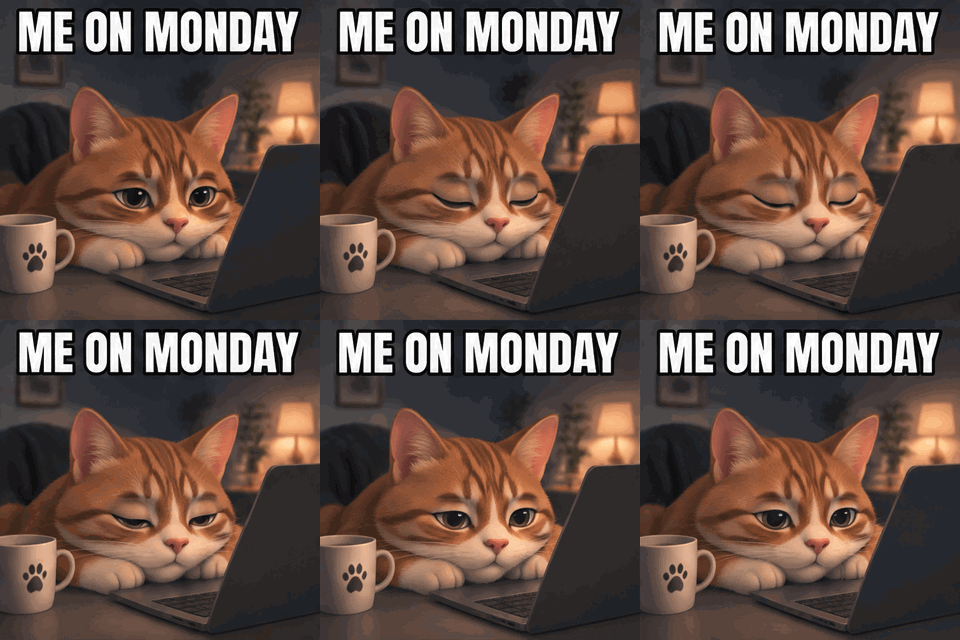 Original
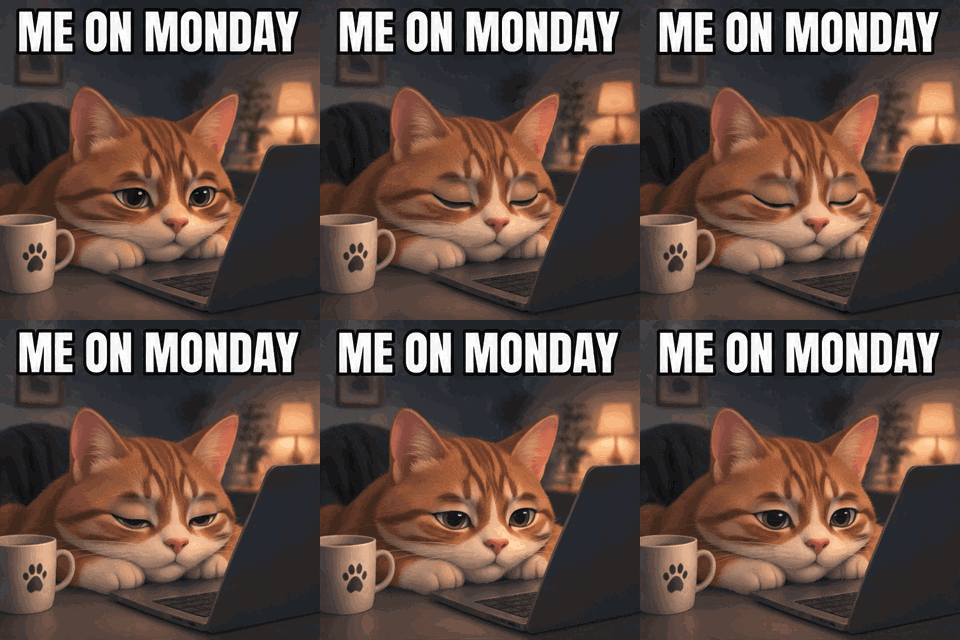 Compressed
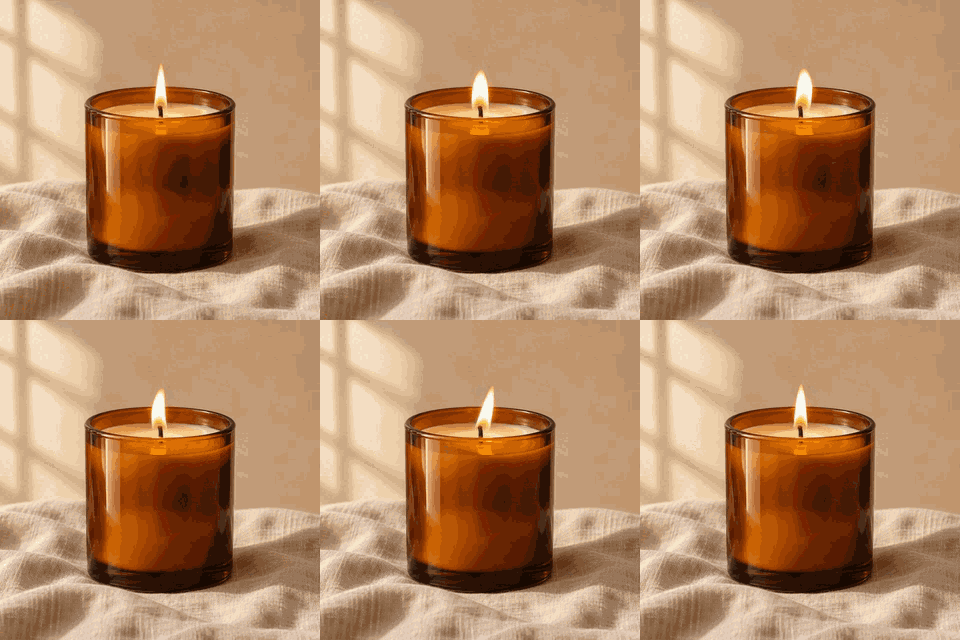
Medium level on a meme GIF with text and a starry sky. Halving the palette to 128 colours still reads cleanly at this size.Settings usedMedium level: 128 colours, change threshold 10, all frames, 320 px wide.719 KB → 423 KB · 41% smaller · 16 frames · 320 × 320 px 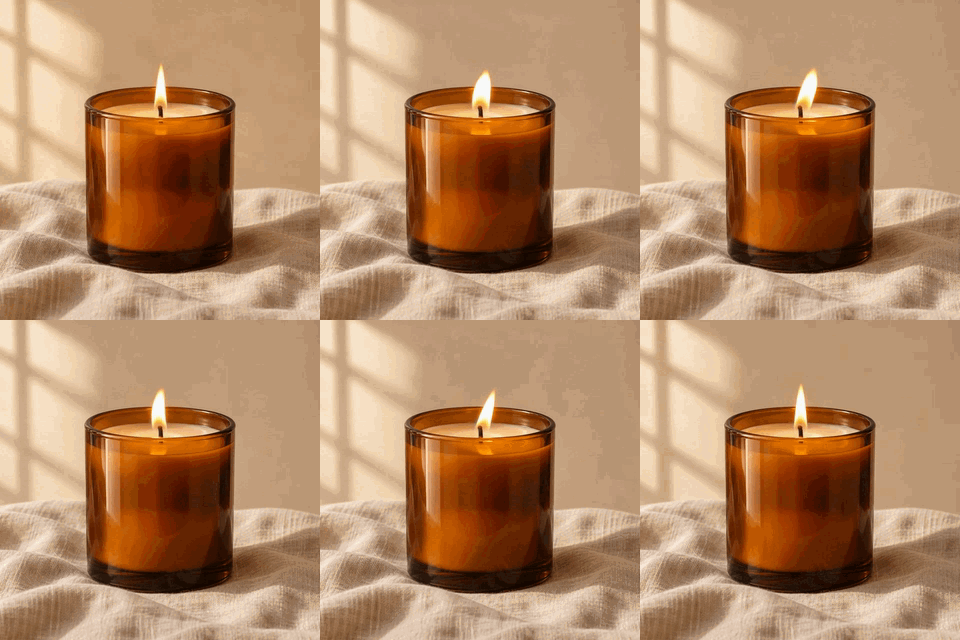 Original
 Compressed
Strong level on a 38-frame loop. Dropping every other frame is what makes it so small, and the merged delays keep the loop the same length.Settings usedStrong level: 64 colours, change threshold 16, every other frame kept, 320 px wide.998 KB → 93 KB · 91% smaller · 19 frames · 320 × 320 px 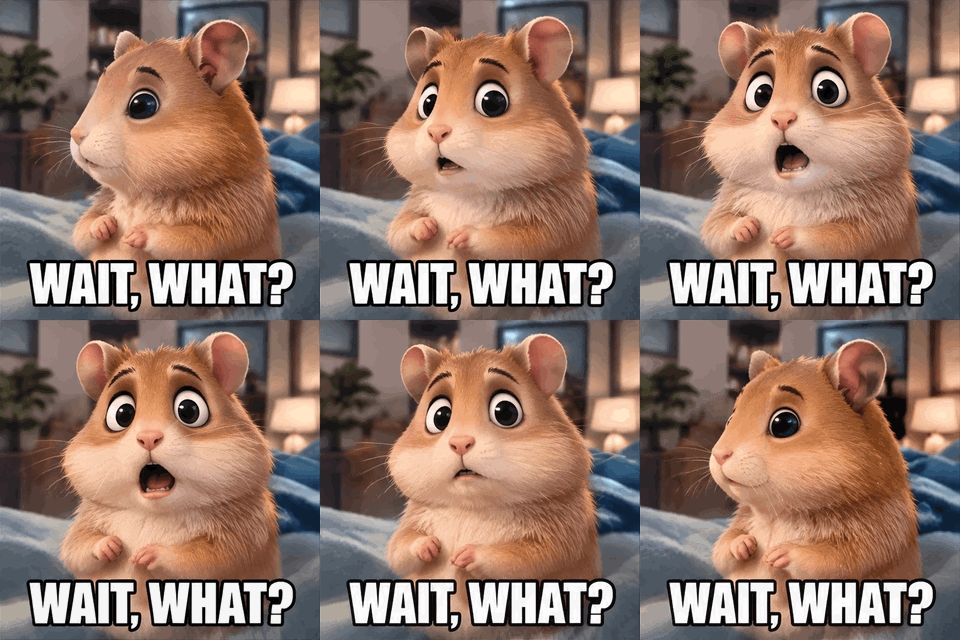 Original
 Compressed
Target 256 KB, the size Discord allows for a custom emoji. The tool needed four tries and ended with a narrower picture than the source.Settings usedTarget 256 KB, reached on try 4 of 6: 64 colours, change threshold 16, all frames, 231 px wide.943 KB → 248 KB · 74% smaller · 16 frames · 231 × 231 px  Original
 Compressed
Target 256 KB on a glitter GIF. Glitter is noisy, which is the hard case for GIF, so it took four tries and a smaller width.Settings usedTarget 256 KB, reached on try 4 of 6: 64 colours, change threshold 16, all frames, 210 px wide.847 KB → 251 KB · 70% smaller · 16 frames · 210 × 210 px
How to compress a GIF for Discord
Discord emoji must be 256 KB or smaller. That is the limit that most often sends people looking for a GIF compressor, because an animated emoji made from a short clip is usually much larger. To fit it, open the Target size mode, choose the 256 KB chip and drop your GIF. The tool encodes the GIF, checks the size and, if it is still over, tries a stronger setting. It stops at the first result that fits and shows you exactly which settings it used.
A few habits help before you start. Use a short clip, because fewer frames is the cheapest saving. Crop out empty borders first with the GIF cropper so the pixels you keep are the ones that matter. Emoji are shown small, so a narrow width costs you little. If the tool says it could not get under 256 KB, the note shows the smallest size it reached, and cropping or using fewer frames is the next step. Limits for other uses, such as regular attachments, depend on the app and your account, so check what the app currently allows.
Why GIFs are big and what actually shrinks them
A GIF stores every frame as a picture of its own, and each picture can use at most 256 colours. The file size comes from four things: how many colours the palette holds, how many frames there are, how many pixels each frame has, and how much changes from one frame to the next. Encoders save space on that last one with frame differencing: pixels that stay the same are written as transparent, so a still background costs almost nothing. This tool uses it on every GIF it makes.
Each level pulls a different lever. Light and Medium lower the palette to 255 and 128 colours, and they treat colour changes below a small threshold as no change, which turns shimmer into still pixels. Strong goes to 64 colours and, above 20 frames, keeps every other frame while adding the dropped frame's delay to the one before it, so the GIF still lasts as long as before. Target mode adds the last lever, a narrower width, only after the others have been tried. Width is powerful because the number of pixels falls with the square of the width: 85% of the width is about 72% of the pixels.
Compress without losing quality: what to expect
GIF compression here is lossy in colour, so some change is unavoidable. Light is the closest to the original: you will hardly see a difference, and a GIF that is already tightly packed may not get smaller at all. Medium usually keeps flat artwork and text clean, but smooth gradients, such as skies or skin, can show faint bands. Strong is for when size matters more than finish: expect visible banding and, above 20 frames, a slightly choppier motion.
Two rules of thumb. Flat colours and large still areas compress well; photo-like video with noise, film grain or glitter does not. And change one thing at a time: if Medium is close to what you need, add a max width of 480 rather than jumping straight to Strong. If the result is not smaller than your original, the tool tells you and gives your original back instead of a bigger file. To change the pixel dimensions precisely, use the GIF resizer.
Other things to do with the same GIF
These tools run in your browser the same way, so you can chain them before or after compressing.
- GIF resizer for exact dimensions: set a width and height, scale by a percentage or make a square emoji.
- Crop GIF online: cut away borders and empty space before you compress, so the file starts smaller.
- GIF speed changer: play it faster, slower or in reverse; the frames are the same, so the size barely moves.
When a GIF compressor helps
Custom emoji and stickers
Chat apps cap the size of an emoji upload. Target 256 KB gets a clip under the Discord emoji limit.
Email and messages
Chat apps and email often cap file size. A smaller GIF is also quicker to open on a slow connection.
Web pages
A GIF that is several megabytes slows a page down. Compress it before you upload it to your site or blog.
Screen recordings
Recordings have long still stretches, which frame differencing handles well. Medium or Strong often shrinks them a lot.
Storage and sharing
Shrink a folder of old GIFs so they are easy to attach, sync or archive.
How this tool works and its limits
This is what the tool does with your file, and where it stops.
- Your GIF never leaves your device. It is opened, compressed and encoded in your browser, with no upload and no account. No watermark is added.
- Files up to 25 MB and 300 frames are accepted. The output is never wider or taller than 1024 pixels on the longer side, so a larger GIF is scaled down.
- Level mode makes one pass with fixed settings. Target size mode makes up to 6 attempts, in this order: lower colours, drop frames, then reduce the width. A width step shrinks the picture by up to 15%, and by more when the file is far over the target. The width never goes below 64 pixels.
- If no attempt fits the target, the tool shows the smallest result and says so, for example that it could not get under 256 KB and the smallest is 340 KB. It does not pretend the target was met.
- If the result is not smaller than your original, the tool says so and offers your original file instead of the bigger one.
- Colours are reduced with one shared palette for the whole GIF, with no dithering, so gradients can band at lower levels. Transparent GIFs stay transparent.
- Timing is kept: when frames are dropped, their delays are added to the frame before, and no delay is under 2 hundredths of a second. Works in current Chrome, Edge, Firefox and Safari; browsers that can't decode GIFs natively use a built-in decoder.
Questions, answered
How do I compress a GIF without losing quality?
Start with Light, which changes the picture the least, then try Medium and compare. Check the before and after side by side. GIF is limited to 256 colours per frame, so some loss is part of the format; flat artwork survives it well.
How do I compress a GIF for Discord?
Choose Target size, pick 256 KB and drop your GIF. Discord emoji must be 256 KB or smaller, and the tool keeps trying stronger settings until the file fits or it runs out of attempts. If it can't, crop the GIF or use fewer frames and try again.
Why is my GIF so big?
Because every frame is a picture of its own. Many pixels, many frames, a full palette and constant movement or noise all add up. Dropping colours and frames, or making the picture narrower, are the changes that cut the size most.
Is the GIF compressor free, and is my GIF uploaded?
It is free with no sign-up. Your GIF is not uploaded: it is decoded and encoded in your browser, and your original file stays on your device.
Does compressing change how the GIF looks or plays?
A little, depending on the level. Colours are reduced, so gradients may show bands. Strong can drop every other frame above 20 frames, but the delays are merged so the loop lasts as long as before. Dimensions stay the same unless target mode or a max width makes the picture narrower.
What if the compressed GIF is bigger than the original?
It can happen when a GIF was already optimised. The tool tells you, shows both sizes and offers your original file instead. Try a stronger level or a max width of 480 pixels.
Related tools
Other tools you may need next.
 GIF ResizerFreeResize a GIF to an exact width and height, a percentage or a square emoji.
 GIF CropperFreeCrop a GIF with a draggable box or exact numbers, in a free shape or a set ratio.
 GIF Speed ChangerFreeSpeed up, slow down or reverse any GIF and keep its timing.
 Image to GIFFreeCombine several images into one GIF: reorder, set delays, crossfade.