AI Sticker Generator
Describe a character, an emoji-style face or a short reaction word and AI draws an animated sticker as a GIF. Then export it with a transparent background, as a transparent GIF or a PNG of the best frame. Each sticker costs 1 credit and needs a signed-in account.
AI · 1 credit per GIF · account needed · no photos of real people
What do you want to make?
Your scene
Already have an account? Sign in
1 credit · re-exports are free
Use images you have rights to. No photos of real people. You are responsible for the logos and brands you name or upload.
 text-safe
Your GIF shows up here
Recent GIFs
Sign in to see your GIFs.
How to use it
Choose a sticker preset
Pick a kawaii animal, an emoji-style face or a chat reaction with a short word, or write your own prompt. The Animate words tab takes an exact word such as OK! or LOL.
Generate
Press Generate for 1 credit. It usually takes under a minute. If the model refuses or fails, the credit is refunded.
Remove the background
Under the result, the transparent export panel removes a plain light background from every frame. Adjust the tolerance, check the preview on dark, pink and white backgrounds and pick a matte colour.
Download
Download the transparent GIF, or the PNG of the fullest frame with soft edges. You can also download the original GIF or re-export it at another width or speed, which is free.
Examples made with this tool
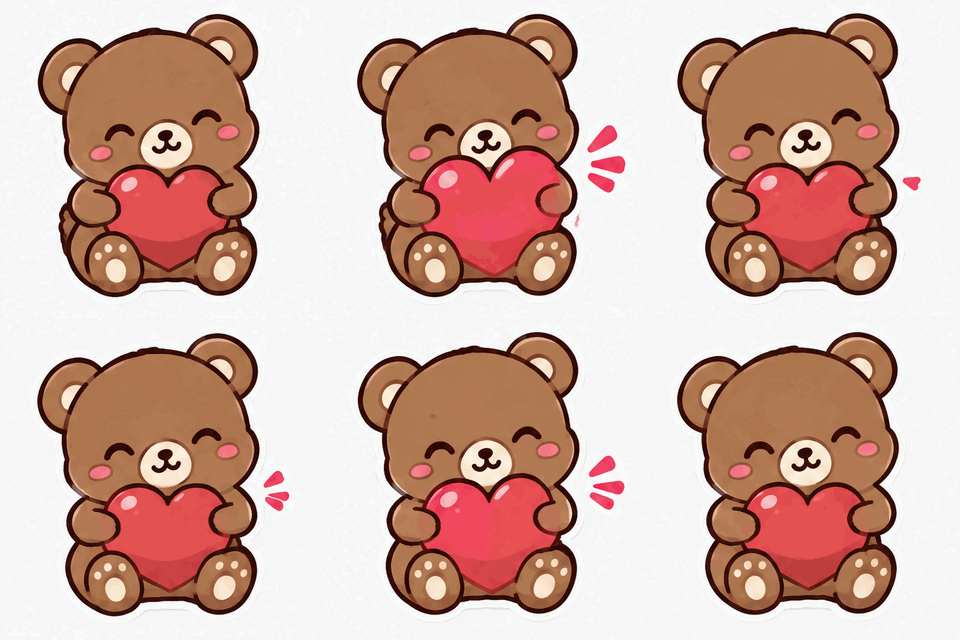
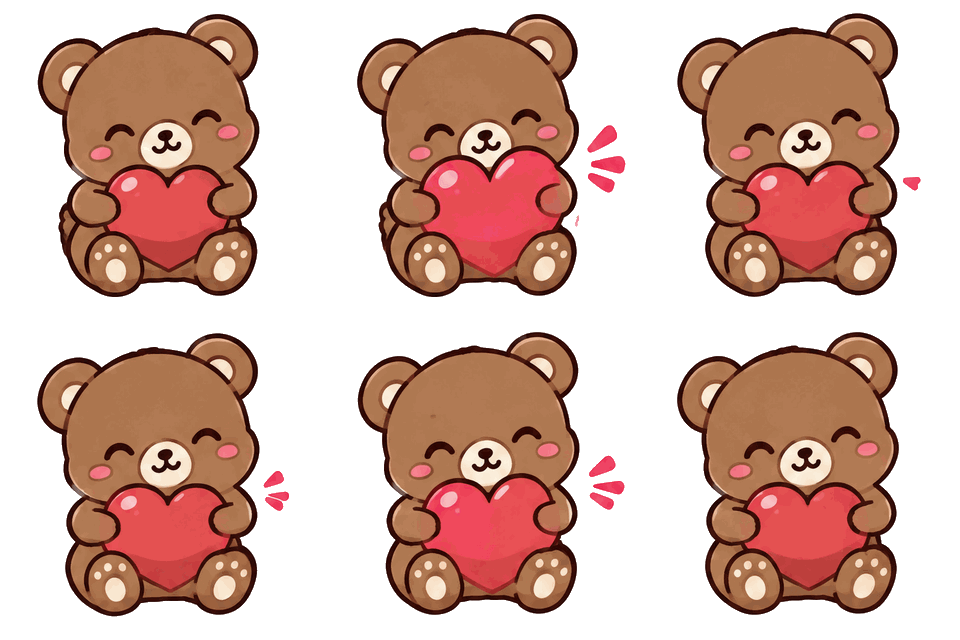
Six stickers made with this page, each shown as generated (left) and after the transparent export (right, on a dark background). The prompt and any exact text we sent are under each one.
 As generated
 Transparent export
Kawaii animal preset. The transparent version keeps the bear and the heart; the thick white sticker outline blends into the removed background.Prompt usedCute kawaii sticker of a small brown bear hugging a pulsing red heart, thick white sticker outline, plain light background, chat sticker style.16 frames · 498 KB GIF · 320 px wide · 1 credit 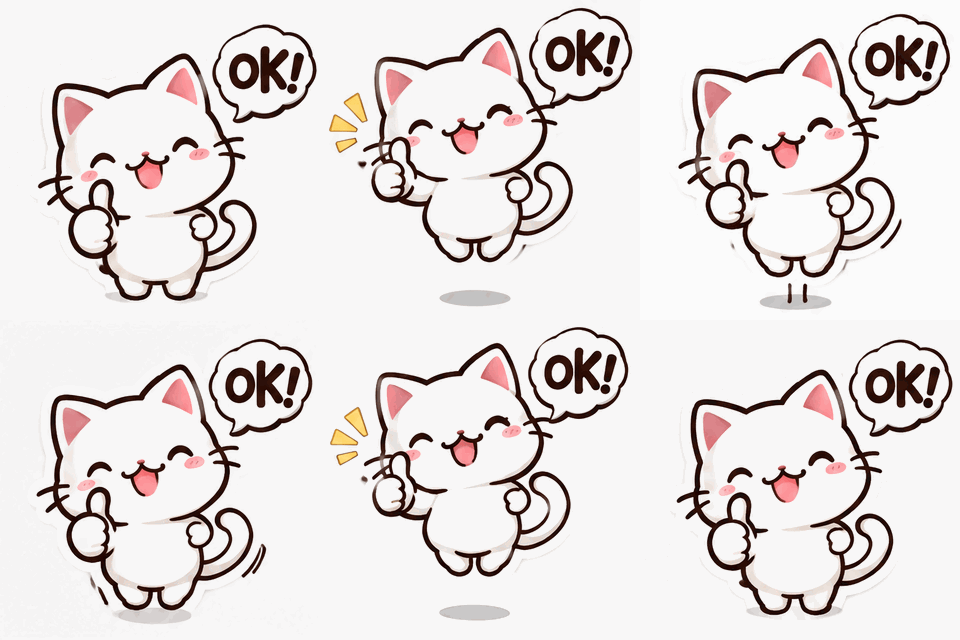 As generated
 Transparent export
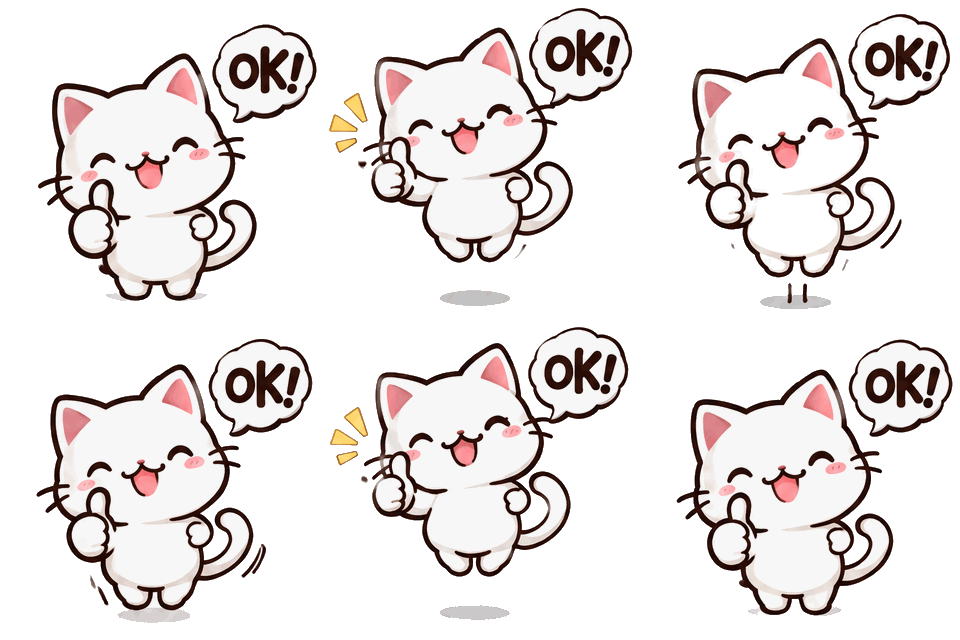
Chat reaction with a short word. The floor shadow under the cat survives the key because it is darker than the background.Prompt usedCute sticker of a white cat giving a bouncing thumbs up with a small speech bubble, thick white sticker outline, plain light background. Exact text: "OK!".16 frames · 337 KB GIF · 320 px wide · 1 credit 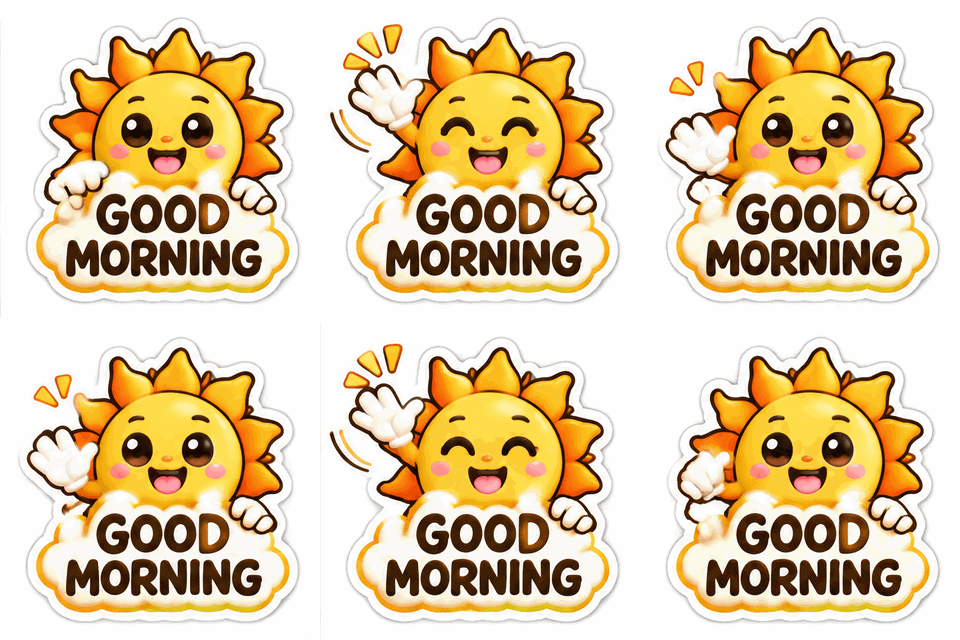 As generated
 Transparent export
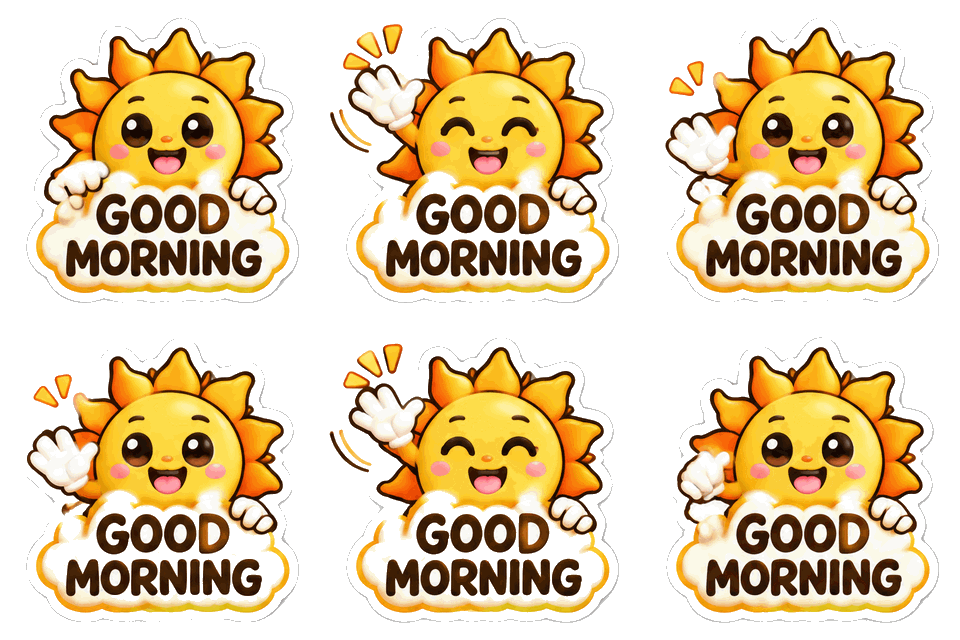
Animate words with the exact text GOOD MORNING. The white sticker outline is partly removed with the background.Prompt usedCute sticker of a smiling sun stretching its rays and waving, thick white sticker outline, plain light background. Exact text: "GOOD MORNING".16 frames · 584 KB GIF · 320 px wide · 1 credit 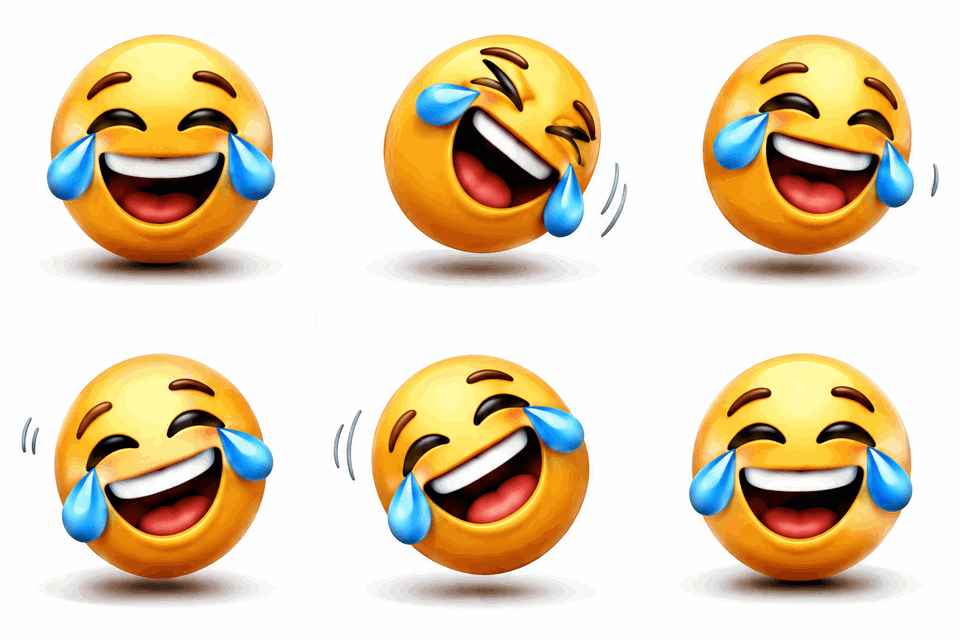 As generated
 Transparent export
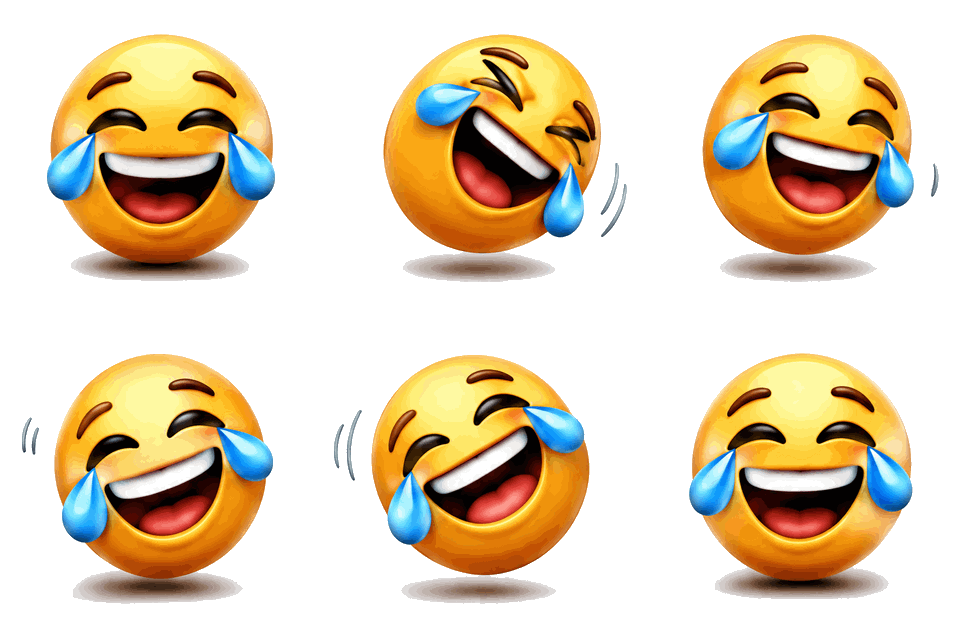
Emoji-style face preset. A grey ground shadow remains after the key.Prompt usedA round yellow emoji face laughing so hard it rocks back and forth with tears of joy, glossy 3D emoji style, plain white background.16 frames · 339 KB GIF · 320 px wide · 1 credit  As generated
 Transparent export
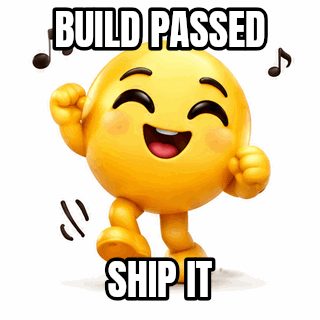
Emoji-style face preset with a motion in the prompt.Prompt usedA round yellow emoji face with little arms dancing side to side with music notes, glossy 3D emoji style, plain white background.16 frames · 366 KB GIF · 320 px wide · 1 credit 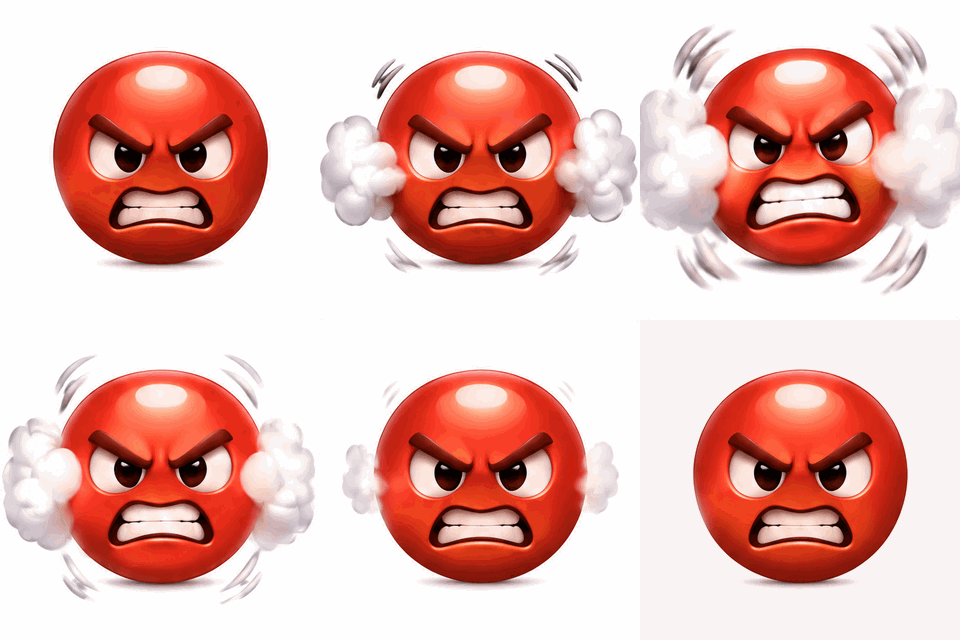 As generated
 Transparent export
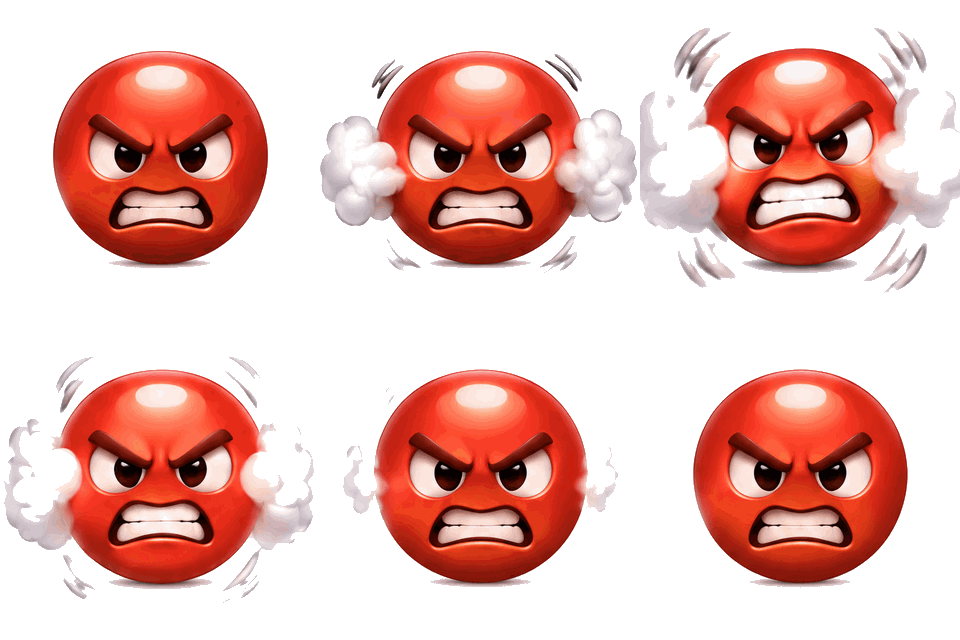
The white steam touches the background colour, so the key removes parts of it. A good example of where this method stops.Prompt usedA round red angry emoji face puffing steam from its ears and shaking, glossy 3D emoji style, plain white background.16 frames · 414 KB GIF · 320 px wide · 1 credit
Animated sticker maker, not a sticker pack
This page makes a single animated sticker from a prompt. It is an AI image model drawing 16 frames of a character that moves in a loop, such as a bear hugging a pulsing heart or a cat giving a thumbs-up. It is not a sticker pack builder, and it does not package, resize or submit stickers to any chat app.
We do not promise sizes or formats for WhatsApp, Telegram, Discord or any other app. Each of them publishes its own requirements, which change. Use the downloads as a starting point: a transparent GIF at up to 512 pixels, and a transparent PNG you can resize in any image editor.
How the transparent export works
The export panel runs in your browser. It reads the colour along the border of the sticker, takes the most common one as the background and floods inward from the edges, removing every connected pixel that is close to that colour. A white eye or a white letter inside the sticker is not touched, because it is not connected to the border. A thin band around the removed area gets partial transparency, with the background colour divided back out so the edge does not look grey.
A tolerance slider sets how close counts as the same colour. Raise it for a background with a faint gradient or a paper texture. Lower it if the sticker itself is nearly white and is being eaten. GIF only has on and off transparency, so for the GIF the soft band is blended toward a matte colour you choose; the PNG keeps true partial transparency.
Where the transparent export works, and where it does not
It works best on a plain light background, which is what the presets ask the model for. If the border is not flat or not light, the panel shows a warning, and the result will be rougher. It cannot separate a character from a busy photo background, it cannot tell a white character from a white background that touches it, and it leaves shadows that are darker than the background.
It is a colour key, not a segmentation model, and we say so on purpose. When it is not enough, regenerate with a prompt that asks for a plain white background, or finish the cut in an image editor with the PNG.
Kawaii animals, emoji-style faces and chat reactions
Kawaii animals work well because they have thick outlines and flat colours, which both look good as stickers and key cleanly. Emoji-style faces are simple round characters with an expression; they are good for reactions such as laughing, dancing or angry. For a chat reaction with a word, use Animate words and keep the word short, such as OK!, LOL or YES.
Describe the motion as well as the character: bouncing, waving, rocking, puffing steam. The model moves one subject for about a second and a half, then loops. Real people and brand names are not supported in prompts.
Related ways to make GIFs
If a sticker is not quite what you need, try these.
- Meme GIF maker: caption a loop with top and bottom text, free, or generate a captioned AI meme.
- Logo GIF maker: free logo motion with a transparent background, plus an AI lettering tab.
- Add text to a GIF: put a label on a sticker GIF you already have, such as a name or a short wish.
What people make animated stickers for
Chat reactions
A short word on a bouncing character answers a message faster than typing.
Community stickers and emotes
Make a mascot for a server or a group chat and export a transparent PNG to resize into emotes.
Overlays on video and slides
A transparent GIF can sit on top of a clip or a slide in an editor that supports transparent GIFs.
Greetings and cards
Good morning, thank you, get well soon: a smiling sun or a bear with a heart is a quick greeting.
Small brand mascots
Try a character idea in minutes before commissioning a full set. Only use designs you are allowed to publish.
How this tool works and its limits
What the sticker generator and its transparent export can and cannot do.
- Generation needs a signed-in account and costs 1 credit per sticker. A failed or refused job is refunded. Exporting, re-exporting and the transparent export in your browser cost no credits.
- The model draws up to 16 frames at about 512 pixels, at around 5 to 8 frames per second, so the motion is chunky by design. Generation usually takes under a minute.
- Exact text is limited to 40 characters from letters, digits, spaces and a few marks such as ! ? . , ' & - : and hearts or stars. The model can still misplace text, and nothing guarantees it.
- The transparent export removes a plain, light background connected to the edges. It does not cut out subjects from busy backgrounds and it leaves dark shadows.
- GIF transparency is on or off, so soft edges blend toward the matte colour you choose. The PNG export keeps true partial transparency and is the better choice for editing.
- The PNG is the frame with the most visible pixels, up to 512 pixels on the longer side; you can pick another frame with the slider. A transparent GIF export is capped at the same width.
- No promises about sticker sizes or formats for WhatsApp, Telegram, Discord or other apps. Prompts must not ask for real people or brand names, and you are responsible for what you make.
Questions, answered
How do I make an animated sticker with AI?
Pick a preset or write a prompt, press Generate and wait under a minute. The sticker appears as a looping GIF; the panel under it exports a transparent GIF or a PNG.
How do I get a transparent background?
Use the transparent export panel under the result. It removes a plain light background from every frame in your browser, and you can tune the tolerance and preview on dark, pink and white. Generate with a plain white background for the cleanest cut.
Will the stickers work on WhatsApp, Telegram or Discord?
We do not promise that. Those apps have their own size, format and frame rules. The downloads are a transparent GIF and a transparent PNG; you may need to convert or resize them for a particular app.
Why are there shadows or missing white parts after removing the background?
The export is a colour key. It keeps anything that is not close to the background colour, which includes shadows, and it removes white parts that touch the background. Lower the tolerance to keep more, raise it to remove more.
How much does it cost?
1 credit per generated sticker, the same as every AI GIF. The transparent export, the PNG and re-exporting at another width are free. See the pricing page for credit packs.
Can I make a sticker from my own photo or logo?
Not on this page, which starts from a prompt. To move your own logo for free, use the logo GIF maker. To animate a photo of an object or a pet with AI, use Animate Photo. Photos of real people are not supported.
Related tools
Other tools you may need next.
 Meme GIF MakerFree + AICaption reaction loops or your own GIF free, or generate an AI meme with an exact caption.
 Logo GIF MakerFree + AIBounce, shine or spin an uploaded logo free, with transparent background. AI lettering tab too.
 Animate Photo1 creditBring one still photo to life as a seamless loop GIF with AI.
 Add Text to GIFFreeCaption a GIF or short MP4 with several text layers and per-layer frame ranges.