APNG to GIF converter
Drop an animated PNG and get a GIF with the same frames and the same timing. The page reads the APNG with its own parser, applies each frame's offset, dispose and blend settings, and turns transparency into GIF transparency with a matte colour for soft edges. Nothing is uploaded.
Free · no sign-up · runs in your browser
APNG or PNG · up to 25 MB · up to 300 frames · nothing is uploaded
Drop a GIF here
Your new GIF appears here.
How to use it
Drop your APNG
Drop a .png or .apng file onto the box or click to choose one. Files up to 25 MB and 300 frames are accepted.
Check the before pane
The left pane plays the APNG as your browser shows it, with its size and frame count. A still PNG is accepted too and gives a one-frame GIF.
Choose width and transparency
Keep the original width or pick a smaller one. For a file with transparency, keep it or fill it with a colour, and choose the matte colour that suits where the GIF will be shown.
Convert and download
Press Convert to GIF. The animated GIF appears beside the original with both sizes, and Download saves it.
Examples made with this tool
These APNG files were made from GIFs we already use on this site with ffmpeg's APNG encoder, then converted by the page's own APNG reader and GIF writer. The encoder chose the frame offsets, dispose and blend settings itself, which is why these files exercise them. The numbers on each card are the real ones.
 Original
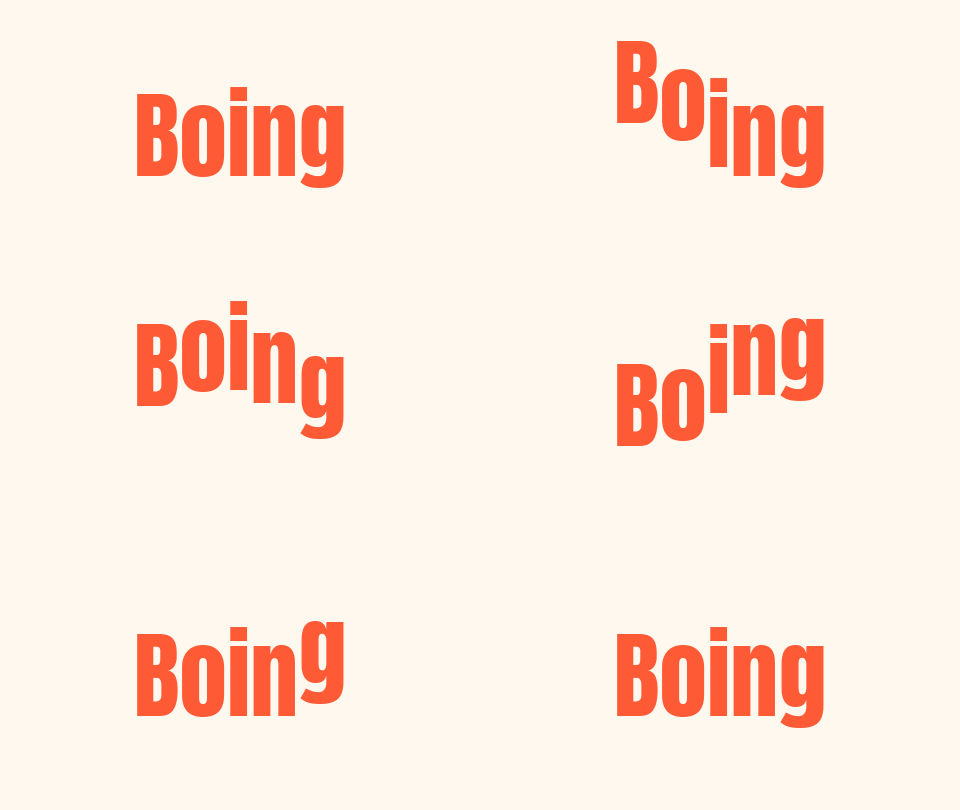 GIF
A 16-frame APNG whose frames use a mix of dispose and blend settings. The GIF keeps all 16 frames and their timing.Settings usedAPNG read frame by frame, 480 px wide, balanced file size, transparency not present.APNG 44 KB (480 × 270 px) → GIF 34 KB (480 × 270 px), 16 frames  Original
 GIF
An APNG with a transparent background and frames that restore the previous picture. The GIF keeps the background see-through, with edge pixels blended with a white matte.Settings usedAPNG read frame by frame, 400 px wide, balanced file size, transparency kept.APNG 117 KB (400 × 200 px) → GIF 62 KB (400 × 200 px), 12 frames  Original
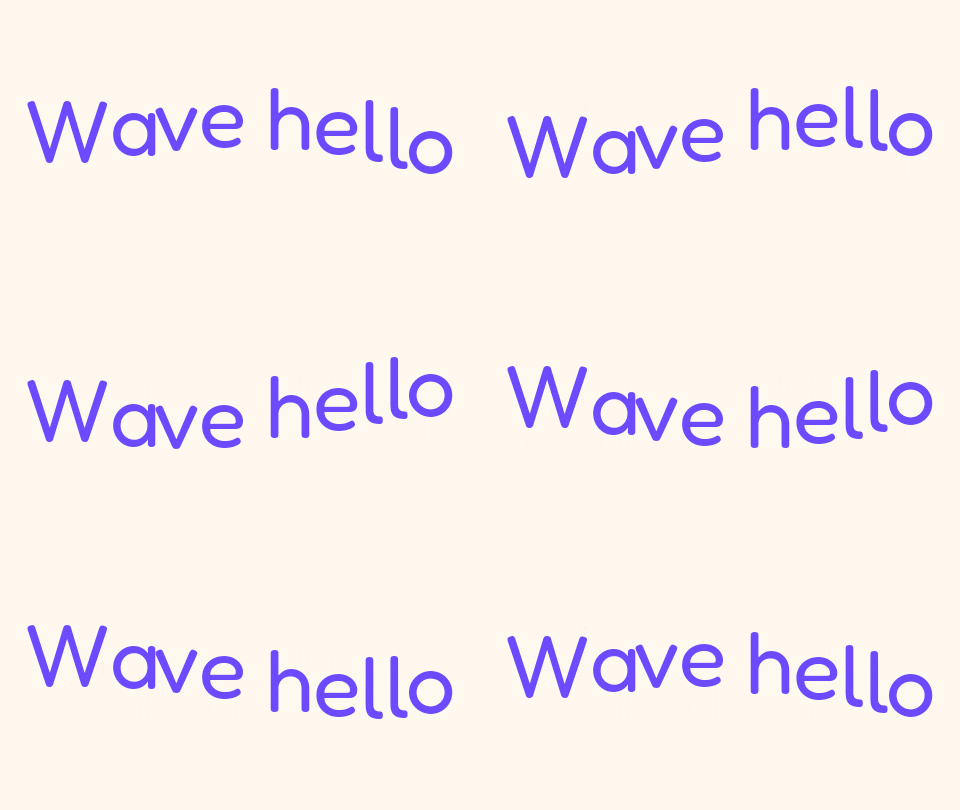 GIF
A 20-frame APNG converted with Smaller file switched on, which uses fewer colours and a stronger frame-to-frame difference to cut the size.Settings usedAPNG read frame by frame, 480 px wide, smaller file size, transparency not present.APNG 168 KB (480 × 270 px) → GIF 87 KB (480 × 270 px), 20 frames  Original
 GIF
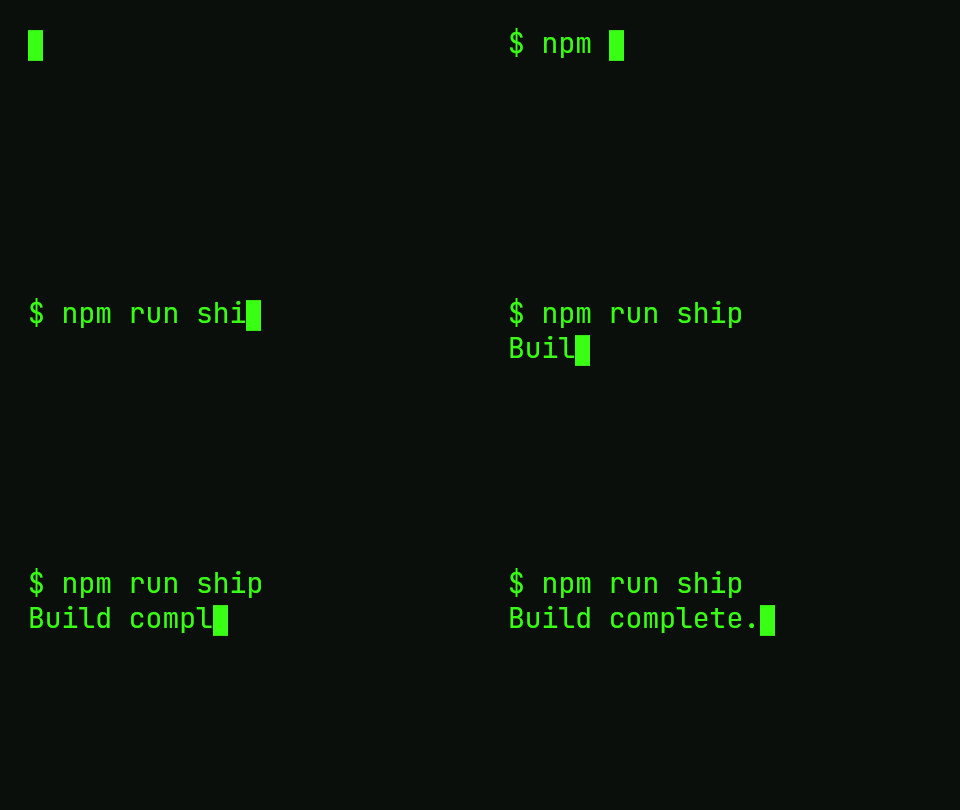
APNG can be very small when most of the picture stays still, because each frame stores only what changed. The GIF stores whole frames, so here it ends up larger than the APNG.Settings usedAPNG read frame by frame, 480 px wide, balanced file size, transparency not present.APNG 13 KB (480 × 270 px) → GIF 28 KB (480 × 270 px), 33 frames
How an APNG is read
An APNG is a normal PNG file with extra chunks. One chunk says how many frames there are and how often to play them, and a control chunk before each frame gives its size, its position, how long it shows, and two rules called dispose and blend. The first frame may be the PNG's ordinary image, and later frames are stored in their own data chunks.
The page rebuilds every frame as a small standalone PNG, with the header, the palette and transparency chunks the file defined, and recalculated checks. Your browser decodes each one, and the page draws them in order on a canvas. If your browser can decode animated PNG itself, the page uses that faster route and skips the rebuild.
Offsets, dispose and blend
Frames in an APNG can be smaller than the whole picture and sit at an offset. After a frame has been shown, its dispose setting says what happens to its area: leave it, clear it to transparent, or restore what was there before the frame. Blend says whether the frame replaces the pixels under it or is laid over them with its transparency.
Getting these wrong makes smeared or flickering frames, so the page follows the specification for each. A first frame that asks to restore the previous picture is treated as clear, as the specification says. Every frame is then drawn out in full before it goes into the GIF.
Transparency and timing
A GIF pixel is either fully transparent or fully opaque, while an APNG can have soft, partly transparent edges. Pixels that are mostly see-through become transparent and the rest are blended with the matte colour you choose. Pick a matte close to the place where the GIF will be shown, and the edges will look clean.
Each frame keeps its own delay, written in hundredths of a second as GIF requires. A delay below 20 milliseconds is shown as 100 milliseconds, as browsers do for GIF, and the loop count is not carried over, so the GIF repeats forever.
Related tools
These browser tools help with the same file before or after the conversion.
- PNG to GIF: turn a batch of still PNG files into GIFs, one each.
- GIF compressor: bring the GIF down to a size you choose.
- GIF to APNG: go the other way and turn a GIF into an animated PNG with full transparency.
When APNG to GIF helps
A place that only takes GIF
Many forms and editors accept GIF but do not play animated PNG.
An older app or email client
GIF animates in more places than APNG does.
A sticker with a see-through background
Convert a transparent APNG and keep the background see-through.
A file made by a design or game tool
Some tools export animation as APNG. A GIF is easier to share.
A still PNG that must be a GIF
A still PNG becomes a one-frame GIF when a form insists on that format.
How this tool works and its limits
This is what the converter does with your file, and where it stops.
- Your file never leaves your device. It is parsed and the GIF is encoded in your browser, with no upload and no account.
- Files up to 25 MB and 300 frames are accepted, and the GIF is capped at 300 frames and 30 seconds of playing time.
- Animated PNG is read by the browser's own decoder only when the browser says it can decode it, and otherwise by this page's own APNG reader. Both give the same frames in the cases we tested.
- GIF has at most 256 colours per frame and no partial transparency, so the GIF may be larger than the APNG and soft edges lose some smoothness.
- The loop count is not carried over. The GIF always loops forever.
- A damaged file, or a PNG whose frame list does not match its header, is refused with a message. A still PNG becomes a one-frame GIF with a pointer to the PNG to GIF page.
- We built and tested the tool in current Chrome. The check below asks your own browser what it supports.
Does your browser support this?
This list is checked against the browser you are using right now, by asking it directly. It is not a guess from the browser name.
- Background encoding (Web Workers): checking
Questions, answered
How do I convert an APNG to a GIF?
Drop the APNG above, choose a width and what to do about transparency, and press Convert to GIF. Download saves the result.
Does it keep the timing of each frame?
Yes. Each frame's delay is read from the file and written as a GIF delay in hundredths of a second. Delays under 20 ms are shown as 100 ms, as browsers do for GIF.
What happens to transparency?
Transparent pixels stay transparent. Soft edges are blended with a matte colour you choose, because GIF has only on or off transparency.
Why is my GIF bigger than the APNG?
APNG can store only the changed part of each frame and compresses well. A GIF stores whole frames with up to 256 colours. Pick a smaller width or Smaller file, or use the GIF compressor.
Can I convert a normal PNG?
Yes, you get a GIF with one frame and a note. To convert many PNG files at once, one GIF each, use the PNG to GIF page.
Why will my file not open?
It may not be a PNG, may be over 25 MB or 300 frames, or may be damaged. The message under the drop box says which.
Related tools
Other tools you may need next.
 GIF CompressorFreeMake a GIF smaller: pick a level or a target size such as 256 KB.
 GIF ResizerFreeResize a GIF to an exact width and height, a percentage or a square emoji.
 Video to GIFFreeTrim an MP4 or MOV clip, pick a frame rate and width, and make a GIF in your browser.
 MOV to GIFFreeConvert an iPhone or QuickTime MOV to a GIF, with help for HEVC and HDR clips.