Sparkle Text Generator
Add twinkling stars to a word. Plain coloured letters stay readable while bright four-point glints and stars pop in and fade around and over them. Choose the star colour, shape, size and density, then download a looping sparkle text GIF. It runs in your browser: no sign-up and no watermark.
Free · no sign-up · runs in your browser
estimating size
Encoding happens in your browser when you click Download. Nothing is uploaded.
How to use it
Pick a sparkle style
Night sky, Gold stars, Pink or Ice in Style presets. Each one sets a word, a font, a letter colour, a star colour and a background, and you can change all of them.
Type your word and choose a font
One to three words work best. Cursive fonts such as Pacifico and Dancing Script suit soft sparkles, while heavy fonts such as Anton give the stars a solid shape to twinkle on.
Tune the stars
Choose the Star colour and the Star shape (Glint or Star), then set Sparkle density and Star size from 1 to 5. Add an outline if the letters need more edge.
Download your sparkle GIF
Press Download GIF. The 20-frame loop is encoded in your browser and saved straight away. Tick Transparent background first if you want to place the word on another picture.
Examples made with this tool
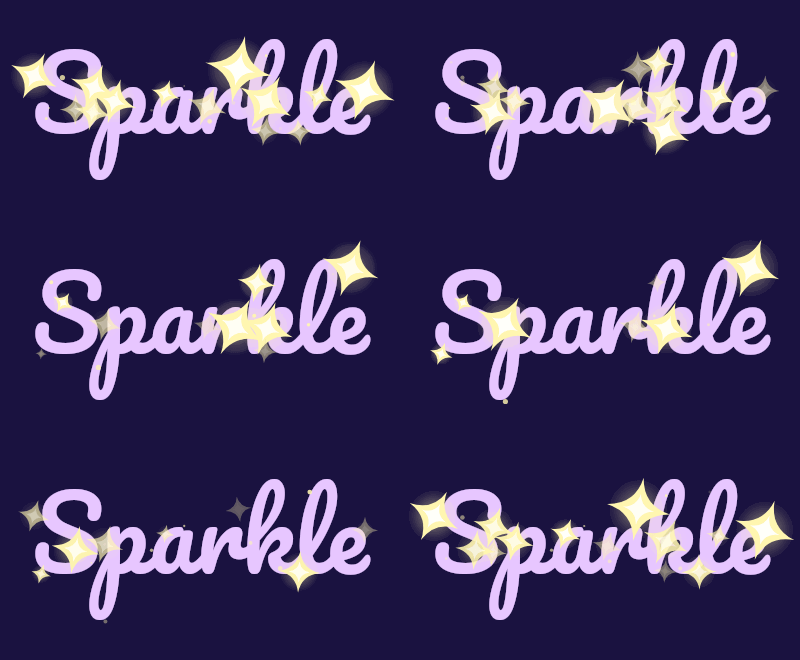
Four sparkle text GIFs made by this tool. The last one has a transparent background. Each caption lists the exact settings, and the size line under each GIF is measured from the real file.
 seamless
Night sky preset: Pacifico at 100 px, glint stars in pale yellow, density 3, star size 3.Settings usedPacifico, 100 px · 400 × 220 · #e7c6ff on #1a1240 · glint stars in #fff6b0, sparkle density 3 of 5, star size 3 of 520 frames · 131 KB · 1.2 s loop 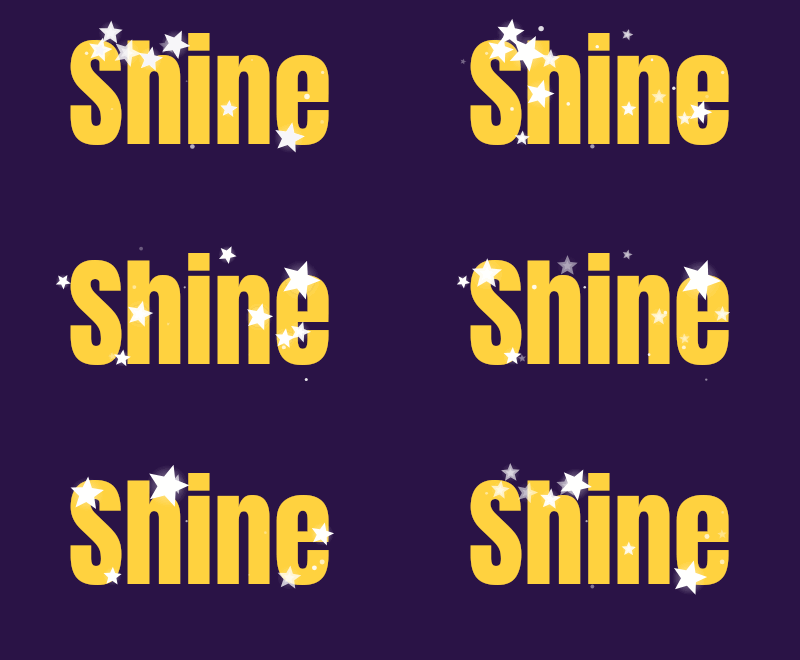 seamless
Gold stars preset: Anton at 120 px with the Star shape in white, density 3 and star size 2.Settings usedAnton, 120 px · 400 × 220 · #ffd23f on #2a1346 · star stars in #ffffff, sparkle density 3 of 5, star size 2 of 520 frames · 69 KB · 1.2 s loop 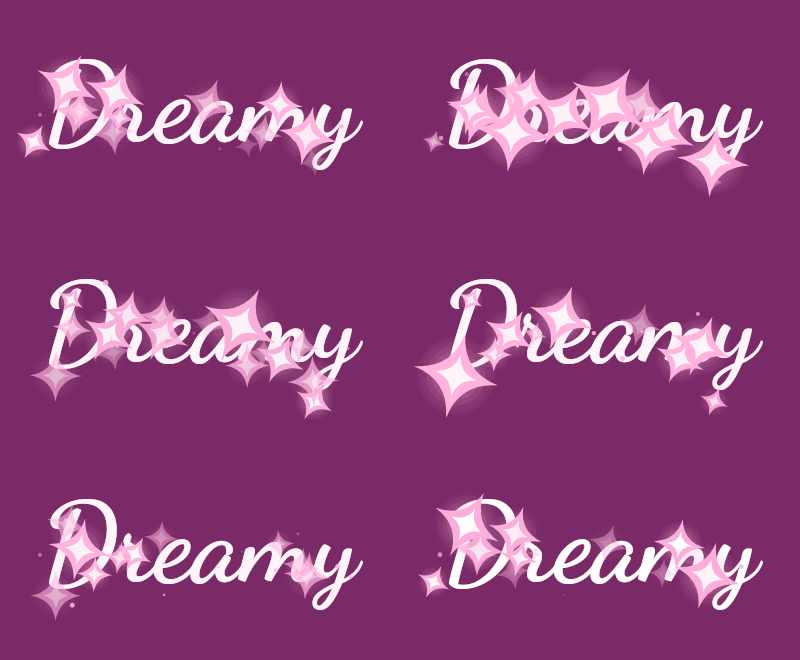 seamless
Pink preset: Dancing Script at 110 px, pink glints, density 4 and star size 4.Settings usedDancing Script, 110 px · 400 × 220 · #ffffff on #7a2a66 · glint stars in #ffb3dd, sparkle density 4 of 5, star size 4 of 520 frames · 180 KB · 1.2 s loop 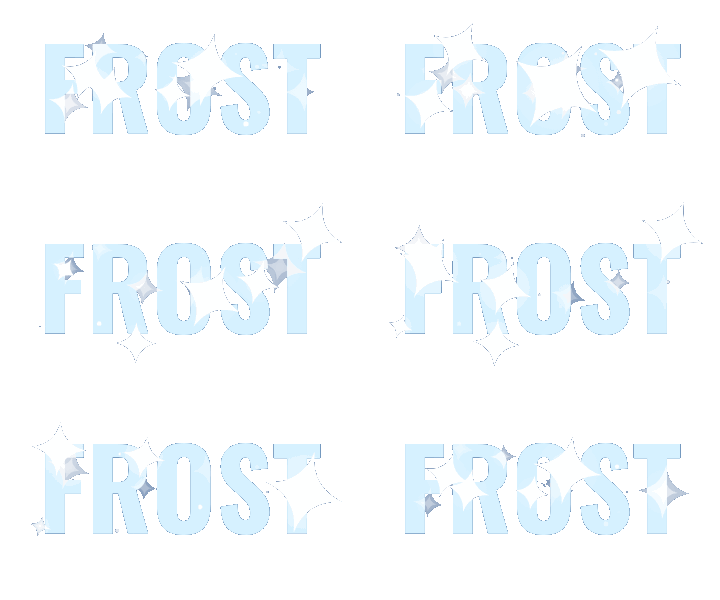 seamless
Ice preset with Transparent background on and a deep blue Edge colour, on a 360 by 200 canvas.Settings usedOswald, 110 px · 360 × 200 · transparent background · glint stars in #ffffff, sparkle density 3 of 5, star size 3 of 520 frames · 93 KB · 1.2 s loop
Sparkle or glitter?
Both effects use stars, but they are built differently. Glitter, on the glitter text generator on this site, fills the letters with a coloured texture and covers that texture with tiny speckles that brighten and fade, so the letters themselves look like they are made of glitter. The sparkle effect keeps the letters a single plain colour and adds separate stars that appear over them and in a ring around them.
Choose glitter when you want the lettering to look sparkly, such as gold or silver names. Choose sparkle when you want to keep a clean colour and add a magic or starlight feel, or when the stars should reach outside the letters. The two also differ in loop length: sparkle is 20 frames at 6 hundredths of a second, which is 1.2 seconds, and glitter is 12 frames at 8 hundredths, about one second.
How the stars are placed and animated
Half of the stars sit on the letters and half in a ring around them, about a third of the text size wide. Positions are chosen by testing the real shape of your letters, so a star that should be outside never lands on a stroke. Each star has its own start time, appears once per loop, grows, holds for a moment and fades. Tiny dots twinkle between them.
Glint is a four-point star with thin concave spikes and a soft halo. Star is a five-point star. Density scales the number of stars with the size of your text, and Star size scales every star. The stars are placed with a fixed random seed, so the same settings always give the same frames.
Colours that work
Stars need contrast with the letters they cross. White or pale yellow stars read well over mid-tone and dark letters, but they can disappear on white letters. Pick a star colour that differs from the letter colour, or give the letters an outline.
A dark background makes the stars glow. On a transparent background the soft halo around each star is blended toward your Edge colour, because GIF transparency is on or off. Set the Edge colour to the page colour behind the GIF, and keep star size modest so the halo stays small.
More ways to animate text
Sparkle is one of several effects built on the same free text engine.
- Glitter text generator: letters filled with a sparkling texture, in seven colours.
- Text GIF maker with six effects: typing, slide, bounce, neon, wave and glitter on one page, with an AI tab.
- Happy birthday GIF maker: name and message presets with birthday colour schemes.
What people use sparkle text for
Greetings and names
A name or a short wish with twinkling stars suits birthday and holiday messages. The birthday GIF maker has ready-made wording.
Profile banners and bios
A small twinkling word in a banner gives a profile a soft, magical look.
Stickers over photos
Export with a transparent background and place the word over a photo or a slide in an editor that supports transparent GIFs.
Night and winter themes
Ice and Night sky styles suit winter cards, bedtime messages and star-gazing posts.
Shop and event graphics
A short word such as NEW or GIFT with a few stars makes a light animated badge.
How this tool works and its limits
What this sparkle text generator does with your text, and where it stops.
- Everything happens in your browser. Your text is not uploaded, no account is needed and no watermark is added.
- Text is limited to 200 characters. The canvas can be up to 640 pixels wide and 640 pixels tall, within 307,200 pixels in total.
- The loop is 20 frames at 6 hundredths of a second, which is 1.2 seconds. Every GIF is capped at 150 frames, and the estimate under the preview is usually within a quarter of the real size.
- Transparent GIFs have on-off transparency only. Star halos and soft edges are blended toward the Edge colour you pick, and the faintest parts are rounded to clear or solid.
- Sparkle files are larger than flat text GIFs because stars change in every frame. The four examples on this page, between 360 by 200 and 400 by 220 pixels, came out between 69 KB and 180 KB.
- Stars are placed around the text block, so very long text or a canvas with no space around the letters leaves little room for the outer ring. Use a larger canvas or more padding.
- We tested this page in Chrome. It needs a 2D canvas and a Web Worker. If your browser cannot encode the GIF, the page shows an error and nothing is uploaded.
Questions, answered
How do I make sparkle text?
Type a short word, pick a sparkle style, set the star colour, shape and density, and press Download GIF. The preview shows the exact animation that will be saved.
Is the sparkle text generator free?
Yes. It is free, needs no sign-up and adds no watermark. Your text stays on your device. The only paid option is the AI version, which costs 1 credit.
What is the difference between sparkle text and glitter text?
Glitter fills the letters with a coloured sparkling texture. Sparkle keeps the letters one plain colour and adds twinkling stars over them and around them. The glitter text generator has seven textures; this page has star colours, shapes and sizes.
Can I get sparkle text with a transparent background?
Yes. Tick Transparent background and choose an Edge colour that matches the page where you will use the GIF. Soft star halos are blended toward that colour.
Why can I not see some of the stars?
Stars that sit over letters of a similar colour are hard to see. Choose a star colour that contrasts with the letters, or add an outline. Stars also fade out for part of each loop, so a still frame never shows all of them.
Can AI make a fancier sparkle version?
Yes. The button under the preview opens the AI tab of Text to GIF with your text and the glitter sparkle style filled in. It draws lettering with decoration around it, costs 1 credit and needs a signed-in account.
Related tools
Other tools you may need next.
 Glitter Text GeneratorFreeSparkling glitter text with seven textures, an outline and a transparent background option.
 Text to GIFFree + AIDescribe a GIF, or animate exact words with AI.
 Happy Birthday GIF MakerFree + AIType a name, pick a style and download a happy birthday GIF free, plus an AI tab for cakes and balloons.
 AI Sticker Generator1 creditDescribe a sticker and get an animated GIF, with transparent GIF and PNG export.