GIF Resizer
Resize an animated GIF to the exact width and height you need, or scale it by a percentage. Keep the aspect ratio locked, or fill a square emoji size. It runs in your browser: no upload, no sign-up.
Free · no sign-up · runs in your browser
GIF only · up to 25 MB · up to 300 frames · nothing is uploaded
Drop a GIF here
Your new GIF appears here.
How to use it
Drop your GIF
Drop a GIF onto the box or click to choose one. It can be up to 25 MB and 300 frames. The tool shows its current width, height, frame count and file size.
Set the new size
Type a width or a height, tap a percentage chip (25%, 50%, 75%, 150%, 200%) or use a preset: 128 × 128 or 256 × 256 emoji, 480 px wide or 640 px wide.
Lock the shape or change it
With the aspect lock on, the other side follows. Turn it off to set both sides yourself, then choose Stretch or Crop to fill. Tick Smaller file for a lighter result.
Resize and download
Press Resize GIF. The new GIF appears next to the original with its dimensions and the file size before and after, ready to download.
Examples made with this tool
These five GIFs were made by running our own GIFs through this tool's frame source and encoder. Each one lists the exact size and the size it started from.
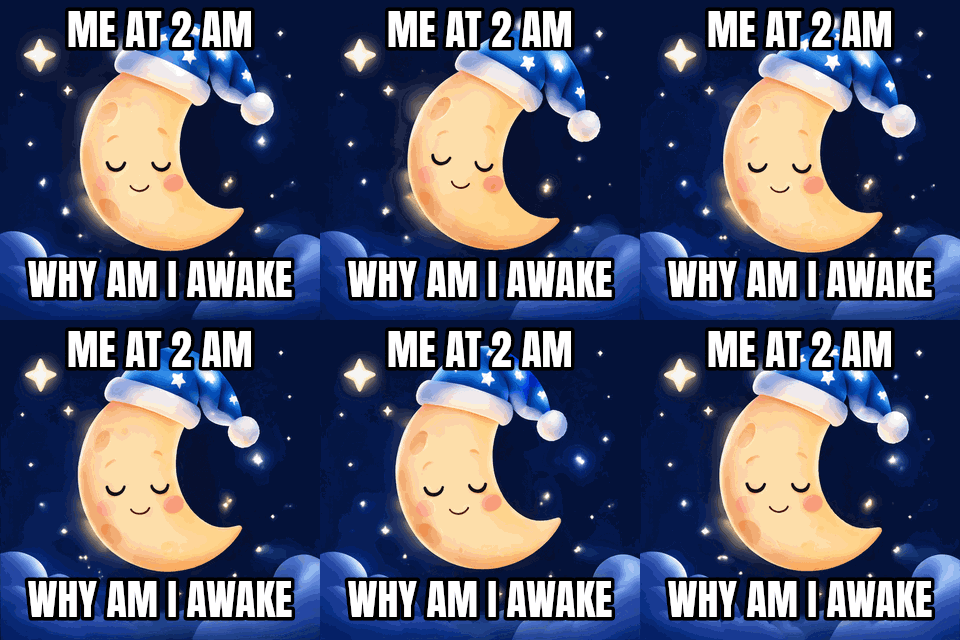 Original
 Resized
Scale by 50% with the lock on. Half the width and half the height is a quarter of the pixels, so the file drops by more than half.Settings used50% of the original: 160 × 160 px from 320 × 320, aspect locked.320 KB → 129 KB · 60% smaller · 16 frames · 160 × 160 px 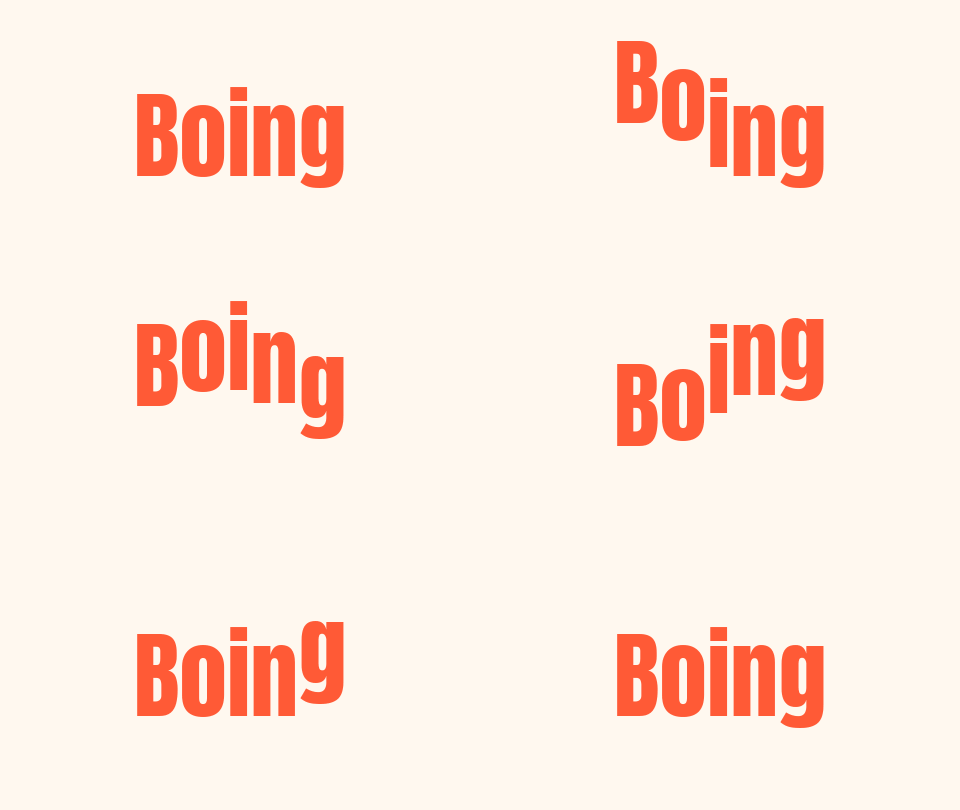 Original
 Resized
The 128 × 128 emoji preset. The source is wide, so Crop to fill keeps the middle square and the letters stay undistorted.Settings used128 or 256 px square, Crop to fill: the middle 270 × 270 px of the 480 × 270 source, scaled to 128 × 128.34 KB → 15 KB · 54% smaller · 16 frames · 128 × 128 px - Original
 Resized
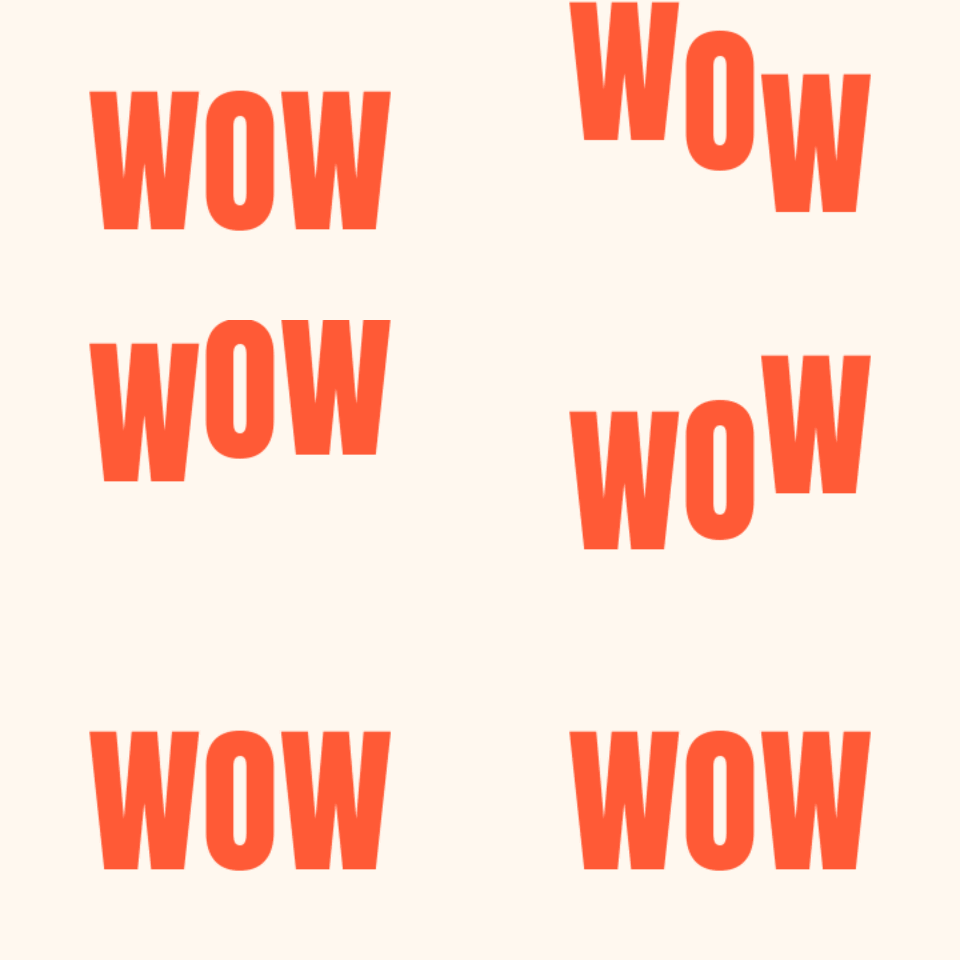
The same source with the lock off and Stretch on. The whole picture is squeezed into the square, which is why the letters look tall. Use it only when distortion is what you want.Settings used256 × 256 px, Stretch, aspect lock off: the whole 480 × 270 picture squeezed into the new shape.34 KB → 32 KB · 4% smaller · 16 frames · 256 × 256 px 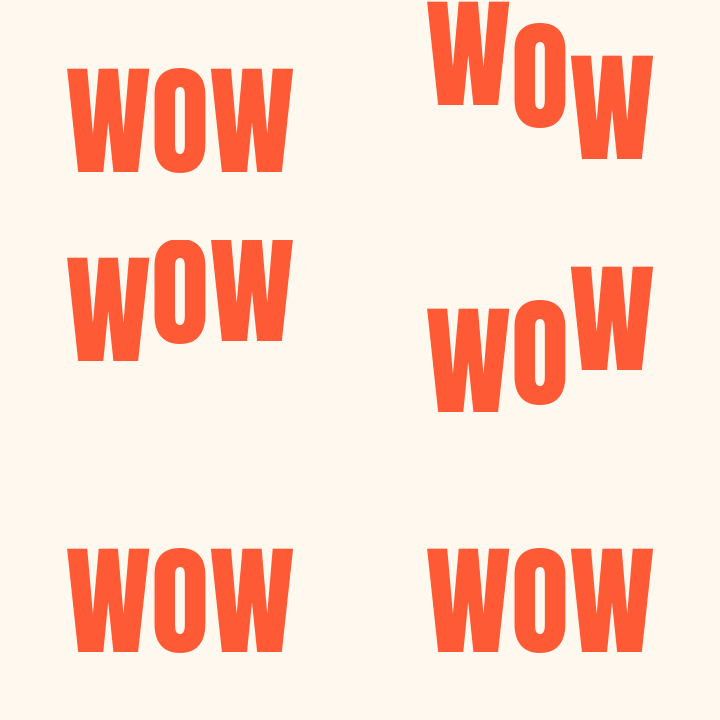 Original
 Resized
The 480 px wide preset on a 360 px source. The picture is larger, but no new detail appears and the file roughly doubles.Settings used480 × 320 px from 360 × 240, aspect locked: scaled up.44 KB → 90 KB · 103% larger · 16 frames · 480 × 320 px 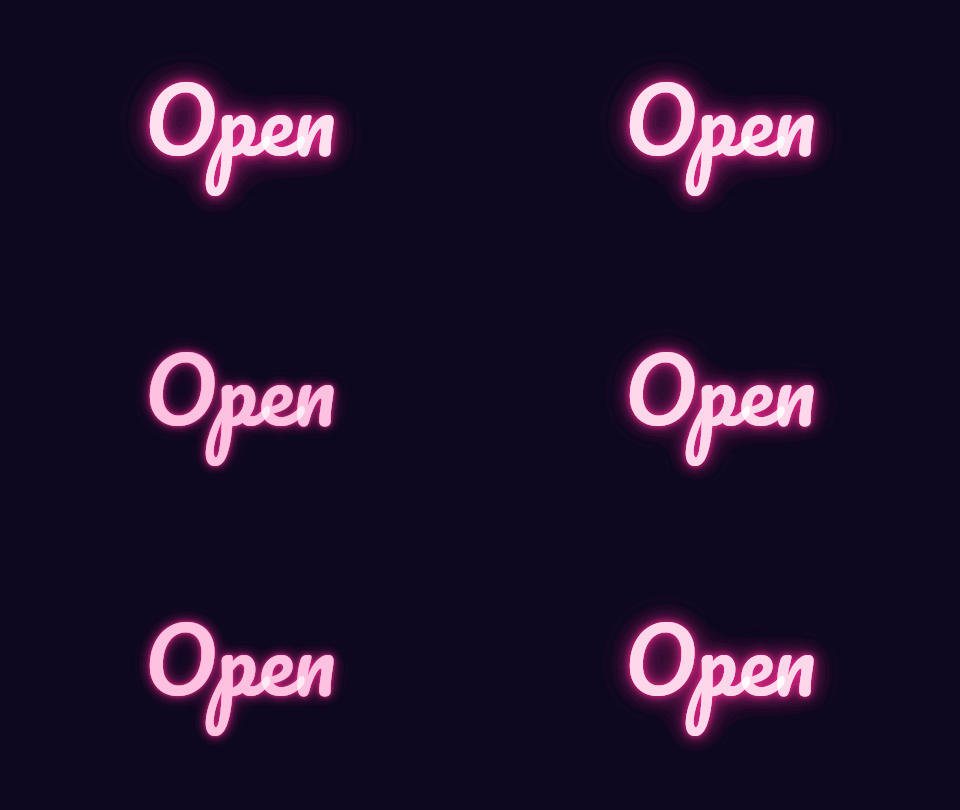 Original
 Resized
Scale by 25%: a thumbnail-sized loop from a 480 px source, a fraction of the original file size.Settings used25% of the original: 120 × 68 px from 480 × 270, aspect locked.130 KB → 17 KB · 87% smaller · 12 frames · 120 × 68 px
How to resize a GIF without losing the animation
Resizing a GIF means redrawing every frame at the new size and writing the frames back out as a new GIF. This tool does exactly that, one frame at a time, and keeps the timing of each frame as it was, so the animation plays at the same speed with the same number of frames. Type a width or a height with the aspect lock on and the other side is worked out for you, rounded to whole pixels. If you would rather scale by a fraction, tap 25%, 50%, 75%, 150% or 200%.
The result is a fresh encode, so the file is not a byte copy of the original. Colours are re-quantised to one shared palette of up to 255 colours plus transparency, and transparent GIFs stay transparent. If the new file is heavier than you want, tick Smaller file, which uses 127 colours and ignores tiny colour changes between frames. If you want an exact size limit in kilobytes instead of an exact size in pixels, use the GIF compressor.
Emoji and sticker sizes
Custom emoji and stickers are small, square pictures. Two presets cover the usual starting points: 128 × 128 and 256 × 256 pixels. Both switch the aspect lock off and choose Crop to fill, so a wide or tall GIF is cut to a centred square first and then scaled, rather than squeezed. Open the result and check that the part you care about is still in the middle. If it is not, use the GIF cropper to choose the square yourself, then resize.
Apps set their own rules for emoji and stickers, and those rules change: allowed dimensions, file size and whether animation is accepted all vary. Check the current guidelines of the app you upload to before you commit to a size. For the file size side, the GIF compressor can fit a GIF under a size you type in.
Upscaling vs downscaling
Downscaling makes a GIF smaller in both pixels and bytes. Because the picture is reduced, edges usually look sharper at the new size, and the file can fall a long way: halving width and height leaves a quarter of the pixels. It is the most reliable way to shrink a GIF that is wider than it needs to be.
Upscaling goes the other way. The tool allows it up to 1024 pixels on the longer side, but it can only stretch the pixels it has, so the picture gets larger and a little soft while the file grows. Nothing that was not in the original appears. Pixel art and hard-edged lettering suffer most. If you need a bigger GIF, start from the largest original you have.
Related ways to fit a GIF
Resizing changes the size in pixels. These tools handle the neighbouring jobs.
- GIF compressor for a target file size: choose 256 KB, 512 KB, 1 MB or your own limit and let it try until the GIF fits.
- Crop GIF online: cut away part of the picture with a draggable box instead of scaling the whole thing.
- Add text to a GIF: put a caption on the GIF once it is the size you want.
When a GIF resizer helps
Emoji and stickers
Make a square 128 × 128 or 256 × 256 GIF from a wider clip, with the middle kept.
A GIF that is too big for a page
Bring a wide GIF down to 480 or 640 pixels so it fits a blog column or an email.
Thumbnails and previews
Scale by 25% for a tiny looping preview of a longer GIF.
Matching a layout
Type the exact width and height a template asks for, with Crop to fill so nothing is stretched.
Lighter files
Fewer pixels means fewer bytes. Downscaling is often the simplest way to make a GIF load faster.
How this tool works and its limits
This is what the tool does with your file, and where it stops.
- Your GIF never leaves your device. It is opened, resized and encoded in your browser, with no upload and no account. No watermark is added.
- Files up to 25 MB and 300 frames are accepted. Very large dimensions are refused if they would not fit in memory.
- The output can be up to 1024 pixels on the longer side and at least 8 pixels. Typing more than 1024 brings it back to 1024, and with the lock on the other side follows.
- Each frame keeps its own delay, so the timing of the animation is unchanged. The new file is a fresh encode, so its size can be smaller or larger than the original.
- Colours use one shared palette of up to 255 colours plus transparency, with no dithering. Smaller file uses 127 colours and ignores tiny colour changes between frames.
- Stretch changes the shape of the picture. Crop to fill keeps the middle part of it at the new aspect and discards the rest. Neither adds anything that was not in the GIF.
- Works in current Chrome, Edge, Firefox and Safari. Browsers that can't decode GIFs natively use a built-in decoder, and the tool tells you which one it used.
Questions, answered
How do I resize a GIF without losing quality?
Make it smaller rather than larger, keep the aspect lock on and avoid stretching. Downscaling keeps a GIF looking clean. Upscaling cannot add detail, so a bigger GIF will look softer, not sharper.
How do I resize an animated GIF and keep it animated?
Use a tool that processes every frame. This one does: it resizes each frame, keeps each frame's delay and writes a new animated GIF, so the speed and the number of frames stay the same.
How do I resize a GIF to an exact width and height?
Turn the aspect lock off, type both numbers, then choose Stretch or Crop to fill. Crop to fill keeps the middle of the picture so nothing looks squeezed. With the lock on you set one side and the other is worked out.
Can I make a GIF bigger?
Yes, up to 1024 pixels on the longer side. The pixels are stretched, so the picture gets larger and a little soft, and the file gets heavier. It will not gain detail it did not have.
Is the GIF resizer free, and is my GIF uploaded?
It is free with no sign-up. Your GIF is not uploaded: it is decoded and encoded in your browser, and your original file stays on your device.
Will resizing make my GIF smaller in file size?
Usually, if you make it smaller, because there are fewer pixels to store. Making it larger makes the file bigger. If you need a particular file size, such as under 256 KB, use the GIF compressor, which can aim for one.
Related tools
Other tools you may need next.
 GIF CompressorFreeMake a GIF smaller: pick a level or a target size such as 256 KB.
 GIF CropperFreeCrop a GIF with a draggable box or exact numbers, in a free shape or a set ratio.
 GIF Speed ChangerFreeSpeed up, slow down or reverse any GIF and keep its timing.
 Add Text to GIFFreeCaption a GIF or short MP4 with several text layers and per-layer frame ranges.