JPG to GIF converter
Drop one JPG or twenty. Each picture becomes its own GIF, and you can download them one by one or as a ZIP. The GIFs start at 640 px wide so they stay a reasonable size, and nothing is uploaded.
Free · no sign-up · runs in your browser
JPG or JPEG · up to 20 files · up to 20 MB each · nothing is uploaded
Your files
Add JPG files to convert them.
How to use it
Drop your JPG files
Drop up to 20 .jpg or .jpeg files onto the box, or click to choose them. Each file can be up to 20 MB. You can add more files afterwards.
Choose the width
The width starts at 640 px, which keeps a photo's GIF manageable. Pick 800, 480 or 320 for a different size, or the original width, which is capped at 1024 px.
Convert
Press Convert. Each row shows the picture's size before and the GIF's size and dimensions after, and you can remove any row you do not want.
Download
Use the Download button on a row for one GIF, or Download all as ZIP when you converted more than one. File names keep the original name with a .gif ending.
Examples made with this tool
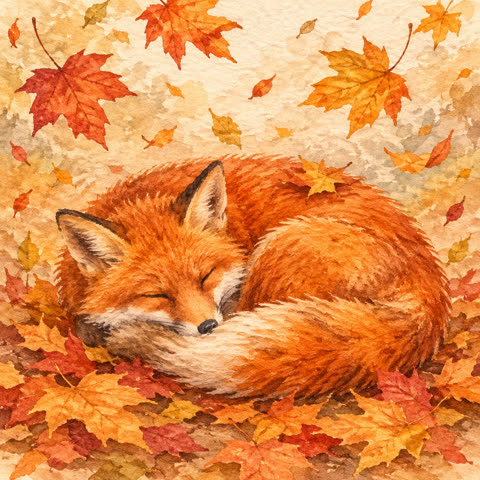
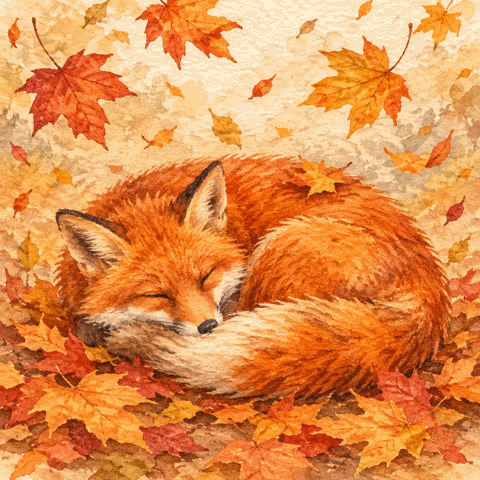
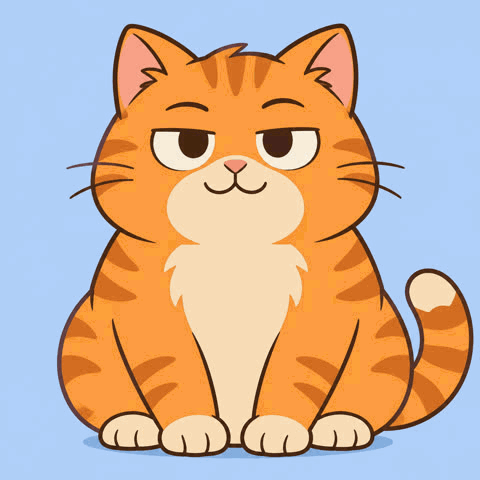
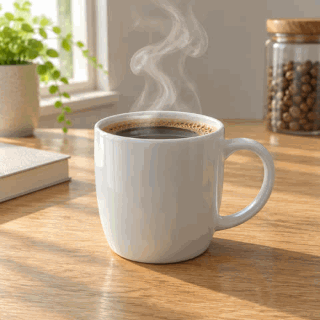
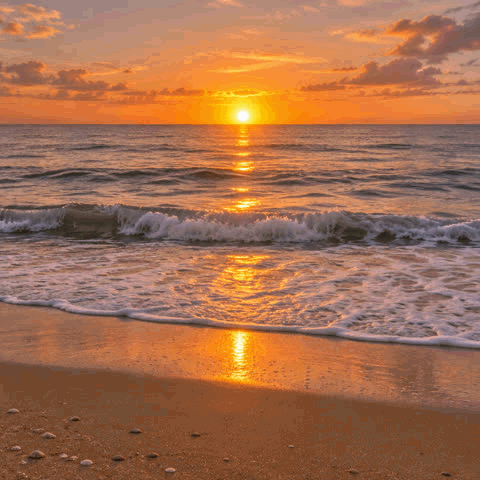
These GIFs were made from our own still photographs and illustrations by the same engine the tool uses: one frame per file, drawn on white because a JPG has no transparency. The settings under each example give the width that was chosen.
 Original
 GIF
A 480 px JPG kept at its own size. The GIF is about twice the JPG's size, because a GIF cannot compress a photograph the way JPG does, and the soft leaf colours are reduced to a 256-colour palette.Settings usedSingle-frame GIF, resized to 640 px wide at most, drawn on a white background, 480 × 480 px.JPG 86 KB (480 × 480 px) → GIF 178 KB (480 × 480 px) 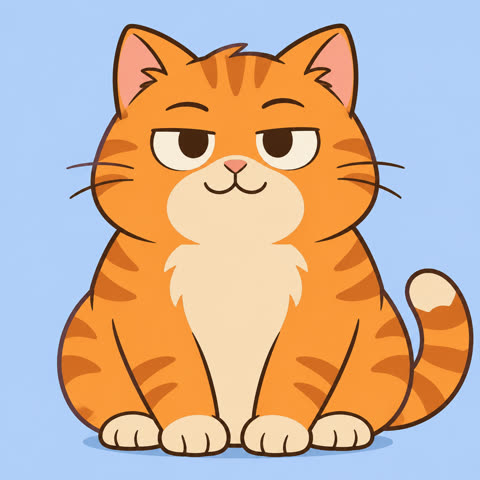 Original
 GIF
Flat illustration colour is the friendly case for GIF. The GIF is about one and a half times the JPG's size.Settings usedSingle-frame GIF, resized to 480 px wide at most, drawn on a white background, 480 × 480 px.JPG 37 KB (480 × 480 px) → GIF 56 KB (480 × 480 px) 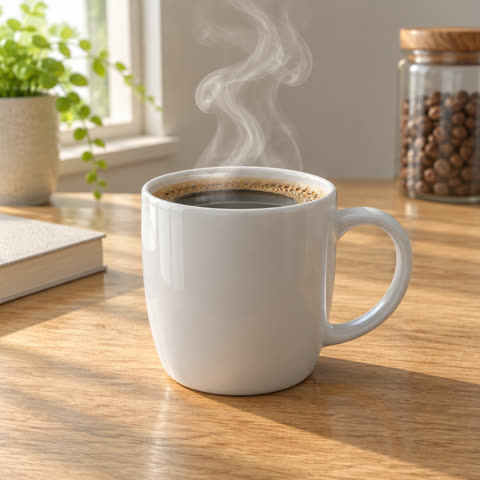 Original
 GIF
The same conversion with the width set to 320 px. The GIF has fewer pixels than the 480 px JPG it came from, and it is still the larger file.Settings usedSingle-frame GIF, resized to 320 px wide at most, drawn on a white background, 320 × 320 px.JPG 30 KB (480 × 480 px) → GIF 47 KB (320 × 320 px) 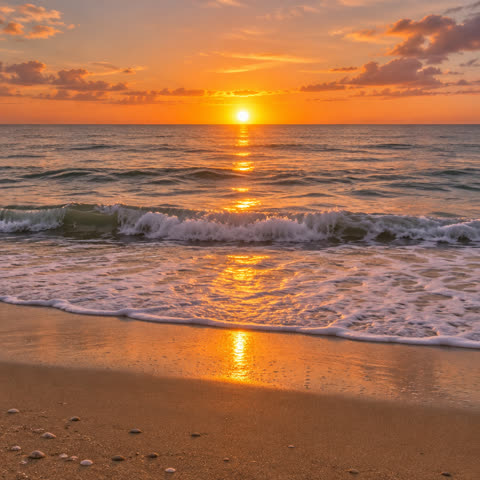 Original
 GIF
A sunset sky is the hard case: gradients need many colours, so a 256-colour GIF shows visible bands. It is the clearest example of why a photo is better kept as a JPG.Settings usedSingle-frame GIF, resized to 640 px wide at most, drawn on a white background, 480 × 480 px.JPG 51 KB (480 × 480 px) → GIF 112 KB (480 × 480 px)
Convert a JPG to a GIF, one file at a time
This page does the plain version of the job: every JPG you drop becomes its own GIF. If you drop five files, you get five GIFs. Each GIF has one frame, because each picture is one picture, and nothing is animated.
Working one file to one file means you can drop a folder of photos at once, convert them in one go and take them as a ZIP. Each file keeps its name with a .gif ending, and duplicate names are kept apart inside the ZIP.
What happens to the colours
A JPG can hold millions of colours. A GIF can hold only 256 in one picture. The tool picks a palette for each picture and maps every pixel to it, which is why smooth gradients can show bands and fine detail can look flatter.
You cannot get the colours back by converting again. Keep your JPG as the original and use the GIF only where a GIF is needed. Pictures with flat colour, such as logos, charts and cartoons, convert much better than photographs.
JPG to GIF, or pictures into one animation
Some visitors want something else: several JPG photos played one after another as a single animated GIF, like a slideshow. That is a different job, and it needs an order, a time for each picture and a transition.
The Image to GIF tool does that. Choose the second mode above and it opens the page for photo slideshows. This page stays focused on turning each JPG into its own GIF.
Related tools
These browser tools help before or after you convert.
- PNG to GIF: the same job for PNG files, with transparency kept.
- Image to GIF: turn several photos into one animated GIF.
- GIF compressor: make a GIF smaller after you convert.
When JPG to GIF helps
A place that only takes GIF
Some uploaders and older tools accept GIF but not JPG.
A batch of photos in one go
Convert a whole folder and download one ZIP.
A flat graphic or cartoon
Illustrations with few colours convert cleanly and can be small.
A first frame to animate later
Make single frame GIFs to bring into another animation step.
A reduced-size copy
Pick 320 or 480 px for a small thumbnail-sized GIF.
How this tool works and its limits
This is what the converter does, and where it stops.
- Your JPG files never leave your device. They are opened and converted in your browser, with no upload and no account.
- Up to 20 JPG or JPEG files at a time, each up to 20 MB. Only JPG is accepted here.
- Each JPG becomes a one frame GIF. For an animation from several pictures, use the Image to GIF tool.
- The GIF is drawn on a white background, because a JPG has no transparency to keep.
- The width starts at 640 px. Choose 800, 480 or 320, or the original width, which is capped at 1024 px on the long side. The tool never scales a picture up.
- A GIF has at most 256 colours per picture, so photographs show banding in gradients. Keep the JPG when quality matters.
- We built and tested the tool in current Chrome. How a particular JPG is read depends on your browser's own image decoder.
Does your browser support this?
This list is checked against the browser you are using right now, by asking it directly. It is not a guess from the browser name.
- Background encoding (Web Workers): checking
Questions, answered
How do I convert a JPG to a GIF?
Drop your JPG files above, check the width, press Convert and download each GIF or the ZIP.
Is the GIF bigger than the JPG?
Often, for photographs. GIF is not built for photo compression. In our examples the GIF was larger every time, and the result always shows both sizes.
Does a JPG to GIF conversion animate anything?
No. Each JPG becomes a one frame GIF. To animate several pictures, use the Image to GIF tool.
Why does my photo look banded?
A GIF holds at most 256 colours per picture. Smooth skies and skin tones need more, so the steps between colours show.
Can I convert JPEG files too?
Yes. JPG and JPEG are the same format with two file endings, and both are accepted.
Are my pictures uploaded?
No. Everything runs in your browser and the files stay on your device.
Related tools
Other tools you may need next.
 Image to GIFFreeCombine several images into one GIF: reorder, set delays, crossfade.
 GIF CompressorFreeMake a GIF smaller: pick a level or a target size such as 256 KB.
 Video to GIFFreeTrim an MP4 or MOV clip, pick a frame rate and width, and make a GIF in your browser.
 MOV to GIFFreeConvert an iPhone or QuickTime MOV to a GIF, with help for HEVC and HDR clips.