Rotate GIF online
Turn an animated GIF by 90, 180 or 270 degrees, or by any angle you type, and flip it horizontally or vertically. The preview shows the real animation as you change the settings. Nothing is uploaded.
Free · no sign-up · runs in your browser
GIF only · up to 25 MB · up to 300 frames · nothing is uploaded
Drop a GIF here
Your new GIF appears here.
How to use it
Drop your GIF
Drop a GIF onto the box or click to choose one. Up to 25 MB and 300 frames.
Rotate or flip
Use Rotate left, Rotate right or 180°, or set an exact angle with the slider or the number field. Flip horizontally or vertically with the toggles. The preview turns live.
Choose the canvas and background
Expand canvas makes the picture bigger so no corner is cut off. Keep size crops to the original frame. Pick a transparent or coloured background for the corners.
Rotate and download
Press Rotate GIF. The new GIF appears next to the preview with its size and dimensions, and Download saves it.
Examples made with this tool
Each example rotates or flips one of our own GIFs with the tool's own rotate code. The original is on the left and the result is on the right.
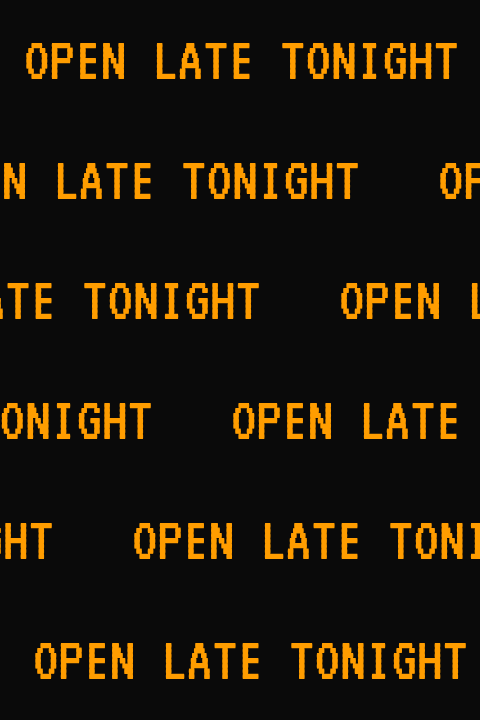 Original
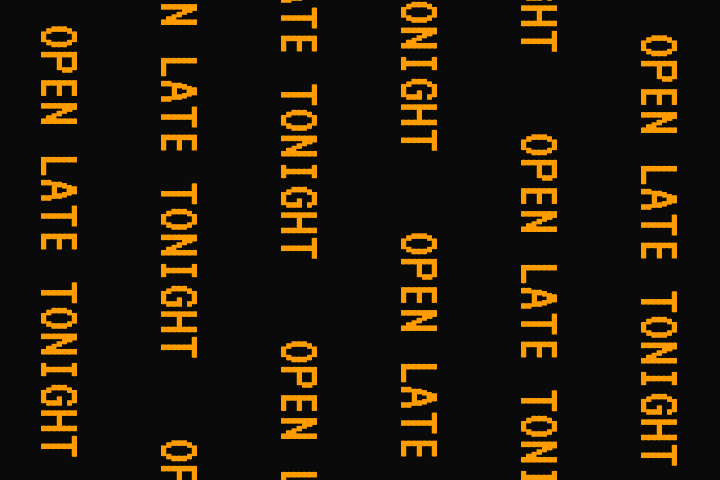 Rotated GIF
A wide 480 by 120 banner rotated 90° clockwise. The canvas expands to 120 by 480 and the scrolling now runs top to bottom.Settings usedRotate 90°, canvas expanded, output 120 × 480 px.GIF 215 KB (480 × 120 px) → GIF 176 KB (120 × 480 px), 57 frames 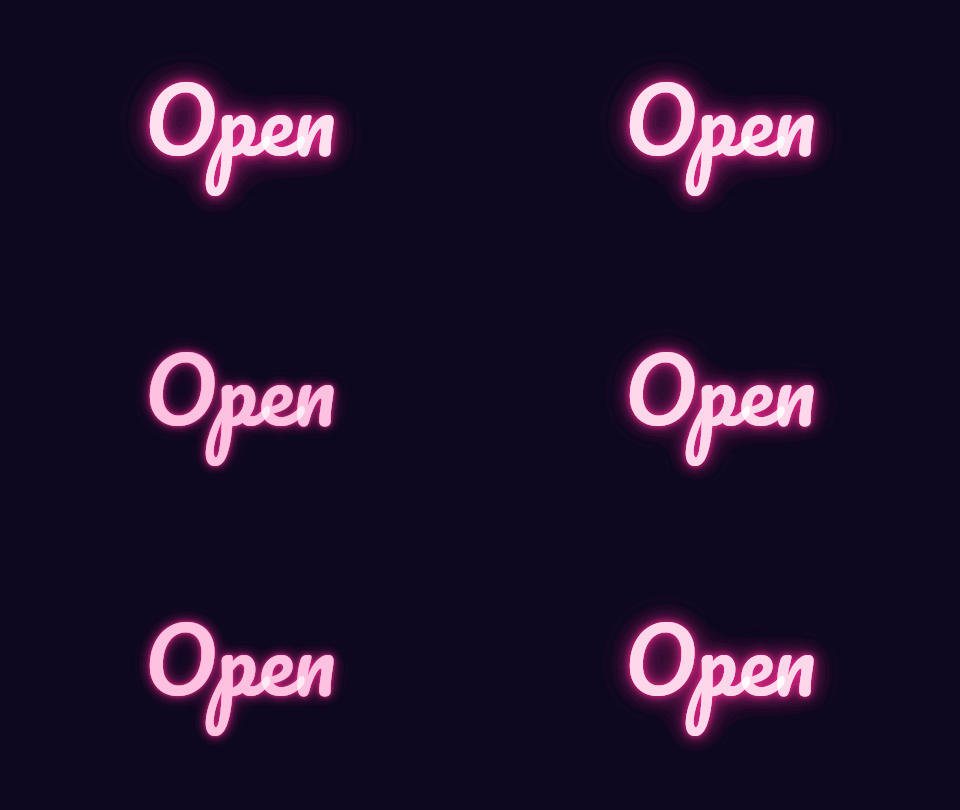 Original
 Rotated GIF
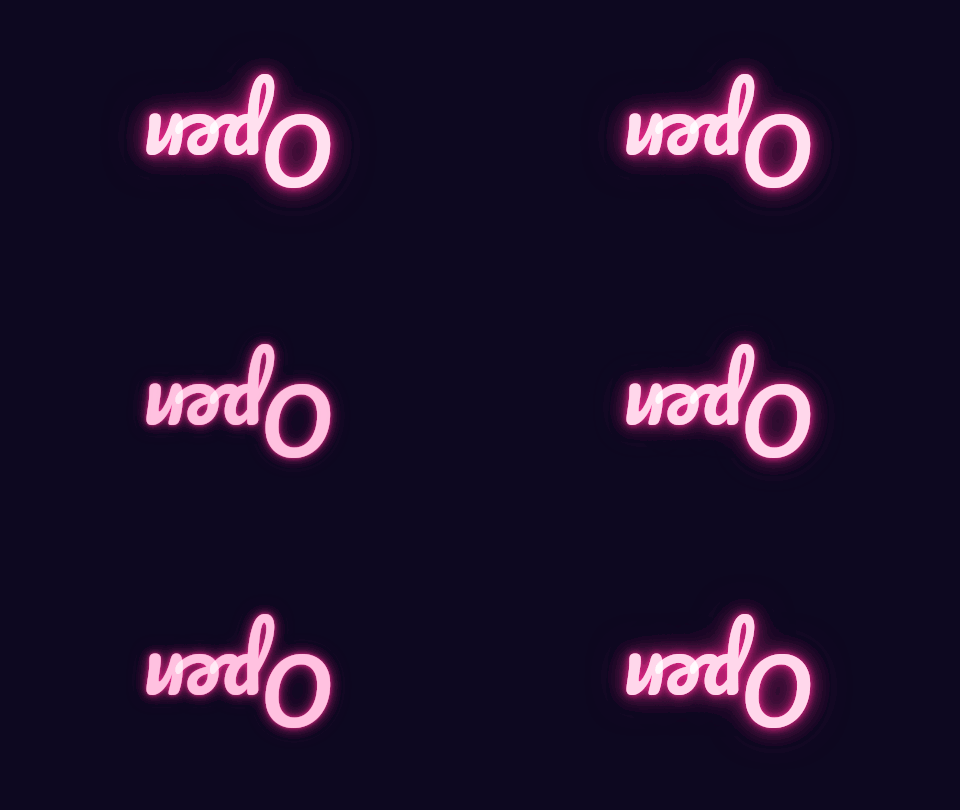
A 180° turn is exact, with no corner gaps. The canvas stays 480 by 270.Settings usedRotate 180°, canvas expanded, output 480 × 270 px.GIF 130 KB (480 × 270 px) → GIF 131 KB (480 × 270 px), 12 frames  Original
 Rotated GIF
A free angle on a transparent GIF with Expand canvas. The canvas grows to hold the tilted picture, and the corners are transparent.Settings usedRotate 15°, canvas expanded, output 392 × 392 px.GIF 168 KB (320 × 320 px) → GIF 197 KB (392 × 392 px), 23 frames 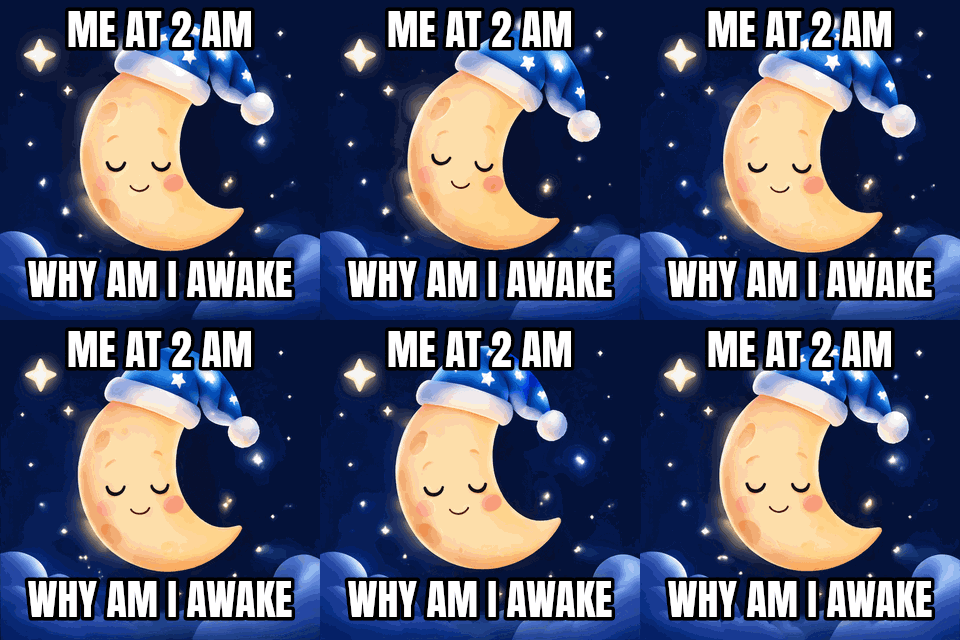 Original
 Rotated GIF
Flip horizontally with no rotation. The moon faces the other way, and the text on it is mirrored, so check before you flip a GIF with words.Settings usedRotate 0°, flipped horizontally, canvas kept at the original size, output 320 × 320 px.GIF 320 KB (320 × 320 px) → GIF 320 KB (320 × 320 px), 16 frames
How to rotate a GIF
Load the GIF and use the buttons. Rotate left and Rotate right turn it by 90° each press, and 180° turns it upside down. For anything else, drag the angle slider or type a number from 0 to 359. The preview shows your real GIF, still animated, turned the same way, inside a dashed box that shows the output size.
The angle is clockwise. Press Rotate GIF when it looks right. Every frame is redrawn with the same turn and the new GIF is written in your browser, keeping each frame's delay.
Flip a GIF
Flipping mirrors the picture. Flip horizontally swaps left and right, like a reflection in a vertical mirror; flip vertically swaps top and bottom. Use them to change the direction something faces or moves: a character looking left can look right, and a banner scrolling left can scroll right.
Flip and rotate can be combined, and the flip happens first, in the picture's own directions, and then the rotation. Text will be mirrored by a flip, so do not flip a GIF with words in it unless you want that. If you only want to reverse the order of frames, that is the speed changer's Reverse option, not a flip.
Rotate by an exact angle: expand or crop
A picture turned by 90° swaps width and height and fits exactly. At any other angle the corners of the turned picture poke outside the original frame. Expand canvas grows the frame to the smallest box that holds the turned picture, which leaves empty corners. Keep size leaves the frame where it was and cuts off whatever sticks out.
The empty corners are transparent by default. Pick a colour instead if the GIF will sit on a flat background. Output is limited to 1024 px on the longer side, so a big GIF is scaled down evenly if the expanded box would be bigger.
Other tools for the same GIF
These tools handle what usually comes next.
- GIF cropper: trim the empty corners or part of the picture after rotating.
- GIF resizer: set exact dimensions for the rotated GIF.
- GIF speed changer: reverse the order of frames or change the speed.
When rotating or flipping a GIF helps
A GIF saved sideways
Turn a phone recording that came out on its side back upright.
A tall version of a banner
Rotate a scrolling banner by 90° for a vertical space.
Changing the direction of motion
Flip a GIF so a character faces or moves the other way.
A tilted sticker
Rotate by 10 or 15 degrees for a casual, playful look.
A mirror image
Make a mirrored copy of a GIF for a symmetrical layout.
How this tool works and its limits
This is what the tool does, and where it stops.
- Your GIF never leaves your device. It is opened, rotated and re-encoded in your browser, with no upload and no account.
- GIFs up to 25 MB and 300 frames are accepted, and the output is capped at 300 frames, 30 seconds and 1024 px on the longer side.
- Angles are whole degrees from 0 to 359, clockwise. 90, 180 and 270 are exact; other angles are smoothed, and edges may be slightly soft.
- GIF has no partial transparency: the edges of a tilted picture are blended with a matte colour, and the corners are fully transparent or your chosen colour.
- The frames keep their own delay. The rotated GIF is a fresh encode with one shared palette of up to 256 colours.
- The preview rotates the original GIF with CSS, so it moves with your changes. The exported file is made by redrawing every frame.
- We built and tested the tool in current Chrome. Buttons, sliders and number fields work with a keyboard.
Does your browser support this?
This list is checked against the browser you are using right now, by asking it directly. It is not a guess from the browser name.
- GIF files: checking
- Background encoding (Web Workers): checking
Questions, answered
How do I rotate a GIF?
Drop the GIF above, press Rotate left or Rotate right, or set an angle, and press Rotate GIF. Download saves the new GIF.
How do I flip a GIF horizontally?
Turn on Flip horizontally and press Rotate GIF. A vertical flip works the same way with the vertical toggle.
Can I rotate a GIF by a free angle?
Yes, by any whole number of degrees from 0 to 359. Choose Expand canvas to keep every corner of the picture, or Keep size to crop to the original frame.
What happens to the corners when I rotate by a free angle?
They are empty. By default they are transparent; you can fill them with a colour instead.
Does rotating keep the animation timing?
Yes. Every frame keeps its own delay.
Is my GIF uploaded?
No. The GIF is rotated on your device. Nothing is sent to a server and you need no account.
Related tools
Other tools you may need next.
 GIF CropperFreeCrop a GIF with a draggable box or exact numbers, in a free shape or a set ratio.
 GIF ResizerFreeResize a GIF to an exact width and height, a percentage or a square emoji.
 GIF Speed ChangerFreeSpeed up, slow down or reverse any GIF and keep its timing.
 Add Text to GIFFreeCaption a GIF or short MP4 with several text layers and per-layer frame ranges.