GIF to JPG converter
Pick a frame of your GIF, choose a background colour for any transparent areas, set the quality and save a JPG. JPG has no transparency, so the colour you pick is what shows. Nothing is uploaded.
Free · no sign-up · runs in your browser
GIF only · up to 25 MB · up to 300 frames · nothing is uploaded
Your new GIF appears here.
How to use it
Drop your GIF
Drop a GIF onto the box or click to choose one. It can be up to 25 MB and 300 frames and is opened in your browser.
Pick the frame
Use the slider or the arrow buttons to choose the frame. The preview already shows the background colour, so you see the JPG before you make it.
Choose the background and quality
Pick a colour with the colour field or one of the swatches, and set the quality from 50 to 100. A lower quality gives a smaller file with some blur around edges.
Make the JPG and download
Press Save this frame as JPG. The result appears with its size, and Download saves a file named like your GIF with the frame number.
Examples made with this tool
Each example takes one frame of one of our own GIFs and saves it as a JPG with the background and quality shown. The GIF is on the left and the JPG on the right.
 Original
 JPG
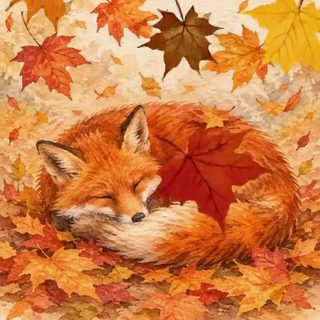
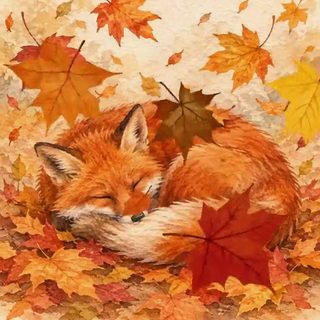
A GIF with no transparency saved at quality 90. The background colour does not matter here, because every pixel is already opaque.Settings usedFrame 12, background #ffffff, JPG quality 90.GIF 719 KB (320 × 320 px) → JPG 24 KB (320 × 320 px)  Original
 JPG
A transparent sticker saved with a white background at quality 85. The see-through area becomes white, so the JPG looks like a normal photo-style picture.Settings usedFrame 7, background #ffffff, JPG quality 85.GIF 276 KB (320 × 320 px) → JPG 18 KB (320 × 320 px) 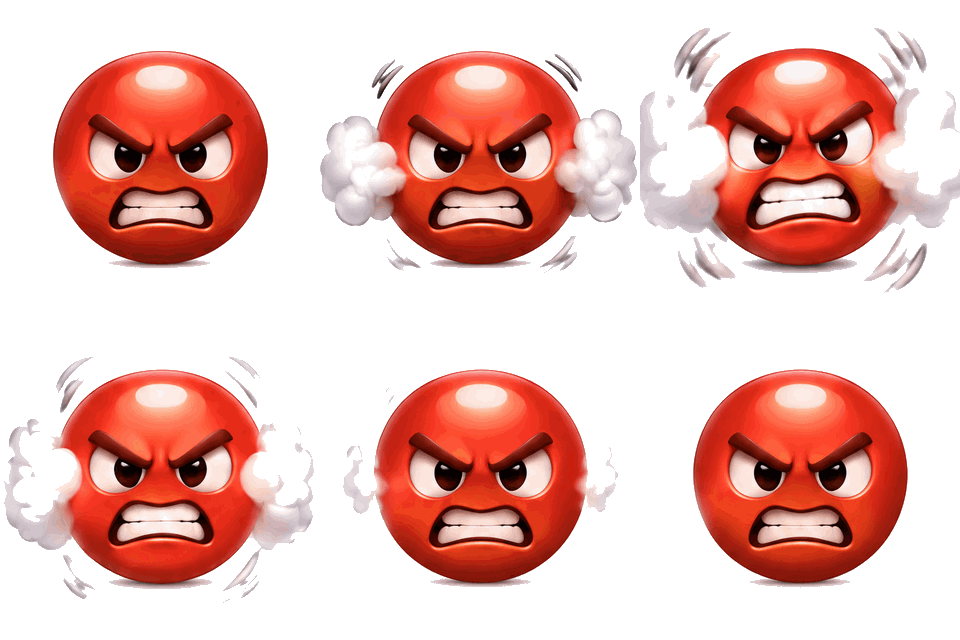 Original
 JPG
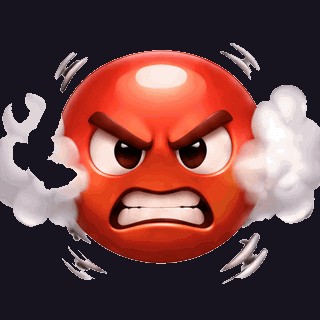
The same kind of transparent sticker on a dark background (#17141f) at quality 90. Choose a background that matches where the picture will be used.Settings usedFrame 5, background #17141f, JPG quality 90.GIF 349 KB (320 × 320 px) → JPG 24 KB (320 × 320 px) 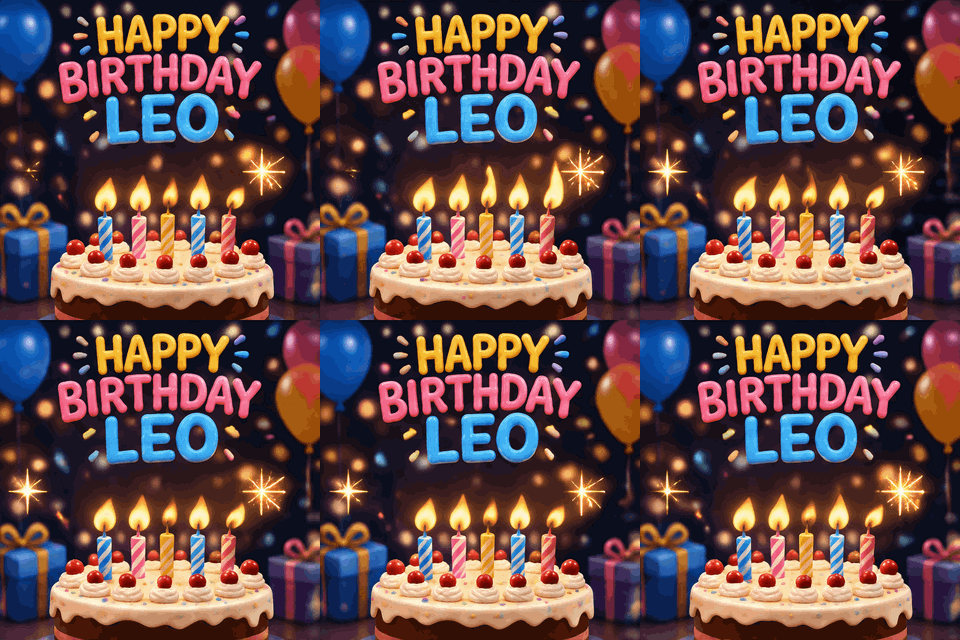 Original
 JPG
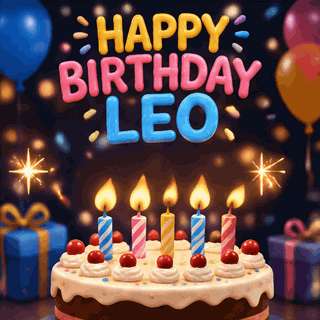
Quality 60 for a smaller file. It is fine for a preview or a thumbnail; zoom in on the edges and you can see the compression.Settings usedFrame 9, background #ffffff, JPG quality 60.GIF 768 KB (320 × 320 px) → JPG 18 KB (320 × 320 px)
How to convert a GIF to a JPG
A JPG is one picture, so a GIF has to become one frame. Choose the frame with the slider, check it in the preview, and press the button. The tool draws the frame onto a canvas filled with your background colour and saves that canvas as a JPEG. The result is a normal .jpg file that opens anywhere.
If the GIF has no transparency, you can leave the background alone. If it has, the next section matters, because the colour you pick replaces every see-through pixel.
Pick a background colour for transparent GIFs
JPG cannot be see-through. A transparent GIF saved with no background would show black in many programs, which is almost never what you want, so this tool always paints a colour first. White is the default and suits most pages and documents. Use the swatches for white, black or a warm paper tone, or type any colour with the colour field.
The preview above updates as you change the colour, so you can try a few and pick one that matches the page the picture is going on. If you need the transparency, save a PNG instead with the GIF to PNG tool.
Quality and file size
JPG is lossy: it saves space by discarding detail the eye is less likely to miss. The quality slider runs from 50 to 100. Around 85 to 90 is hard to tell from the original on most pictures; 60 is visibly softer but much smaller. Flat artwork with sharp edges, such as cartoon stickers, shows JPEG blur more than photographs do, so keep the quality higher for it.
The size shown after saving is the real file size. If it is bigger than you want, lower the quality a notch or choose a smaller size from the Size menu and save again; both are quick.
Other tools for the same GIF
These tools do related jobs with a GIF.
- GIF to PNG to keep transparency: save a frame with the see-through background intact.
- GIF splitter for many frames: download a selection of frames as a ZIP of JPG or PNG files.
- GIF compressor: make the animation itself smaller.
When GIF to JPG helps
A forum or form that rejects GIF
Some upload fields take JPG and not GIF. Save a frame and upload that.
A small preview image
JPG files are small. Use a frame at quality 70 to 80 as a thumbnail.
An email or document picture
Drop a still of the moment into a message where an animation would not play.
A print-friendly picture
JPG is the format printers and photo sites expect, with a solid background.
A product or profile picture
Take one good frame of an animated sticker and place it on a colour of your choice.
How this tool works and its limits
This is what the tool does, and where it stops.
- Your GIF never leaves your device. The frame is drawn and encoded in your browser, with no upload and no account.
- GIFs up to 25 MB and 300 frames are accepted. The JPG is limited to 4096 px on the longer side.
- JPG has no transparency. Every transparent pixel becomes the background colour you pick, so the picture will have a solid background.
- Quality runs from 50 to 100. The JPG is lossy, so saving a frame as JPG and then editing and re-saving it loses a little more each time.
- One frame per press. Use the GIF splitter for several.
- The JPG is a still. It does not animate; keep the GIF for that.
- We built and tested the tool in current Chrome. The colour you see in the preview is the colour that is saved.
Does your browser support this?
This list is checked against the browser you are using right now, by asking it directly. It is not a guess from the browser name.
- GIF files: checking
Questions, answered
How do I convert a GIF to a JPG?
Drop the GIF above, choose the frame, pick a background colour and quality and press Save this frame as JPG. Download saves the file. Everything runs in your browser.
What happens to a GIF's transparent background in a JPG?
JPG cannot hold transparency, so it is replaced with the colour you choose. White is the default. Use GIF to PNG if you need the see-through background.
Is there a difference between JPG and JPEG?
No. They are the same format. The file name ends in .jpg, which is the shorter, more common spelling.
What JPG quality should I use?
Use 85 to 90 for pictures you care about and 60 to 70 for previews and thumbnails. Lower numbers give smaller files and softer detail.
Can I turn the whole GIF into JPG files?
Yes, with the GIF splitter: choose JPG as the format and download a ZIP with one file per frame.
Does converting a GIF to JPG send my file anywhere?
No. The picture is drawn on a canvas in your browser tab and encoded there, so the GIF stays on your computer or phone. You do not need an account either.
Related tools
Other tools you may need next.
 GIF to PNGFreeScrub to one frame of a GIF and save it as a PNG with transparency kept.
 GIF ResizerFreeResize a GIF to an exact width and height, a percentage or a square emoji.
 Video to GIFFreeTrim an MP4 or MOV clip, pick a frame rate and width, and make a GIF in your browser.
 MOV to GIFFreeConvert an iPhone or QuickTime MOV to a GIF, with help for HEVC and HDR clips.