Logo GIF Maker
Upload your logo and give it motion: bounce, shine sweep, spin and return, pulse, wiggle or float. The free tab keeps your artwork pixel-exact and can make the background transparent. Two more tabs use AI to redraw lettering or add micro-motion to a product photo, for 1 credit each.
Free tool in your browser · AI tab: 1 credit per GIF, account needed
Upload a logo to see it move.
Built in your browser. No upload, no sign-up, no watermark.
How to use it
Upload your logo
Drop a PNG, JPG or WebP of up to 10 MB. A logo with a transparent background keeps it; a flat background can be removed with one tick. No logo handy? Try one of our two sample logos.
Choose a motion
Pick bounce, shine, spin, pulse, wiggle or float, then set the speed from 0.6 to 3 seconds per loop and how strong the movement is.
Set size and background
Choose a square size from 256 to 480 pixels or a wide 480 by 270 frame, set the padding, and pick a solid background or a transparent one with a matte colour.
Download the logo GIF
Press Download GIF. It loops forever by default; untick Loop to play once. For AI redrawing, open the Logo and lettering tab, or the Product photo tab for a pack shot.
Examples made with this tool
Four logo GIFs from the free tab, on a still logo we generated. Then four AI examples: two lettering redraws and two product photos moved by the video engine. Fictional brands only.
 seamless
Free tab · bounce with the background keyed out, so the GIF is transparent. White matte, 1.4 s loop.Settings usedBounce · 1.4 s loop · 320 × 320 px · plain background removed, transparent23 frames · 168 KB · 1.4 s loop  seamless
Free tab · shine sweep with the background keyed out. The shine is clipped to the logo's shape.Settings usedShine sweep · 1.6 s loop · 320 × 320 px · plain background removed, transparent27 frames · 131 KB · 1.6 s loop  seamless
Free tab · spin and return on a white background, finishing facing front so the loop is seamless.Settings usedSpin and return · 1.6 s loop · 320 × 320 px · white background27 frames · 123 KB · 1.6 s loop  seamless
Free tab · wiggle, a few small rotations that settle back to rest.Settings usedWiggle · 1.4 s loop · 320 × 320 px · white background23 frames · 129 KB · 1.4 s loop 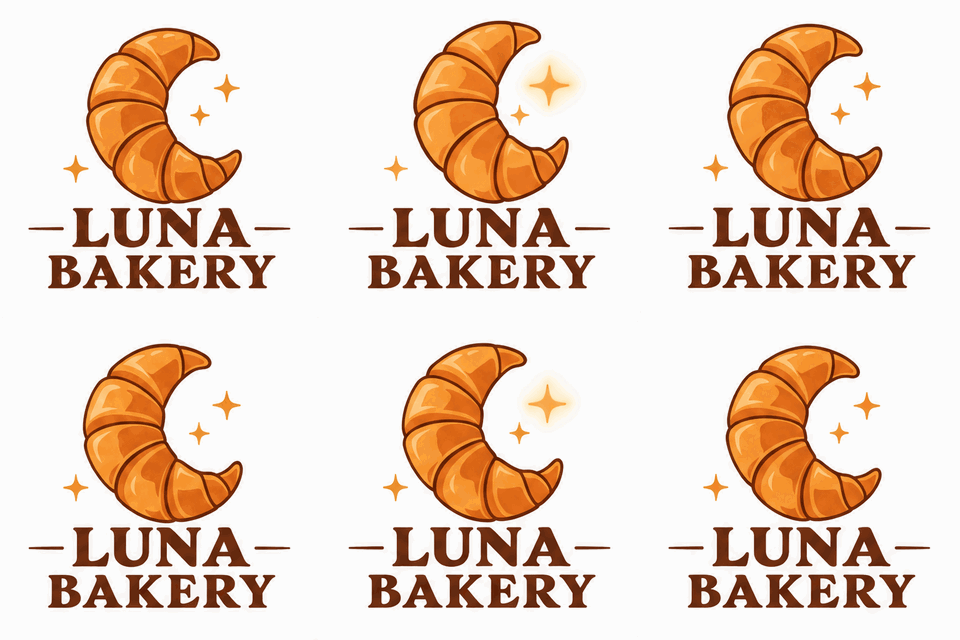 seamless
AI Logo and lettering tab. The prompt asked to keep the text exactly the same.Settings usedAnimate this logo: the croissant moon gently rocks and a small sparkle twinkles, then everything returns to the start. Keep the text exactly the same.16 frames · 375 KB GIF · 320 px wide · 1 credit 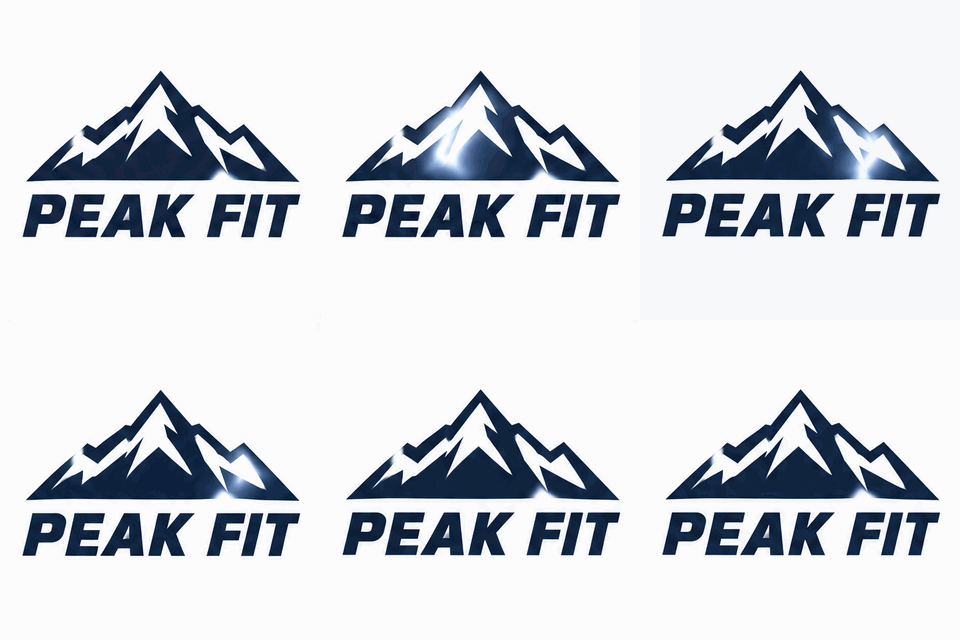 seamless
AI Logo and lettering tab, uploaded logo and a shine motion.Settings usedAnimate this logo: a shine sweeps across the mountain icon from left to right, then returns to the start. Keep the text exactly the same.16 frames · 232 KB GIF · 320 px wide · 1 credit - seamless
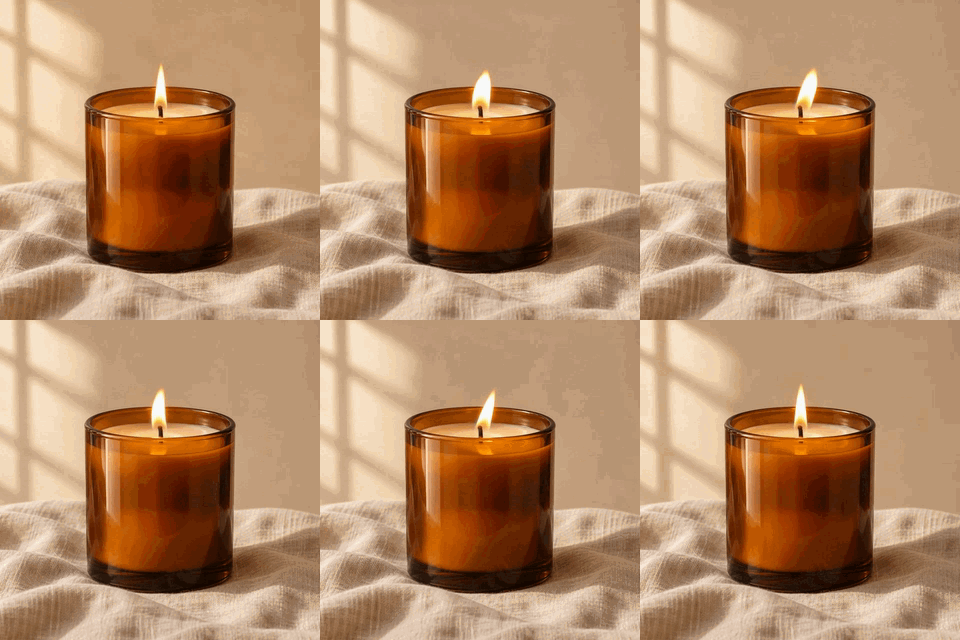
Product photo tab, video engine. Plays as MP4 with a GIF download.Settings usedThe candle flame flickers softly and the light glows gently. Keep the candle and background unchanged.MP4 43 KB · GIF 998 KB · 38 frames at 320 px · about 3 s loopDownload the GIF (1.0 MB) - seamless
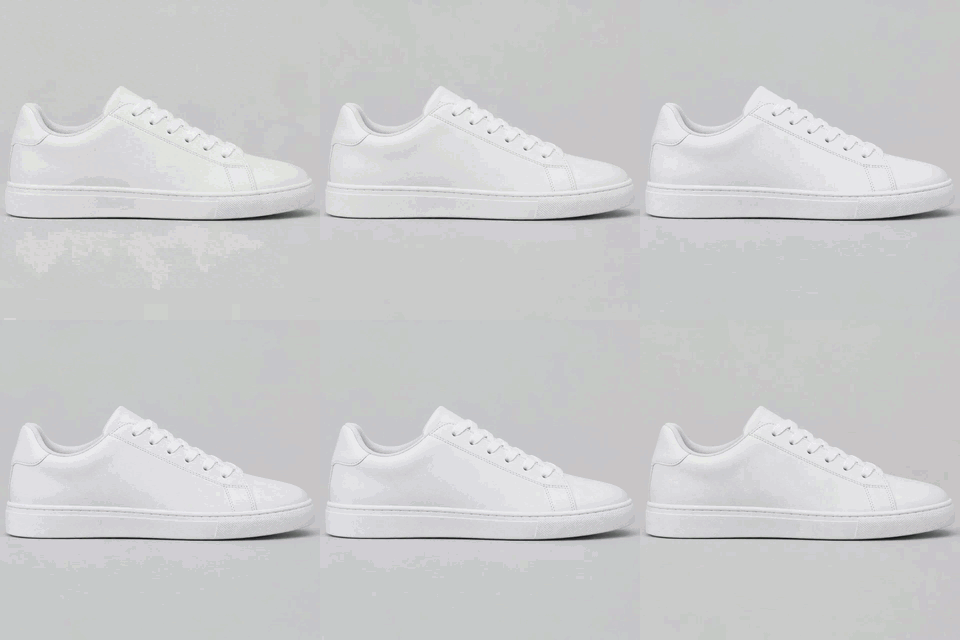
Product photo tab, video engine. The shoe is kept unchanged.Settings usedThe sneaker slowly turns a few degrees and back while soft light glints across it. Keep the shoe unchanged.MP4 25 KB · GIF 366 KB · 38 frames at 320 px · about 3 s loopDownload the GIF (0.4 MB)
Free logo motion that never changes your artwork
The free tab does not redraw anything. It takes your exact pixels and moves, scales, rotates or lights them with a formula, so the letters, colours and shapes stay precisely as you designed them. That is the difference from the AI tab, where a model repaints the logo and may alter details.
Each motion is built to return to where it started, so the first and last frames match and the GIF loops without a jump. Bounce is two hops with a small squash and stretch. Shine sweeps a soft diagonal band across the logo and rests. Spin turns once around the vertical axis, eased, and settles facing front. Pulse swells and relaxes. Wiggle shakes three times inside a fade-in-and-out envelope. Float rises gently and sinks back.
Animated logo GIF with a transparent background
If your PNG already has transparency, it is kept. If your logo sits on a flat white or light background, tick Remove plain background and the tool floods inward from the edges to clear it, with a tolerance slider and a soft edge. The result is written as a GIF with a transparent colour, so it can sit on any page.
GIF transparency is on or off, so soft edges blend toward a matte colour. Choose the colour of the page the logo will sit on. For a dark site, pick a dark matte; for a white page, white. A logo with a gradient or a drop shadow in its background will key less cleanly than a flat one.
When to use the AI tabs instead
Use Logo and lettering when you want the model to add motion the formulas cannot: a croissant that rocks while a sparkle twinkles, a neon sign that flickers, a banner with bouncing stars. It uses the same image engine as Text to GIF, keeps text legible, and gives a 16-frame GIF. It can change details, so check every frame.
Use Product photo when you have a photo of an object and want a subtle loop: a candle flame, a shoe catching the light. It uses the video engine and returns an MP4 you can also export as a GIF. Both AI tabs cost 1 credit and need a signed-in account. Photos of real people are not supported.
Product GIF ideas
A product GIF is a pack shot with one small movement. A candle flame flickers, a bottle glints, a shoe turns a few degrees. Keep the motion subtle, because a shop page may show several at once. Use the free tab for a logo or badge on a product page, and the product tab for the object itself.
For a slideshow of several product photos with fades, use the free image to GIF converter. To label a product GIF with a price, add text to it afterwards.
Related tools
Other pages that work well with a logo GIF.
- Animate Photo with AI: move a pet, a drawing or a still scene with the video engine.
- Image to GIF converter: turn several product photos into one GIF with fades, free.
- Add text to a GIF: put a price or a tagline on your logo GIF.
What people animate logos for
Email signatures and newsletters
A gentle pulse or shine on the logo in a header catches the eye without a video.
Website and shop badges
A small transparent GIF sits on top of a hero image or next to a price.
Social profile and story stickers
A bouncing logo on a square canvas makes a simple branded sticker for a story or a post.
Slides and video intros
Export transparent and drop it onto a title slide or the start of a clip.
Product listings
Add a subtle loop to a product photo for a page that supports GIFs.
How this tool works and its limits
The three tabs have different limits.
- The free tab runs in your browser. Your logo is not uploaded, no account is needed and no watermark is added.
- Upload a PNG, JPG or WebP of up to 10 MB. Images larger than 1,600 pixels on the long side are scaled down. SVG is not accepted; export a PNG first.
- The canvas is 256, 320 or 480 pixels square, or 480 by 270. The loop lasts 0.6 to 3 seconds at 6 hundredths of a second per frame, never more than 150 frames.
- Transparent GIFs have on-off transparency, so soft edges blend toward the matte colour you pick. Removing a plain background works on flat colours and leaves shadows and gradients.
- The Logo and lettering tab and the Product photo tab need a signed-in account and cost 1 credit each. Failed jobs are refunded. The AI tabs accept JPEG, PNG or WebP of up to 4 MB and crop to a square.
- The lettering engine draws 16 frames at about 512 pixels and can alter your logo, so check every frame. The product engine makes a loop of about 3 seconds that ends on your original frame.
- No photos of real people, and use only logos and images you have the right to use. No claims are made about the sizes any website or app accepts.
Questions, answered
How do I make a logo GIF?
Upload your logo on the free tab, choose a motion, set the size and background and press Download GIF. It is built in your browser.
Can I make an animated logo GIF with a transparent background?
Yes. A PNG with transparency keeps it. For a flat background, tick Remove plain background. Choose a matte colour that matches the page where you will use the GIF.
Does the free tab change my logo?
No. It moves your exact pixels. Motion is applied with formulas, so nothing is redrawn. The AI tab, by contrast, repaints the logo with a model.
Is it free?
The free tab is free, needs no sign-up and adds no watermark. The Logo and lettering and Product photo tabs cost 1 credit per GIF.
Can I make a product GIF from a photo?
Yes, on the Product photo tab. Upload a photo of an object and describe the small motion you want, such as a flame flickering. It uses the video engine and returns an MP4 and a GIF export. Photos of real people are not supported.
Which format should my logo be in?
A PNG with a transparent background gives the cleanest result. JPG and WebP work too. If you only have an SVG, export it as a PNG at 512 pixels or more first.
Related tools
Other tools you may need next.
 Animate Photo1 creditBring one still photo to life as a seamless loop GIF with AI.
 Image to GIFFreeCombine several images into one GIF: reorder, set delays, crossfade.
 Add Text to GIFFreeCaption a GIF or short MP4 with several text layers and per-layer frame ranges.
 AI Sticker Generator1 creditDescribe a sticker and get an animated GIF, with transparent GIF and PNG export.