GIF maker tools
These are the tools for making a GIF when you are starting from something other than a GIF: a set of pictures, a caption idea, a logo file or a person to wish a happy birthday. Each one runs in your browser, so your images stay on your device, and each has an AI tab or an AI link for the times you would rather describe the result than build it by hand.
Image to GIF is the general one. Drop several pictures, put them in order, set how long each stays on screen and, if you like, add a crossfade between them. The result is one GIF. The meme GIF maker puts top and bottom captions on a loop, with a gallery of templates we made ourselves, and the logo GIF maker adds motion such as a bounce, a shine or a spin to an uploaded logo, with a transparent background when you need one.
The birthday maker is the quickest of the group: type a name, choose a style and download. It also has anniversary and thank-you styles. If your starting point is a video, a WebP file or a single PNG instead, the Convert group has the matching tool, and if you already have a GIF that needs changing, the Edit group is where cutting, cropping and speeding up live. The chat-app makers are the Discord emoji maker, the Twitch emote maker and the Slack emoji maker. Each one crops a square, applies that service's frame and size limits and checks the result before you download it.
Every free tool here has the same limits in plain view on its page: how many frames, what file size, what it keeps and what it drops. None of them adds a watermark, and none needs an account. Pick the one that matches what you have in hand, and use the related links at the bottom of each page to carry on to compressing or resizing the result. If you are unsure where to begin, begin with the thing you already own. A folder of photos points to Image to GIF, a logo file to the logo maker, a name to the birthday maker. Starting from your own material usually gives a better result than starting from a template, and the preview in each tool shows the loop before you export, so you can change the timing or the order and see the effect straight away.
The 7 tools in this group
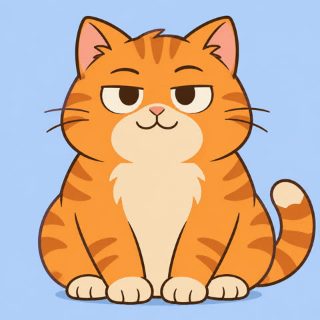 Image to GIFFreeCombine several images into one GIF: reorder, set delays, crossfade.
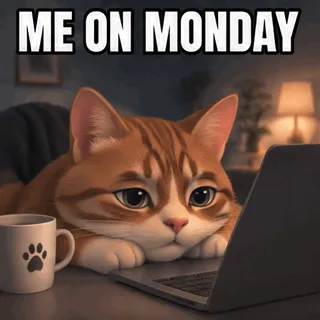 Meme GIF MakerFree + AICaption reaction loops or your own GIF free, or generate an AI meme with an exact caption.
 Logo GIF MakerFree + AIBounce, shine or spin an uploaded logo free, with transparent background. AI lettering tab too.
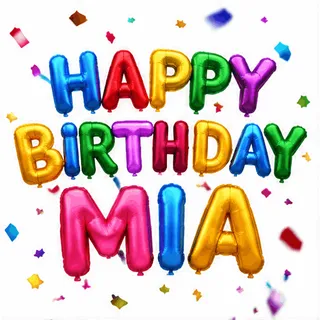 Happy Birthday GIF MakerFree + AIType a name, pick a style and download a happy birthday GIF free, plus an AI tab for cakes and balloons.
 Discord emoji makerFree + AIMake a Discord emoji from a GIF, video, image or word: square, 128 px and under the size limit.
 Twitch emote makerFree + AIMake a Twitch emote: one GIF, or 28, 56 and 112 px in a ZIP, with a flashing check.
 Slack emoji makerFree + AIMake a custom Slack emoji: square, under the size and frame limits, transparent where you want it.
Questions, answered
What is the easiest way to make a GIF?
If you have pictures, use Image to GIF: drop them in, set a delay and download. If you have a video clip, use the video to GIF converter in the Convert group. If you only have an idea, the Text to GIF page can render typed text for free or describe a GIF to an AI model.
Do these GIF makers add a watermark?
No. The free tools produce a plain GIF with no logo or watermark added. They also need no account, and your files are processed in the browser rather than uploaded.
Can I make a GIF with a transparent background?
Yes, in several tools. The logo GIF maker and the text tools have a transparent option, and PNG to GIF keeps the transparency of each PNG. GIF only has one fully transparent colour, so soft edges are blended with a matte colour you choose.
How big can the GIF be?
It depends on the tool, and each page lists its own limits. The image tool and the text tools cap the frame count to keep files a sensible size. After making a GIF, the compressor can shrink it to a target such as 256 KB.