Meme GIF Maker
Make a meme GIF in two ways. Pick a reaction loop we made, or drop in your own GIF or MP4, and add top and bottom captions in the classic white-on-black style, free in your browser. Or open the AI meme tab and let AI draw the animal, the scene and your exact caption for 1 credit.
Free tool in your browser · AI tab: 1 credit per GIF, account needed
Your GIF appears here. Add a file to start.
Drag a text layer on the preview to place it. With the preview focused, arrow keys nudge the selected layer by 1 percent, Shift by 5.
Encoding happens in your browser when you click Download. Frame timing and the real size of your GIF are kept. Nothing is uploaded.
How to use it
Pick a template or upload
Choose one of the eight reaction loops in the gallery, or drop your own GIF (up to 15 MB) or MP4 (up to 15 seconds are used). The tool shows its real size and frame count.
Write the caption
The meme preset is already in place: Anton, white fill, black outline, uppercase, one line at the top and one at the bottom. Click a line, type your joke and drag it if you want it elsewhere.
Time it
Each caption has a first and last frame, so you can show the setup on the first half and the punchline on the second. The original frame timing is kept.
Download, or go AI
Download the captioned GIF at its original width, 480 or 320 pixels. For a new meme character instead, use the AI meme tab: type the caption, choose a scene and generate.
Examples made with this tool
Two memes captioned with the free editor on our own reaction loops, then six AI memes where the model drew the caption too. The AI examples show the prompt and the exact caption we sent.
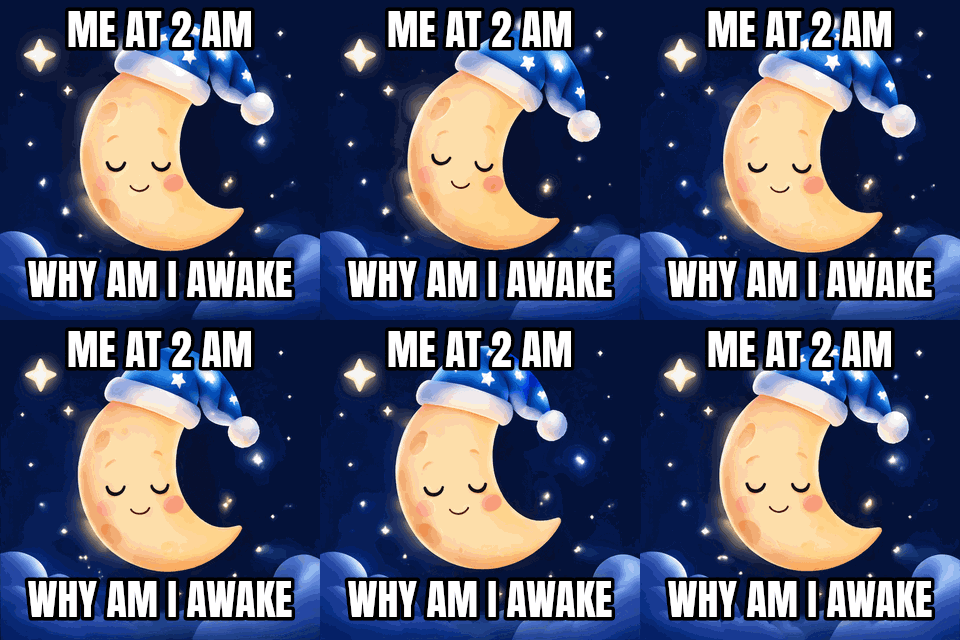 seamless
Free editor, meme preset: Anton, white fill, black outline, uppercase, top and bottom layers on a loop we made.Settings usedMeme preset: Anton, white fill, black outline, uppercase · top and bottom layers · original width16 frames · 320 KB · 1.6 s loop 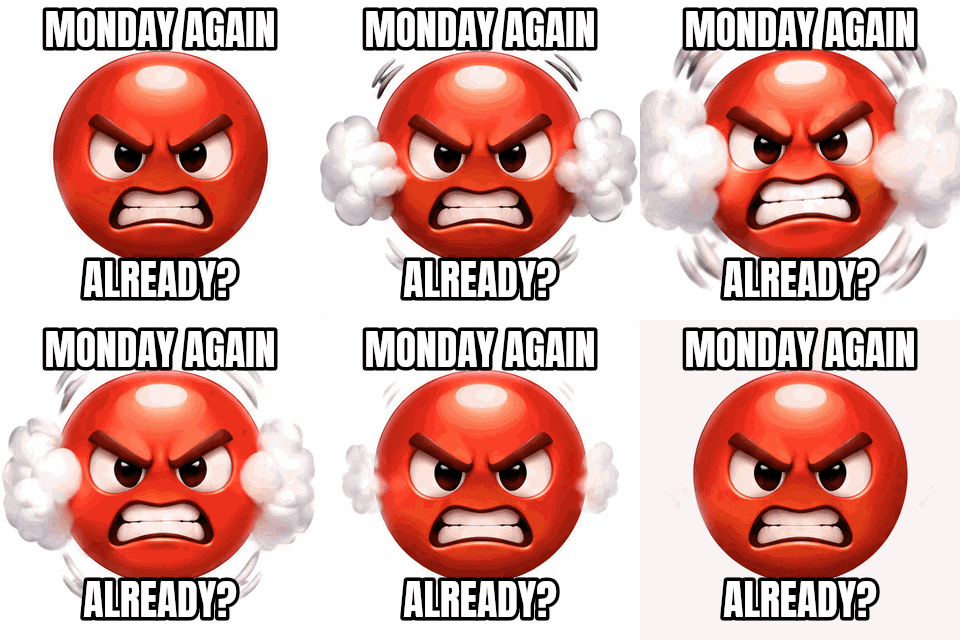 seamless
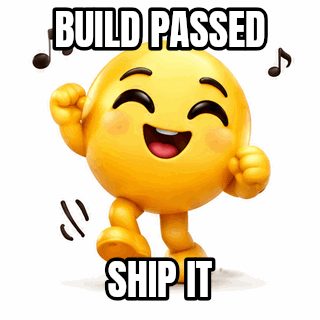
Free editor, meme preset on an emoji reaction loop. The original timing is kept.Settings usedMeme preset: Anton, white fill, black outline, uppercase · top and bottom layers · original width16 frames · 316 KB · 1.6 s loop 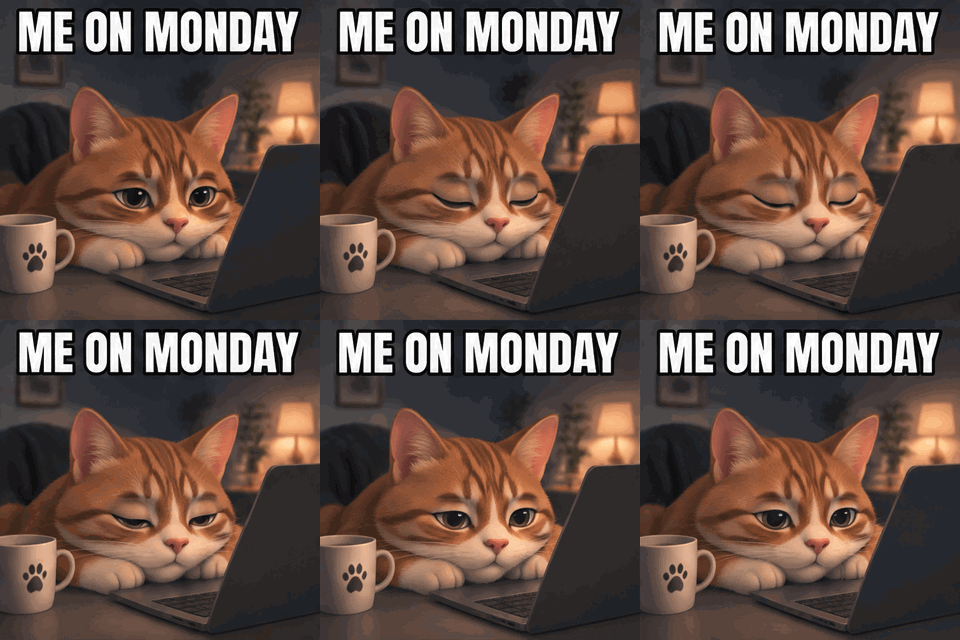 seamless
AI meme · caption at the top. The exact text was passed to the model separately from the scene.Settings usedA sleepy cartoon cat slumped over a laptop, eyes slowly closing and opening, classic meme layout with bold white caption text with black outline at the top. Exact text: "ME ON MONDAY".16 frames · 719 KB GIF · 320 px wide · 1 credit 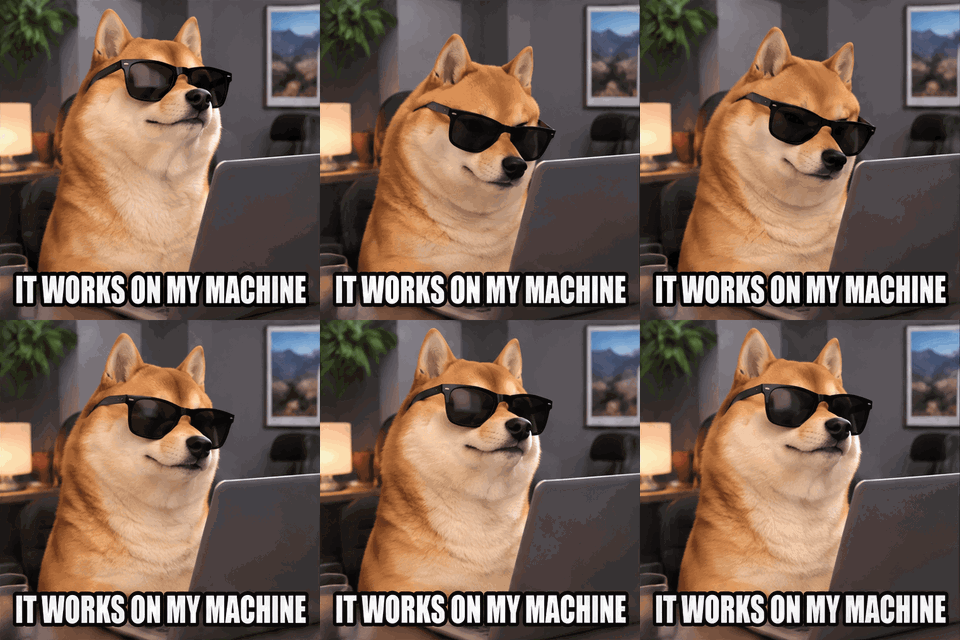 seamless
AI meme · caption at the bottom, a longer line that still fits on one row.Settings usedA smug cartoon dog in sunglasses nodding slowly in front of a computer, meme style, bold white caption with black outline at the bottom. Exact text: "IT WORKS ON MY MACHINE".16 frames · 795 KB GIF · 320 px wide · 1 credit 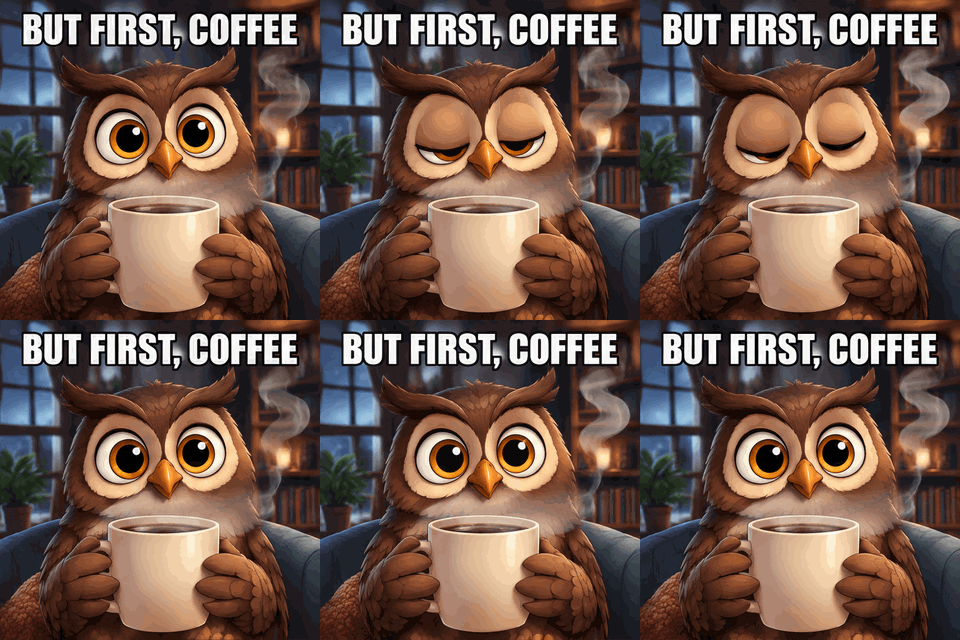 seamless
AI meme · punctuation in the caption (a comma) is allowed.Settings usedA cartoon owl holding a giant steaming mug, blinking slowly, steam rising, meme style, bold white caption with black outline at the top. Exact text: "BUT FIRST, COFFEE".16 frames · 882 KB GIF · 320 px wide · 1 credit 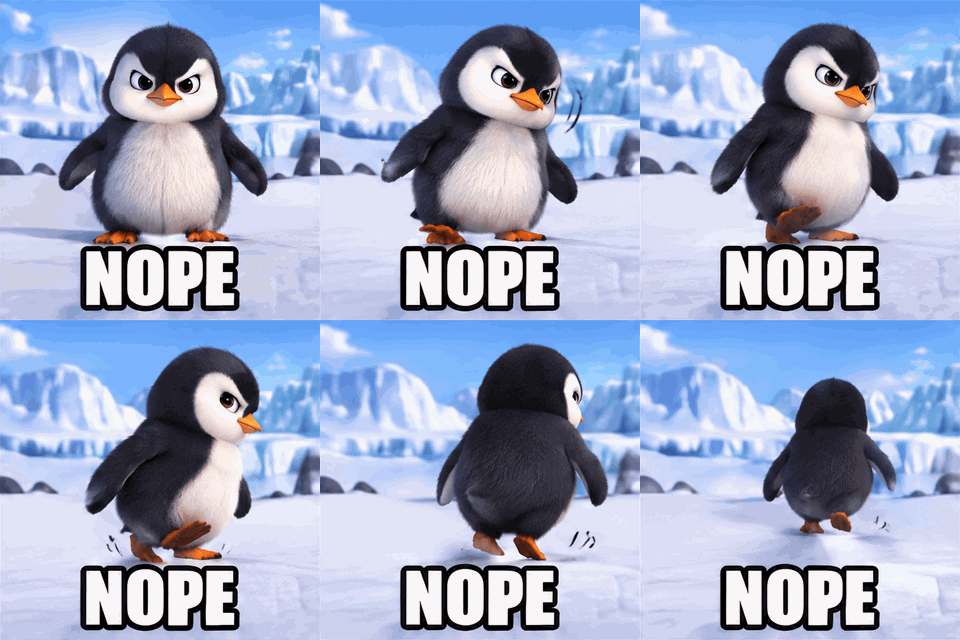 seamless
AI meme · a one-word reaction.Settings usedA cartoon penguin shaking its head side to side and waddling away, meme style, bold white caption with black outline at the bottom. Exact text: "NOPE".16 frames · 623 KB GIF · 320 px wide · 1 credit 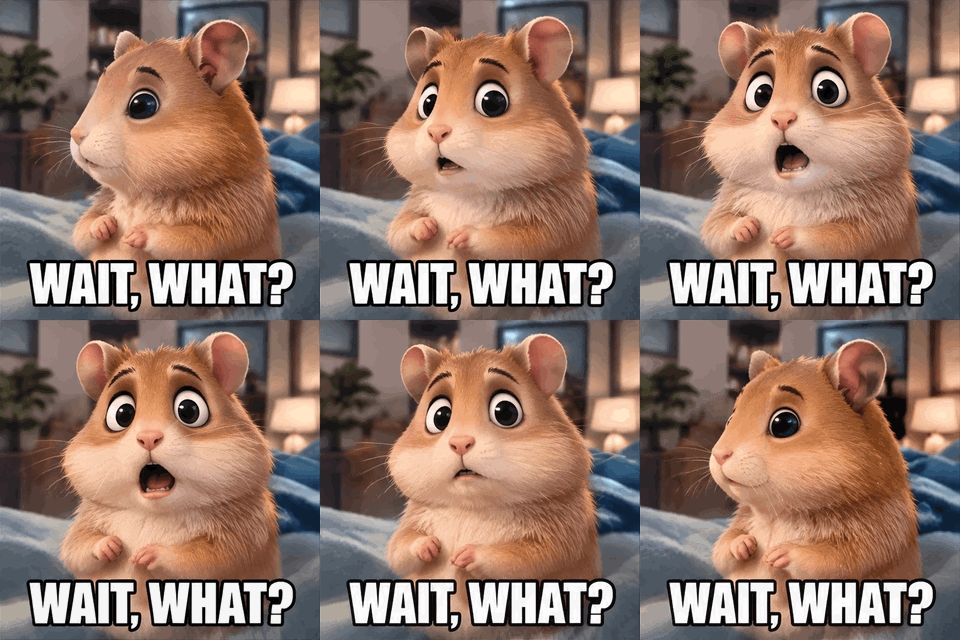 seamless
AI meme · a question mark is allowed.Settings usedA cartoon hamster turning its head toward the camera with wide shocked eyes, dramatic zoom feel, meme style, bold white caption with black outline at the bottom. Exact text: "WAIT, WHAT?".16 frames · 943 KB GIF · 320 px wide · 1 credit 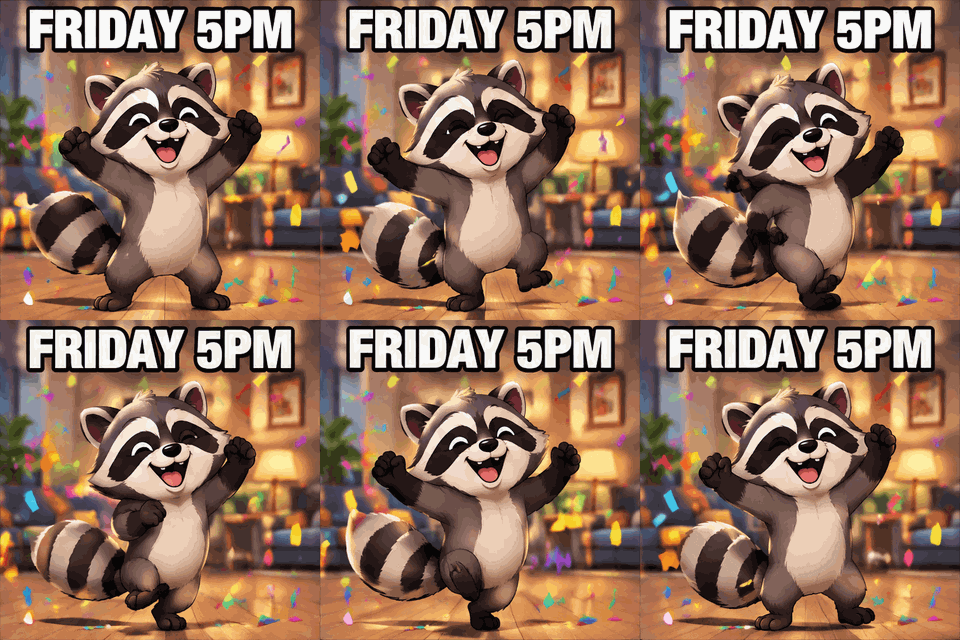 seamless
AI meme · digits are allowed in exact text.Settings usedA cartoon raccoon doing a happy little dance with confetti, meme style, bold white caption with black outline at the top. Exact text: "FRIDAY 5PM".16 frames · 787 KB GIF · 320 px wide · 1 credit
The classic GIF meme maker look
A GIF meme usually means two lines in a heavy condensed font, white letters with a thick black outline, one at the top and one at the bottom of a looping image. The free editor builds that for you. The meme preset uses Anton, which is open-licence and bundled with the page, sets the fill to white and the outline to black, turns on uppercase and places the two layers near the top and bottom edges.
Font size and outline are percentages of the frame height, so the caption keeps its proportions when you export at 480 or 320 pixels. Long captions wrap to about 94 percent of the frame width. You can add more layers, up to eight, change fonts and colours, and drag any caption where you want it.
Meme templates we made, and your own GIFs
The gallery holds eight short reaction loops that we generated ourselves: three emoji faces, a bear with a heart, a sleepy moon, a pixel campfire, a toy robot and a dog. None has text burned in, so your caption is the only text. We do not offer well-known meme templates, because those belong to other people.
You can also upload any GIF or short MP4 you have the right to use. The editor decodes it in your browser, keeps each frame's own delay and the real aspect ratio, and writes the captioned file back out. Nothing is uploaded to a server, and no watermark is added.
AI meme generator for a caption and a character in one go
If you have no image yet, the AI meme tab draws one. You type the caption in the Exact text box, pick or write a scene such as a sleepy cat slumped over a laptop, and the model animates a short loop with your words rendered in bold white letters with a black outline. The six AI examples above were made this way, using the presets in the tab.
The caption is limited to 40 characters from a safe set of letters, digits and punctuation. Each AI meme costs 1 credit, needs a signed-in account and is a 16-frame GIF at about 512 pixels. Re-exporting it at another width or speed in your browser is free. Prompts that ask for real people or brand names are not supported.
Reaction GIF ideas
A reaction GIF is a loop that stands in for a feeling: a shrug, a facepalm, a slow nod, a wide-eyed stare. Pick a loop whose motion matches the emotion, then add a short caption that adds the context, such as the day of the week, an excuse or a reply. Two to five words is plenty. If you need the caption to appear halfway, use the frame range sliders to bring it in on the beat of the punchline.
To make a reaction GIF from scratch, use the AI tab and describe the animal and the emotion. To reuse something you already own, upload it. To change the speed of a loop before captioning it, use the GIF speed changer first.
Already have a GIF to caption?
These tools share the same free engine.
- Add text to a GIF: the general caption editor for any GIF or MP4, with several layers and per-layer frame ranges.
- GIF speed changer: slow down, speed up or reverse a loop before you caption it.
- AI sticker generator: animated stickers with a transparent export, if you want a character without a caption.
What people make meme GIFs for
Work and group chats
Deadline, standup, Friday afternoon: a captioned loop lands better than a text reply.
Social posts and replies
A short caption on an animated reaction makes a reply that stands out in a thread.
Community and Discord servers
Make in-jokes for your own community with characters you generate, rather than borrowed templates.
Marketing with a sense of humour
Caption a loop with a product joke for a newsletter or a launch post. Use only images and clips you have rights to.
Teaching and presentations
A captioned loop adds a beat of humour to a slide without a video file.
How this tool works and its limits
The free editor and the AI meme tab have different limits.
- The free editor runs in your browser. Files are not uploaded, no account is needed and no watermark is added.
- GIFs up to 15 MB and 300 frames are accepted. MP4 clips up to 60 MB are accepted, but only their first 15 seconds are used, at no more than 150 frames. You are told when a clip was shortened.
- Each frame keeps its own delay. The output is the original size capped at 800 pixels on the longer side, or 480 or 320 wide, with the same aspect ratio.
- Up to 8 caption layers of 120 characters each. Thirteen bundled open-licence fonts are available; emoji use your device's emoji font.
- The gallery has eight loops that we made. We do not supply famous meme templates, so bring your own GIF if you want one of those and have the right to use it.
- The AI meme tab needs a signed-in account and costs 1 credit. Captions are 1 to 40 characters from letters, digits, spaces and a few marks. Results have 16 frames and the model can still misplace or crop text, in which case a failed job is refunded.
- AI memes do not support real people or brand names in the prompt. Re-exporting an AI meme at another size or speed in your browser costs nothing.
Questions, answered
How do I make a meme GIF?
Pick a template from the gallery or drop in your own GIF or MP4, type your top and bottom text, drag the captions into place and press Download. The whole thing happens in your browser.
Is this GIF meme generator free?
The caption editor is free, needs no sign-up and adds no watermark. The AI meme tab costs 1 credit per GIF and needs a signed-in account.
Which font is used for the meme text?
Anton, a condensed open-licence font that gives the classic look, set in white with a black outline. You can switch to any of the other bundled fonts.
Can I use a famous meme template?
Not from our gallery, which holds only loops we generated ourselves. You can upload a GIF you have the right to use and caption it, but you are responsible for rights to the picture.
How does the AI meme generator keep the caption spelled right?
The caption goes into a separate exact-text field and is passed to the model as an instruction to spell it exactly in every frame. It works well for short lines but is not guaranteed, and a failed job is refunded.
I already have a GIF. Is there a simpler tool?
Yes. The add text to GIF editor has the same engine without the template gallery and AI tab, and it is the better page if you only want to caption a file you already have.
Related tools
Other tools you may need next.
 Add Text to GIFFreeCaption a GIF or short MP4 with several text layers and per-layer frame ranges.
 AI Sticker Generator1 creditDescribe a sticker and get an animated GIF, with transparent GIF and PNG export.
 GIF Speed ChangerFreeSpeed up, slow down or reverse any GIF and keep its timing.
 Text to GIFFree + AIDescribe a GIF, or animate exact words with AI.