Fire Text Generator
Type a word and watch flames rise from the letters. Pick classic orange, blue, toxic green or violet fire, set how tall the flames are, and download the result as a looping fire text GIF. It runs in your browser, so there is no sign-up and no watermark, and your text stays on your device.
Free · no sign-up · runs in your browser
estimating size
Encoding happens in your browser when you click Download. Nothing is uploaded.
How to use it
Pick a flame look
Classic, Blue, Toxic or Violet in Style presets. Each preset sets a word, a font, a flame colour and a dark background that makes the fire easy to see. You can change every one of them afterwards.
Type a short word
Flames grow from the top edges of the letters, so one short word in a heavy font such as Anton or Bebas Neue looks best. A script such as Pacifico or Lobster also works and gives a softer flame.
Set the flame height and outline
Flame height runs from 1 to 5. Add an outline in any colour if the letters need more edge, or tick Transparent background and choose an Edge colour that matches the page the GIF will sit on.
Download your fire text GIF
Press Download GIF. The 20-frame loop is encoded in your browser and saved straight away. The estimated file size is shown under the preview before you export.
Examples made with this tool
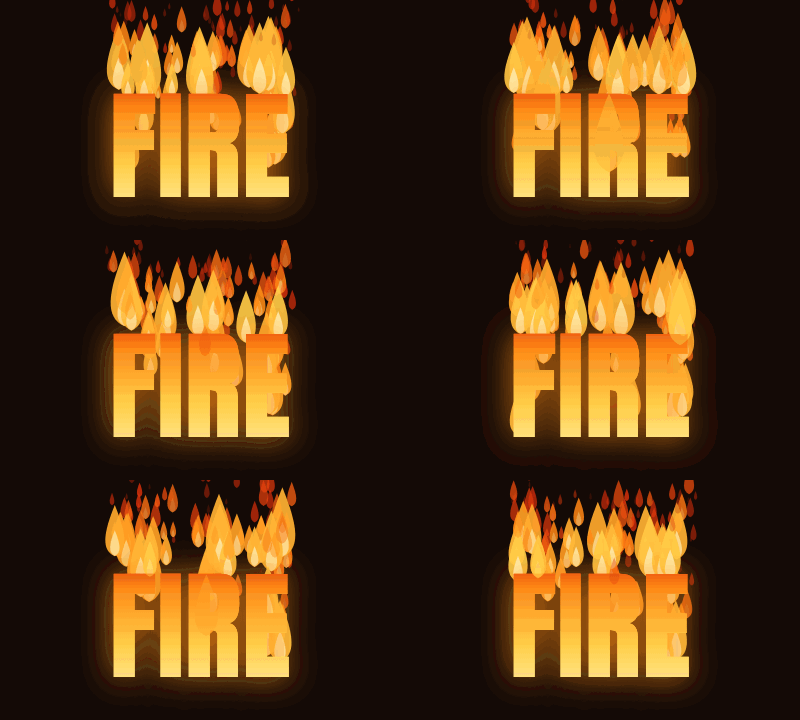
Four fire text GIFs made by this tool. The last one has a transparent background, so it sits on the checkerboard. Each caption lists the exact settings, and the size line under each GIF is measured from the real file.
 seamless
Classic flames, height 3, Anton at 120 px on a dark brown background.Settings usedAnton, 120 px · 400 × 240 · #17141f on #140a06 · Classic flames, height 3 of 520 frames · 271 KB · 1 s loop 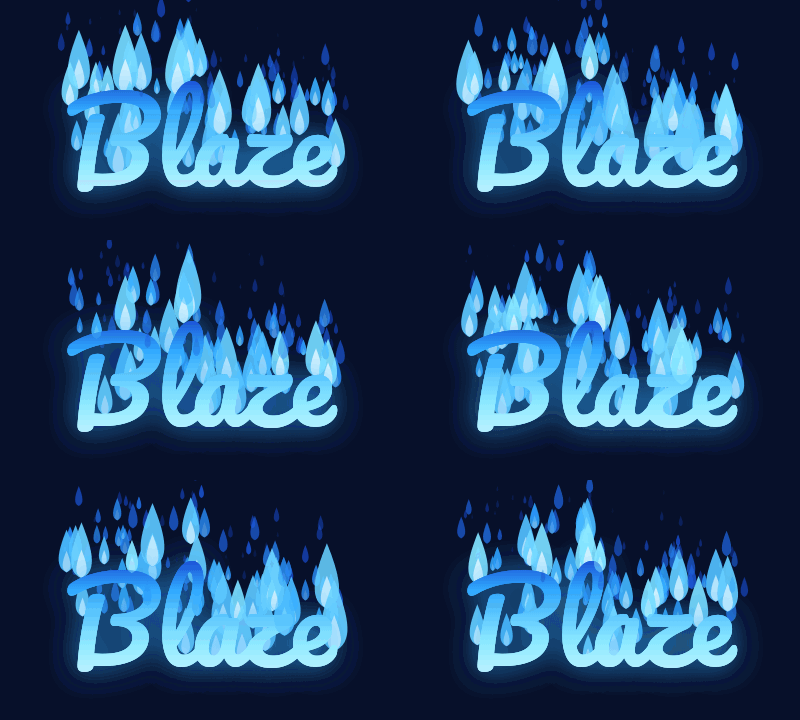 seamless
Blue flames, height 3, Pacifico at 110 px. A script font gives a softer, lower flame.Settings usedPacifico, 110 px · 400 × 240 · #17141f on #07102a · Blue flames, height 3 of 520 frames · 358 KB · 1 s loop 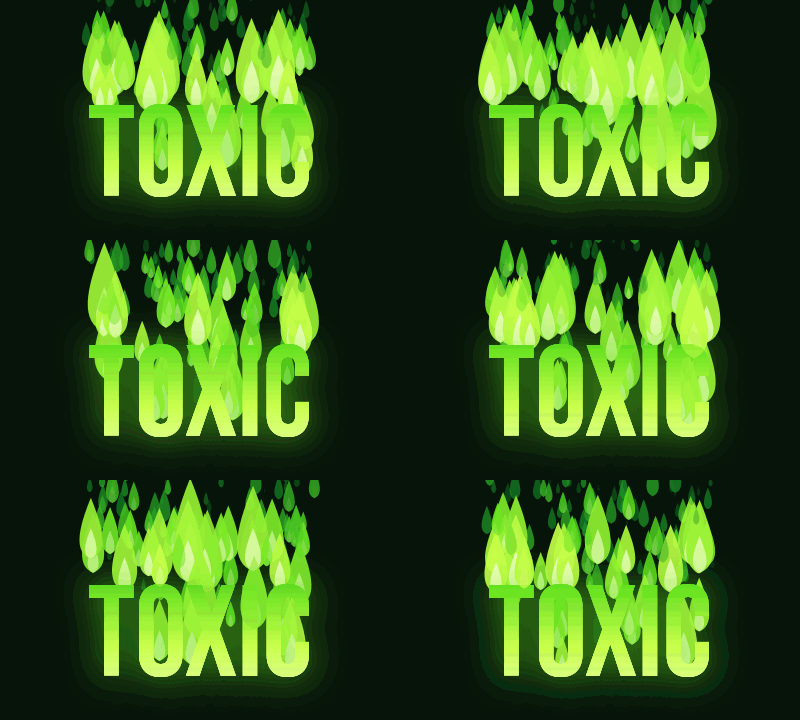 seamless
Toxic flames at height 4 with Bebas Neue at 130 px, the tallest setting we used.Settings usedBebas Neue, 130 px · 400 × 240 · #17141f on #07140a · Toxic flames, height 4 of 520 frames · 341 KB · 1 s loop 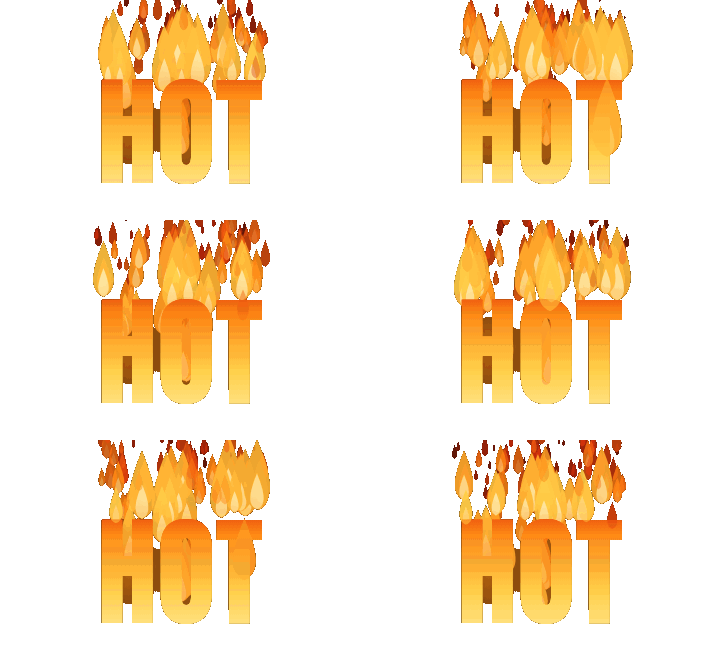 seamless
Classic flames with Transparent background on and a dark matte colour, on a 360 by 220 canvas.Settings usedAnton, 120 px · 360 × 220 · transparent background · Classic flames, height 3 of 520 frames · 206 KB · 1 s loop
How the flames are drawn
Each frame is drawn from a few hundred small flame shapes. Every shape starts on a top edge of a letter, rises, narrows to a tip and fades from a bright yellow-white core through orange to dark red. Older flames are painted first and young ones last, so the bright cores always sit on top. A few flames are also drawn in front of the letters so the fire licks over them instead of only standing behind.
The letters themselves are filled with a vertical gradient, hot at the foot and darker toward the top, with a soft warm glow. Each flame goes through its life twice in the 20-frame loop and sways sideways on its way up, so the last frame leads straight into the first. The flames are placed with a fixed random seed, so the same settings always give the same animation.
Flame colours and background
Classic fire is yellow, orange and red. Blue fire runs from white through cyan to deep blue, Toxic goes from pale lime to forest green and Violet from pink-white to purple. The text colour control is not shown on this page because the palette decides the colour of both the letters and the flames.
Fire reads best against a dark background, where the bright cores stand out. On a light background the flames still render, but the pale parts lose contrast. The whole group of letters and flames is moved a little lower on the canvas so the tallest flames stay inside the frame. If they are still cut off at the top, make the canvas taller or lower the flame height.
Transparent fire text
Tick Transparent background and the GIF is written with a real transparent colour. GIF can only mark a pixel as fully clear or fully solid, so the soft edges of the flames and the glow around the letters are blended toward the Edge colour you choose, and the faintest parts are dropped.
That means transparent fire looks best on a dark page. Set the Edge colour to the colour of the page behind it, such as near-black for a dark theme. On a white page the same GIF may show a dark fringe, because the edges were blended toward the wrong colour.
More ways to animate text
Fire is one of several effects built on the same free text engine.
- Text GIF maker with six effects: typing, slide, bounce, neon, wave and glitter on one page, with an AI tab.
- Neon text generator: a glowing sign with steady, flicker and on-and-off styles.
- Glitter text generator: letters filled with a sparkling glitter texture.
What people use fire text for
Gaming names and banners
A clan tag or a handle in blazing letters works as a small animated header for a profile or a chat room.
Hot sale and event badges
Words like HOT, NEW or LIVE in tall flames make an eye-catching badge for a post or a shop page.
Music and party posters
A transparent fire GIF can sit on top of a dark poster or a slide in any editor that supports transparent GIFs.
Memes and reaction images
Short words such as BURN or LIT in fire text give a meme an extra beat. For captions on an existing GIF, use Add Text to GIF.
Video overlays and intros
Export on a transparent canvas and place the animated word over footage in your video editor.
How this tool works and its limits
What this fire text generator does with your text, and where it stops.
- Everything happens in your browser. Your text is not uploaded, no account is needed and no watermark is added.
- Text is limited to 200 characters, but short words look best. The canvas can be up to 640 pixels wide and 640 pixels tall, within 307,200 pixels in total.
- The loop is 20 frames at 5 hundredths of a second each, so it lasts one second. Every GIF is capped at 150 frames, and the estimate under the preview is usually within a quarter of the real size.
- Fire files are larger than flat text GIFs because the flames change across a wide area in every frame. The four examples on this page, between 360 by 220 and 400 by 240 pixels, came out between 206 KB and 358 KB.
- Transparent GIFs have on-off transparency only. Soft flame edges blend toward the Edge colour you pick, and the faintest parts of the glow are dropped.
- Thirteen bundled fonts, all under the SIL Open Font License, load on demand. Flames rise from the top edge of each line, so a second line gets flames that sit behind the first one.
- We tested this page in Chrome. It needs a 2D canvas and a Web Worker. If your browser cannot encode the GIF, the page shows an error and nothing is uploaded.
Questions, answered
How do I make fire text?
Type a short word, pick a flame look, set the flame height and press Download GIF. The preview shows the exact animation that will be saved.
Is the fire text generator free?
Yes. It is free, needs no sign-up and adds no watermark. Your text stays on your device. The only paid option is the AI version, which costs 1 credit.
Can I make fire text with a transparent background?
Yes. Tick Transparent background and choose an Edge colour that matches the page where you will use the GIF. Because GIF transparency is on or off, the soft flame edges are blended toward that colour.
Why do the flames look different from one run to the next?
They do not. The flames are placed with a fixed random seed, so the same text, font, size and settings give the same frames every time. Changing any of them changes the flame pattern.
Which fonts work best for fire?
Heavy fonts such as Anton, Bebas Neue and Oswald give flames a wide edge to grow from. Scripts such as Pacifico and Lobster give a lower, softer fire. Thin fonts have little surface, so the flames look sparse.
Can AI make a more detailed fire version?
Yes. The button under the preview opens the AI tab of Text to GIF with your text and the fire letters style filled in. It draws lettering with scenery around it, costs 1 credit and needs a signed-in account.
Related tools
Other tools you may need next.
 Text to GIFFree + AIDescribe a GIF, or animate exact words with AI.
 Neon Text GeneratorFreeA glowing neon sign with steady, flicker and on-and-off styles in any colour.
 Glitter Text GeneratorFreeSparkling glitter text with seven textures, an outline and a transparent background option.
 AI Sticker Generator1 creditDescribe a sticker and get an animated GIF, with transparent GIF and PNG export.