GIF tools
Every tool in one place: AI generators that cost 1 credit per GIF, free browser tools with no account, and pages that pair a free tool with an AI tab. Nothing you load into a free tool is uploaded.
AI tools
See the AI tools hub

Make GIFs
See the Make GIFs hub Image to GIFFreeCombine several images into one GIF: reorder, set delays, crossfade.
 Meme GIF MakerFree + AICaption reaction loops or your own GIF free, or generate an AI meme with an exact caption.
 Logo GIF MakerFree + AIBounce, shine or spin an uploaded logo free, with transparent background. AI lettering tab too.
 Happy Birthday GIF MakerFree + AIType a name, pick a style and download a happy birthday GIF free, plus an AI tab for cakes and balloons.
 Discord emoji makerFree + AIMake a Discord emoji from a GIF, video, image or word: square, 128 px and under the size limit.
 Twitch emote makerFree + AIMake a Twitch emote: one GIF, or 28, 56 and 112 px in a ZIP, with a flashing check.
 Slack emoji makerFree + AIMake a custom Slack emoji: square, under the size and frame limits, transparent where you want it.
Convert
See the Convert hub Video to GIFFreeTrim an MP4 or MOV clip, pick a frame rate and width, and make a GIF in your browser.
 MOV to GIFFreeConvert an iPhone or QuickTime MOV to a GIF, with help for HEVC and HDR clips.
 WebP to GIFFreeTurn an animated or still WebP into a GIF that keeps transparency and each frame's timing.
 GIF to PNGFreeScrub to one frame of a GIF and save it as a PNG with transparency kept.
 GIF to JPGFreeSave one frame of a GIF as a JPG, with your own background colour and quality.
 PNG to GIFFreeConvert PNG files to GIFs in a batch, one GIF per PNG, with transparency kept.
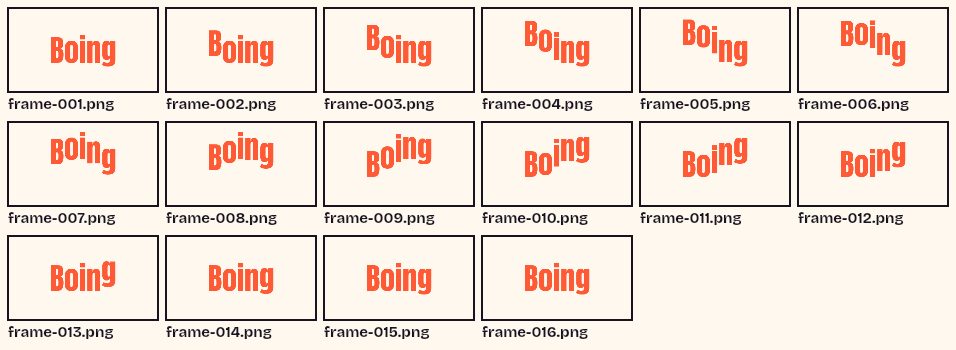 GIF SplitterFreeSee every frame of a GIF in a grid, pick the ones you want and download them as a ZIP.
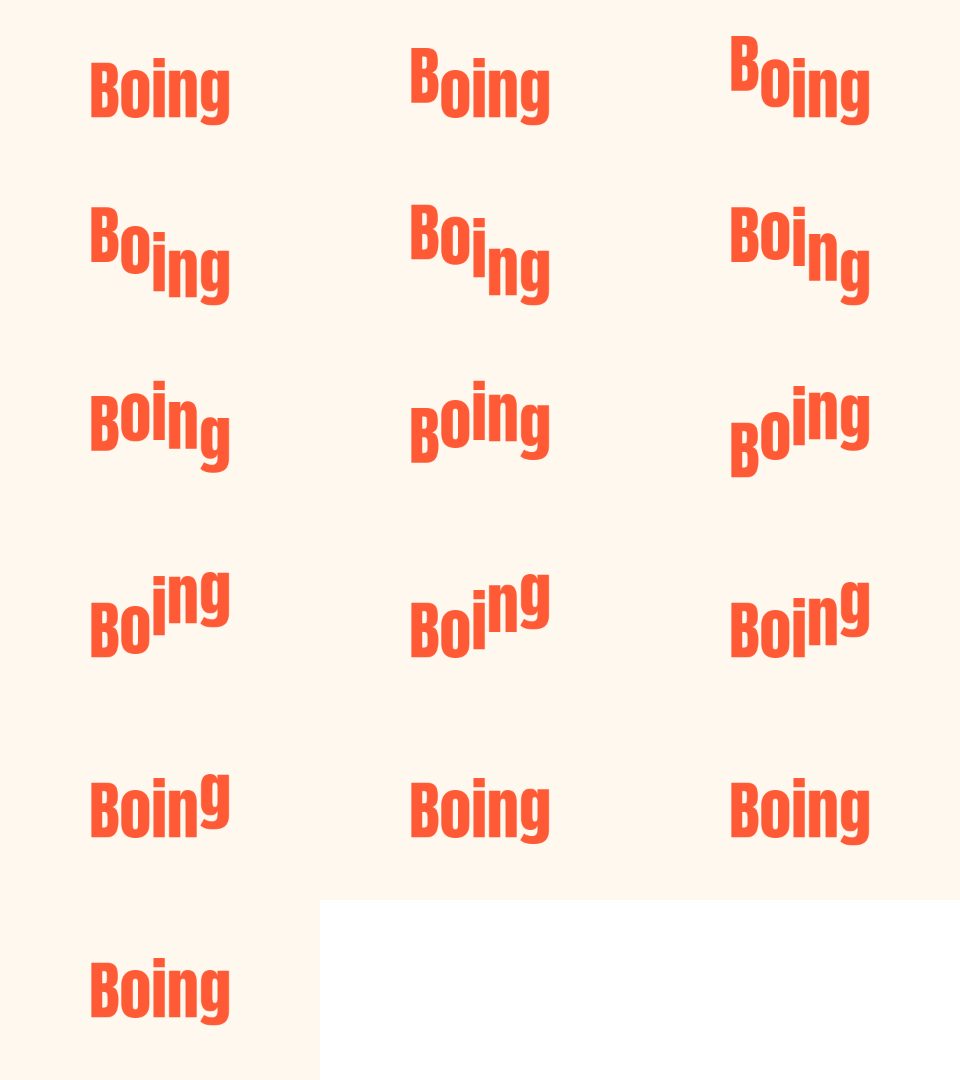 GIF to Sprite SheetFreePut every frame of a GIF in one PNG grid, with a JSON file and a CSS snippet.
 GIF to MP4FreeTurn a GIF into an MP4 video with a steady frame rate, repeats and a before and after file size.
 GIF to WebPFreeTurn a GIF into an animated WebP with a quality slider, and see both file sizes.
 APNG to GIFFreeTurn an animated PNG into a GIF that keeps each frame's timing, with a matte colour for transparency.
 Screen recording to GIFFreeRecord a tab, window or screen for up to 30 seconds in your browser, trim it and save a GIF.
 WebM to GIFFreeTrim a WebM clip (VP8 or VP9), pick a frame rate and width, and make a GIF in your browser.
 GIF to WebMFreeTurn a GIF into a WebM video (VP9) with a steady frame rate, repeats and a before and after file size.
 GIF to APNGFreeConvert a GIF to an animated PNG that keeps full 8-bit transparency, with a loop count.
 JPG to GIFFreeConvert JPG files to GIFs in a batch, one GIF per picture, as single downloads or a ZIP.
 AVIF to GIFFreeConvert an AVIF image to a GIF. Animated AVIF works only where your browser can read it.
 MP4 to WebPFreeTrim an MP4, WebM or MOV clip and save it as an animated WebP with a quality slider.
 Live Photo to GIFFreeTurn the video from an iPhone Live Photo into a GIF that loops or bounces. Save the video first.
Edit
See the Edit hub GIF Speed ChangerFreeSpeed up, slow down or reverse any GIF and keep its timing.
 Add Text to GIFFreeCaption a GIF or short MP4 with several text layers and per-layer frame ranges.
 GIF CompressorFreeMake a GIF smaller: pick a level or a target size such as 256 KB.
 GIF ResizerFreeResize a GIF to an exact width and height, a percentage or a square emoji.
 GIF CropperFreeCrop a GIF with a draggable box or exact numbers, in a free shape or a set ratio.
 Cut GIFFreePick the first and last frame, delete single frames and download a shorter GIF.
 Combine GIFsFreeJoin two or more GIFs into one that plays them one after another, in the order you set.
 Rotate GIFFreeRotate an animated GIF by 90, 180 or any angle, or flip it horizontally or vertically.
 GIF editorFreeCrop, resize, rotate, cut, change speed and filter one GIF as ordered steps, then export once.
 GIF background removerFreeRemove a plain or green background from a GIF, frame by frame, and save a transparent GIF.
 Transparent GIF makerFreeMake one colour of a GIF transparent, or build a transparent GIF from PNG images.
 GIF filterFreeAdd black and white, sepia, vintage and other filters to a GIF, with brightness, contrast, saturation and hue sliders.
 Blur GIFFreeBlur or pixelate a whole GIF, or one box that stays in place on every frame.
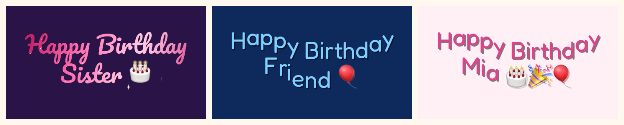 GIF collageFreePlay two to four GIFs at the same time in a grid with a gap and a background.
Text effects
See the Text effects hub Text to GIFFree + AIDescribe a GIF, or animate exact words with AI.
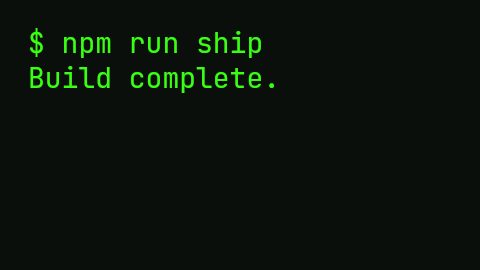 Typing Text GIF MakerFreeTypewriter-style text GIFs with cursor, fonts and transparent background.
 Sliding Text GIFFreeScrolling and marquee text banners, with LED and banner presets.
 Glitter Text GeneratorFreeSparkling glitter text with seven textures, an outline and a transparent background option.
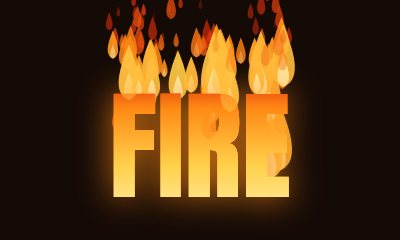 Fire Text GeneratorFreeAnimated flames rising from your letters, in four colours, with a transparent background option.
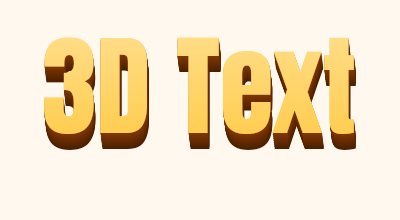 3D Text GeneratorFreeExtruded 3D letters with a lit face and shaded side. Download a GIF or a PNG still.
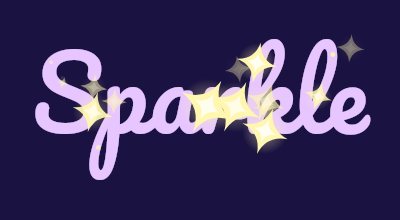 Sparkle Text GeneratorFreeTwinkling stars around and over your letters, with a choice of star colour, shape and density.
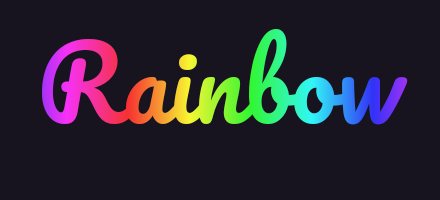 Rainbow Text GeneratorFreeA smooth moving rainbow across your letters, or a solid colour that cycles through the hues.
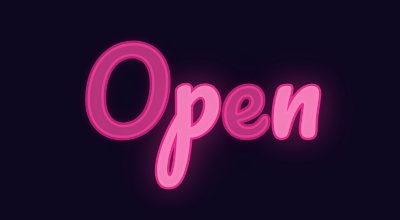 Neon Text GeneratorFreeA glowing neon sign with steady, flicker and on-and-off styles in any colour.
 Gradient Text GeneratorFreeA moving gradient fill with two to four colours and an angle you choose.
Which tool do I need?
Start with the tool that matches what you already have. If you have several pictures, the free image to GIF converter turns them into one GIF. If you have a single photo and want it to move, use Animate Photo. If you have words and want them animated by AI, use Text to GIF. If you have a GIF that needs a caption, use Add Text to GIF. If you want exact text that you control down to the pixel, the free typing and sliding tools render it in your browser without a credit. If a GIF is too fast or too slow, the speed changer fixes it. If a GIF is too big, the compressor makes the file smaller, the resizer sets exact dimensions and the cropper cuts away the edges.