Typing Text GIF Maker
Type your message, choose a font and a cursor, and download a typewriter-style GIF with your exact words. It renders on your device, so there is no sign-up and no upload.
Free · no sign-up · runs in your browser
estimating size
Encoding happens in your browser when you click Download. Nothing is uploaded.
How to use it
Type your words
Write up to 200 characters in the text box. Line breaks and emoji are fine, and long lines wrap to the canvas by themselves.
Pick a look
Tap a preset (Terminal, Chat bubble, Minimal or Retro), then change the font, size and colours, or tick Transparent background.
Set the typing
Choose the speed in characters per second, a bar or block cursor with or without blinking, how long to hold at the end, and whether to delete and retype.
Download the GIF
Check the frame count and estimated size under the preview, then press Download GIF. The file is encoded in your browser when you click.
Examples made with this tool
Each GIF below was rendered by this same tool, and the settings are listed under it.
 seamless
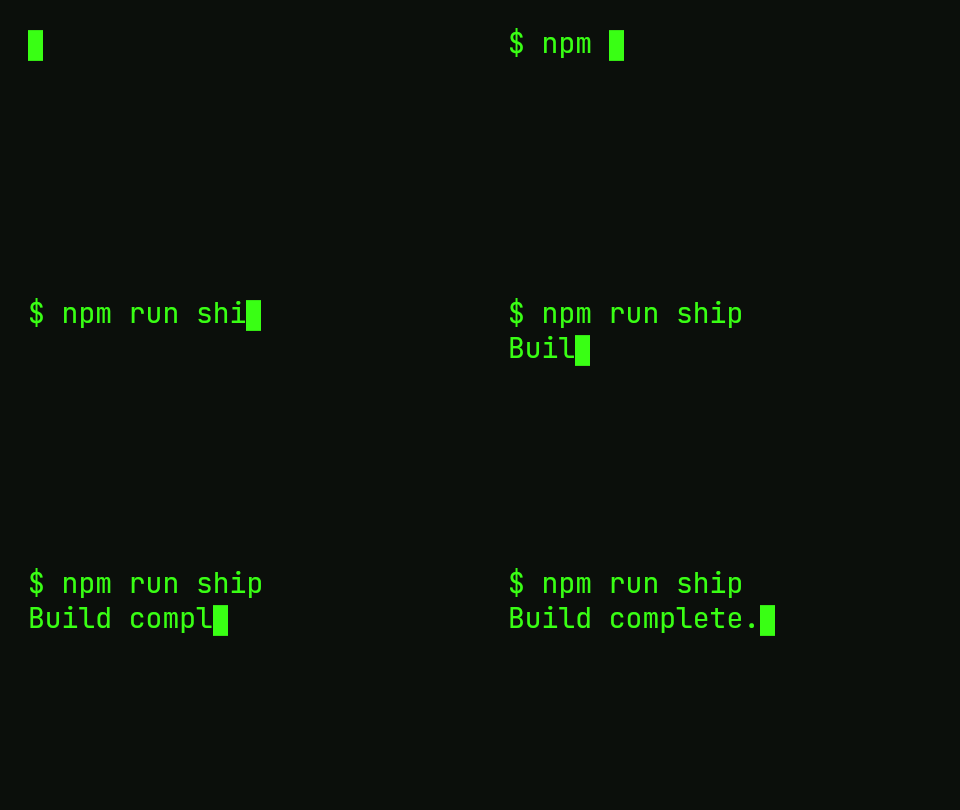
Terminal preset: a command and its reply typed in green JetBrains Mono, with a block cursor that blinks while it holds.Settings usedJetBrains Mono, 28 px · 480 × 270 · #39ff14 on #0b0f0b · 12 characters per second · block cursor · hold 1.5 s33 frames · 28 KB · 3.9 s loop 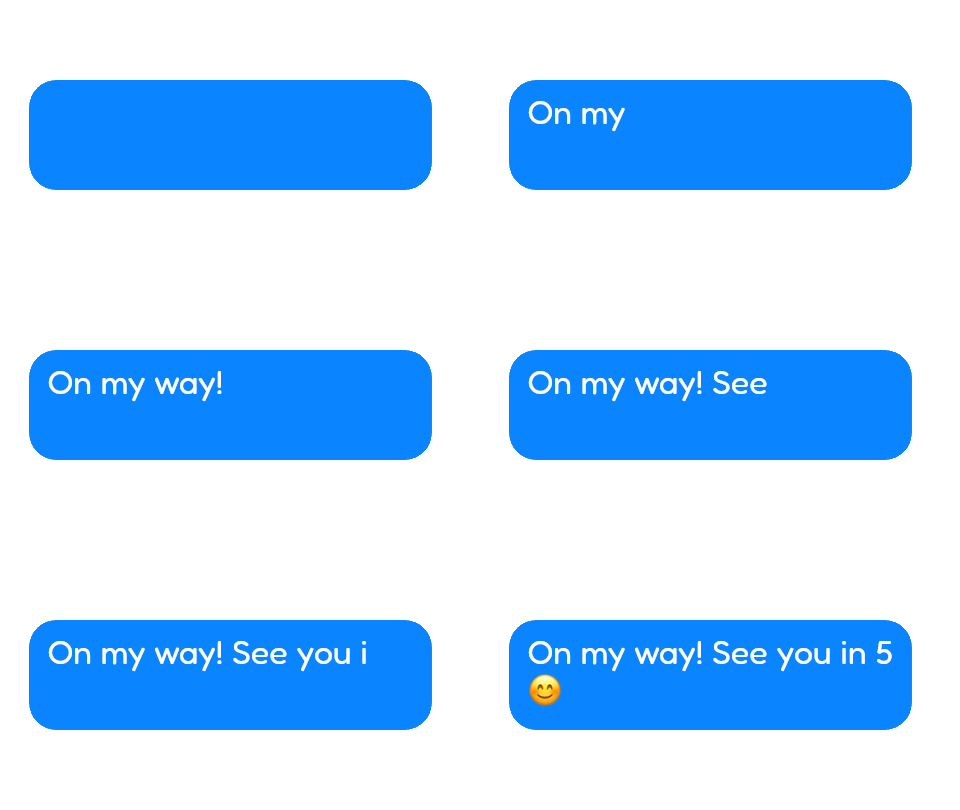 seamless
Chat bubble preset on a transparent canvas, so it drops onto any page. The text includes an emoji drawn by the system font.Settings usedFredoka, 34 px · 480 × 270 · transparent background · 12 characters per second · none cursor · hold 1.5 s26 frames · 69 KB · 3.5 s loop 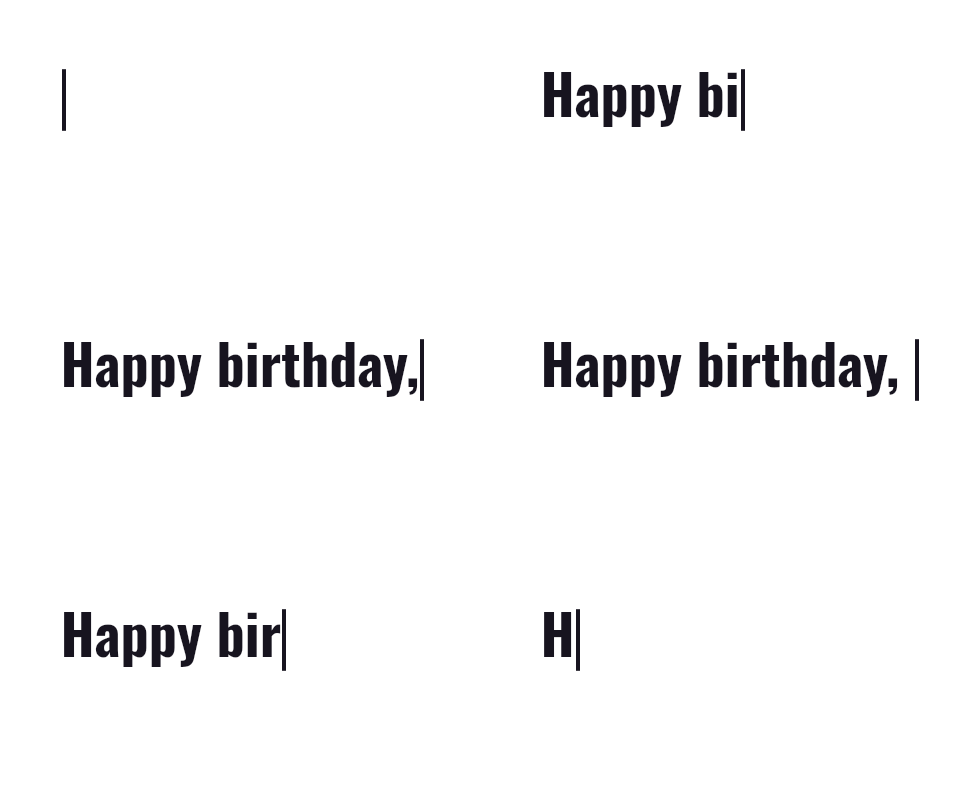 seamless
Minimal preset with Delete and retype switched on: the name is typed, held for a second, wiped backwards and typed again.Settings usedOswald, 56 px · 480 × 270 · #17141f on #ffffff · 10 characters per second · bar cursor · hold 1 s · delete and retype39 frames · 39 KB · 3.8 s loop 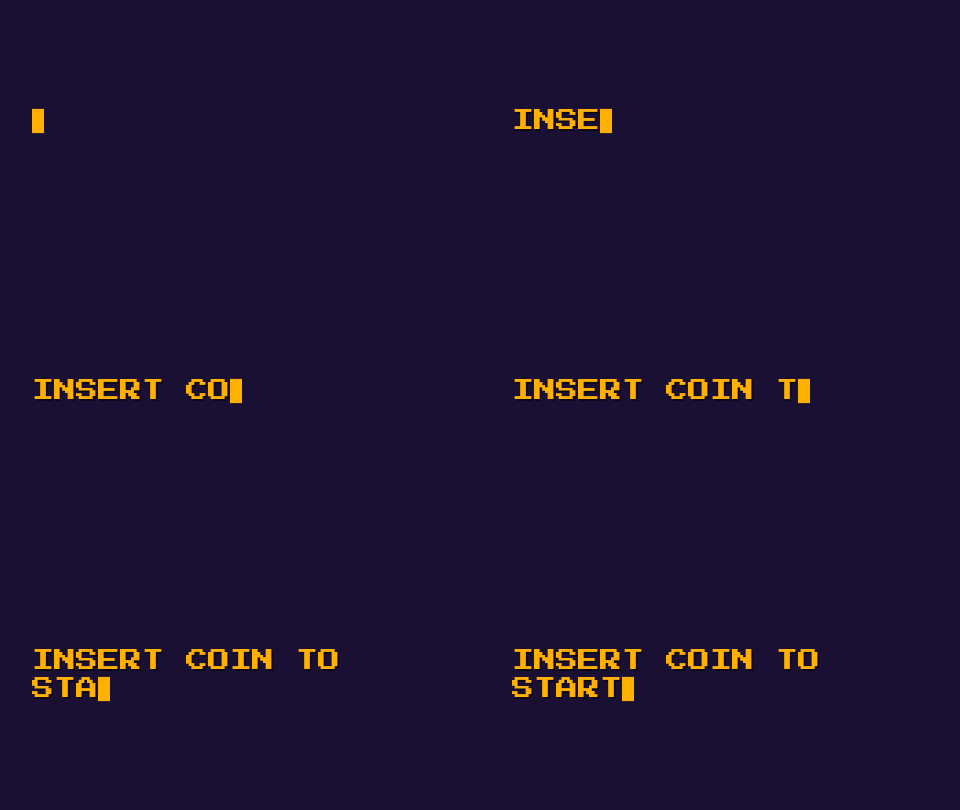 seamless
Retro preset: Press Start 2P at 22 px with a text shadow, nine characters per second.Settings usedPress Start 2P, 22 px · 480 × 270 · #ffb000 on #1a1033 · 9 characters per second · block cursor · hold 1.5 s · text shadow23 frames · 19 KB · 3.7 s loop
What people make with it
Message and caption GIFs
A short line that types itself works as a reply, a story caption or a header on a post. A transparent chat bubble sits on top of any background.
Name reveals and greetings
Type a name, hold it for a second and loop. Birthday, congratulations and good-morning messages read well at ten characters per second.
Code and terminal demos
The Terminal preset types commands in a monospaced font with a block cursor, which suits changelogs, tutorials and README headers.
Slides and videos
A transparent typing GIF can be laid over footage or a slide. Choose the edge colour that matches what it sits on to avoid a halo.
Headers and signatures
A tagline that types out in an email footer or a profile page draws the eye without a video file.
How this tool works and its limits
This is what the tool really does, so you know what to expect before you export.
- Everything runs in your browser. Your text is drawn on a canvas on your device and encoded by a worker there. Nothing is uploaded and no account is needed. We don't add a watermark.
- A GIF is capped at 150 frames. When your text and settings would need more, the tool types several characters per frame instead of one, and the preview shows when it does. The overall speed stays the same.
- Text is limited to 200 characters. The canvas can be up to 640 pixels wide and 640 tall, and no more than 307,200 pixels in total. Bigger canvases make bigger files.
- GIF delays are whole hundredths of a second and never shorter than two. At 30 characters per second the real delay rounds to three hundredths, so the fastest typing is a little faster than you set.
- GIF transparency is on or off with no partial levels. Soft text edges are blended toward the edge colour you pick, so choose the colour of the page the GIF will sit on.
- Thirteen bundled fonts are loaded on demand from this site; all are under the SIL Open Font License. Emoji are drawn with your device's emoji font, so they look different on Apple, Windows and Android.
- Works in current Chrome, Edge, Firefox and Safari. The size shown under the preview is an estimate; the real file is measured after you download it.
Questions, answered
How do I make a typing text GIF?
Type your text in the box above, pick a preset or a font, set the typing speed and cursor, then press Download GIF. The preview shows exactly what will be exported, and encoding takes a few seconds in your browser.
Is this typing GIF maker really free, with no sign-up?
Yes. It needs no account, adds no watermark and uploads nothing, because the GIF is drawn and encoded on your device. If you want an AI-styled version, that part is a separate tool that costs one credit.
Can I make a typing GIF with a transparent background?
Yes. Tick Transparent background and set the edge colour to the colour of the page the GIF will sit on. GIF has no partial transparency, so the edge colour keeps the soft edges of letters from showing a halo.
Can I change how fast the text types, or make it loop?
Typing speed runs from 2 to 30 characters per second. The GIF loops forever by default; untick Loop forever to play once. Hold at the end sets how long the finished text stays, and Delete and retype wipes it backwards before the loop restarts.
How big will the typing GIF file be?
A 480 by 270 GIF with a short line is usually between 20 and 70 KB, as the examples above show. Longer text, bigger canvases and more colours make it larger. The estimate under the preview updates as you change settings.
Why is my text cut off or too small?
If the text block is taller than the canvas, a warning appears under the preview. Lower the text size, shorten the text or choose a bigger canvas. Long lines wrap on their own, so you only need line breaks where you want them.
Related tools
Other tools you may need next.
 Sliding Text GIFFreeScrolling and marquee text banners, with LED and banner presets.
 GIF Speed ChangerFreeSpeed up, slow down or reverse any GIF and keep its timing.
 Text to GIFFree + AIDescribe a GIF, or animate exact words with AI.
 Image to GIFFreeCombine several images into one GIF: reorder, set delays, crossfade.