Animated text tools
Text is the one thing a GIF can say clearly, and these tools turn what you type into a looping animation. They share one text engine that draws each frame in your browser, so you get a live preview, a frame count and a file size estimate before you export, and nothing you type leaves your device.
Text to GIF is the hub: pick an effect (typing, slide, glitter, bounce, neon or wave), type your words and download. It also has an AI tab for when you want a described scene or animated words instead of a straight effect. The spokes lock one effect and add what it needs. Typing has a cursor and a delete-and-retype loop, and sliding text is a seamless marquee with banner sizes. Glitter has several textures, and sparkle keeps plain letters with twinkling stars around them.
Which one do you want? For flames rising from the letters, use the fire text generator. For thick extruded letters, with a PNG still as well as a GIF, use the 3D text generator. For a glowing sign that flickers or switches on letter by letter, use the neon text generator. Rainbow and gradient give the letters a moving colour fill, and you choose the stops in the gradient tool. If you want it to look typed, use typing; for a scrolling sign, use sliding text. To put text on top of an existing GIF or a meme, use Add Text to GIF in the Edit group.
Everything here is free and needs no account. Fonts are bundled with the site and licensed for embedding, so the text looks the same as the preview. Frame counts are capped to keep files light, and each tool's page lists its exact limits, from the text length to the maximum width. A dark background with bright text reads well on small screens, while a transparent background suits a GIF that will sit on a coloured page. Keep the message short, because a loop of a few seconds is read in one glance.
The 10 tools in this group
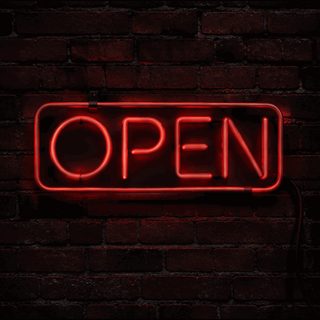 Text to GIFFree + AIDescribe a GIF, or animate exact words with AI.
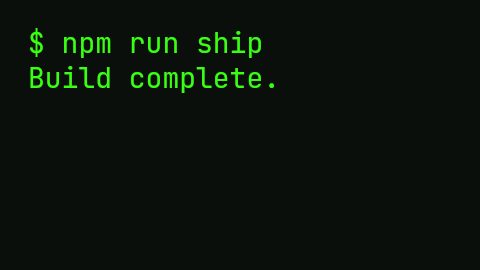 Typing Text GIF MakerFreeTypewriter-style text GIFs with cursor, fonts and transparent background.
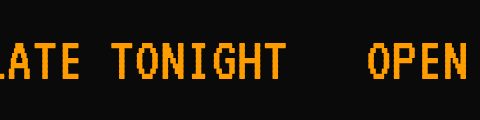 Sliding Text GIFFreeScrolling and marquee text banners, with LED and banner presets.
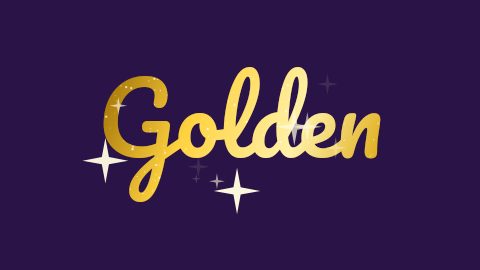 Glitter Text GeneratorFreeSparkling glitter text with seven textures, an outline and a transparent background option.
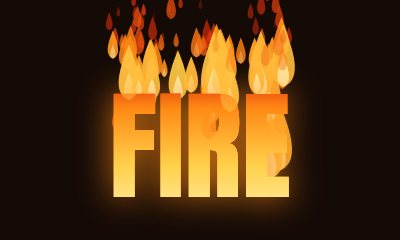 Fire Text GeneratorFreeAnimated flames rising from your letters, in four colours, with a transparent background option.
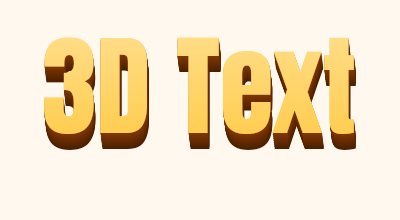 3D Text GeneratorFreeExtruded 3D letters with a lit face and shaded side. Download a GIF or a PNG still.
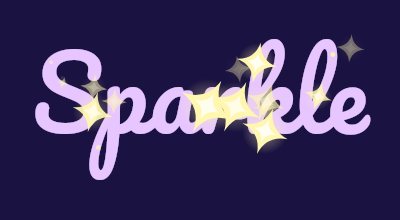 Sparkle Text GeneratorFreeTwinkling stars around and over your letters, with a choice of star colour, shape and density.
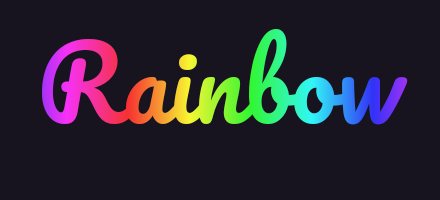 Rainbow Text GeneratorFreeA smooth moving rainbow across your letters, or a solid colour that cycles through the hues.
 Neon Text GeneratorFreeA glowing neon sign with steady, flicker and on-and-off styles in any colour.
 Gradient Text GeneratorFreeA moving gradient fill with two to four colours and an angle you choose.
Questions, answered
Do I need an account to make a text GIF?
No. The text tools are free and work without signing in. Only the AI tab on Text to GIF uses credits.
Can I use a transparent background?
Yes, in the text tools. Because GIF has no partial transparency, soft edges are blended with a matte colour that you can choose to match the page the GIF will sit on.
Which font will my text use?
You choose from a set of fonts bundled with the site. They are licensed for embedding, so the exported GIF matches the preview on every device.
How do I put text on a GIF I already have?
Use Add Text to GIF in the Edit group. It places captions over your own GIF or video and keeps the original frame timing.