WebP to GIF converter
Drop an animated or still WebP and get a GIF with the same frames and timing. Transparency is kept, with a matte colour for soft edges. It runs in your browser and nothing is uploaded.
Free · no sign-up · runs in your browser
WebP only · up to 25 MB · up to 300 frames · nothing is uploaded
Drop a GIF here
Your new GIF appears here.
How to use it
Drop your WebP
Drop a .webp file onto the box or click to choose one. Animated and still files both work, up to 25 MB.
Check the before pane
The left pane plays the WebP as your browser shows it, with its size and frame count. A line under the drop box says whether it has transparency.
Choose width and transparency
Keep the original width or pick a smaller one. For a file with transparency, keep it or fill it with a colour. Balanced or Smaller sets how many colours the GIF uses.
Convert and download
Press Convert to GIF. The animated GIF appears beside the original with its size, and Download saves it.
Examples made with this tool
These GIFs were made from WebP files encoded from our own GIFs. Each WebP was read by the page's own WebP parser, composited frame by frame, and written with the same GIF writer the tool uses.
 Original
 GIF
A lossy animated WebP of 12 frames. The GIF keeps the frame count and each frame's delay, but is larger, because GIF compresses less well than lossy WebP.Settings usedWebP read frame by frame, 480 px wide, balanced file size, transparency not present.WebP 32 KB (480 × 270 px) → GIF 163 KB (480 × 270 px), 12 frames  Original
 GIF
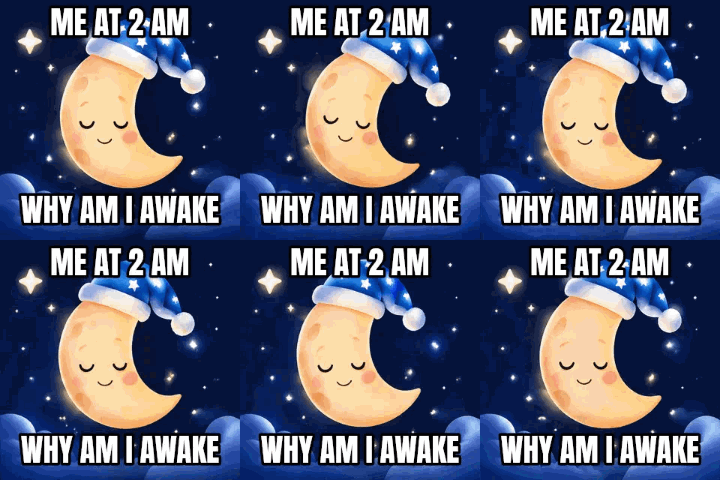
A lossless animated WebP with an alpha channel. The GIF keeps the transparent background, with the edge pixels blended with a white matte.Settings usedWebP read frame by frame, 320 px wide, balanced file size, transparency kept.WebP 296 KB (320 × 320 px) → GIF 356 KB (320 × 320 px), 16 frames  Original
 GIF
A mixed lossy and lossless WebP converted at 240 px wide instead of the original 320. Choosing a smaller width is the quickest way to shrink the GIF.Settings usedWebP read frame by frame, 240 px wide, balanced file size, transparency not present.WebP 147 KB (320 × 320 px) → GIF 305 KB (240 × 240 px), 16 frames  Original
 GIF
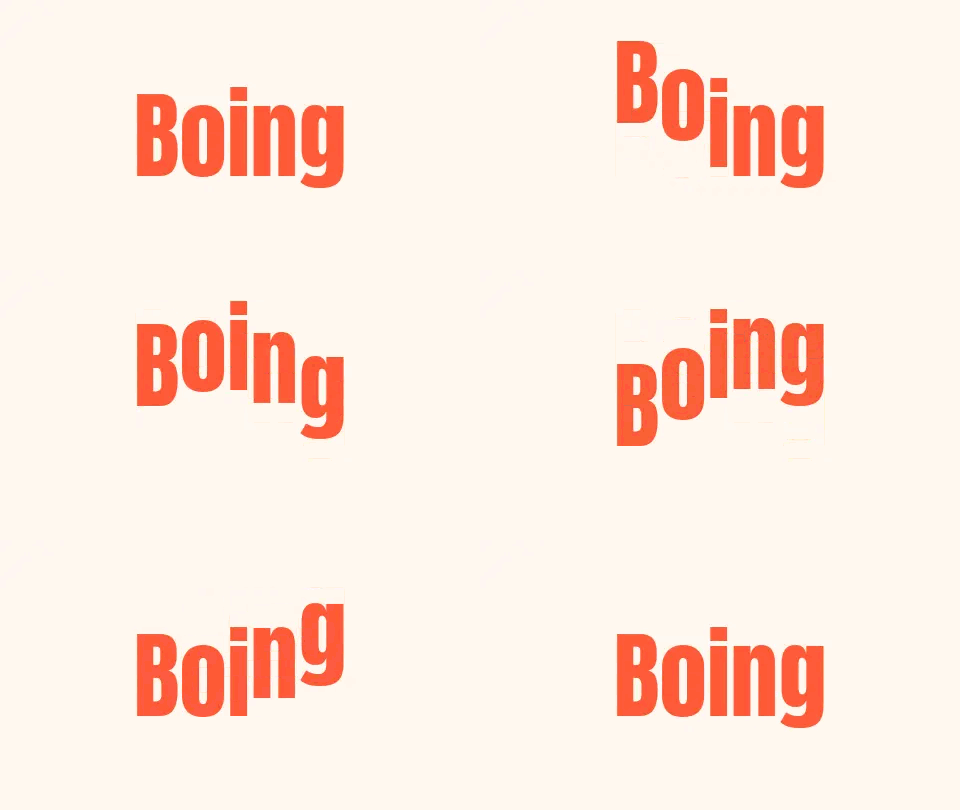
A fast bounce animation of 15 frames, kept at its original size. Frames of simple flat colour make small GIFs.Settings usedWebP read frame by frame, 480 px wide, balanced file size, transparency not present.WebP 24 KB (480 × 270 px) → GIF 123 KB (480 × 270 px), 15 frames
How to convert a WebP to a GIF
Drop the file and look at the before pane. If it moves, it is an animated WebP; if it does not, it is a still image and the tool will make a one frame GIF. Pick a width, decide what to do about transparency, and convert. The GIF opens in every browser, messaging app and editor that handles GIFs, which is the usual reason for converting.
The tool reads the file frame by frame. A WebP animation stores each frame as a rectangle that may be smaller than the whole picture, placed at an offset, with rules for blending and clearing. The converter applies those rules to rebuild every full frame before the GIF is written, so what you see is what the WebP shows.
Animated WebP vs GIF: what changes
WebP can be lossy or lossless, supports a full alpha channel, and usually makes much smaller files than a GIF of the same animation. GIF is older and simpler: at most 256 colours per frame and a pixel is either fully transparent or fully opaque. That is why the GIF of a lossy WebP is usually bigger and can show some banding in gradients.
You convert anyway because many places accept GIF but not WebP yet, such as some older email clients, chat apps and design tools. If the file is too large afterwards, the GIF compressor and resizer on this site shrink it.
Transparency and timing
GIF has no partial transparency. Pixels that are mostly see-through become fully transparent and the rest opaque, and the soft edges in between are blended with a matte colour so that they do not look jagged on a page of a similar colour. Pick the matte to match where the GIF will sit. Or switch transparency off and fill the background with a colour.
Each frame keeps its own delay from the WebP, rounded to the hundredths of a second that GIF can store, and never shorter than 2 hundredths because browsers raise lower values. Delays of 0 or under 20 milliseconds are treated like browsers do and become 100 milliseconds.
Other tools for the same file
After converting, these browser tools help with the next step.
- GIF compressor: bring the GIF down to a target size such as 256 KB.
- GIF resizer: set an exact width and height, or make a square emoji.
- GIF to PNG for a single frame: save one frame of the GIF as a PNG.
When WebP to GIF helps
A site that only takes GIF
Some forms, forums and editors accept GIF but not WebP.
An email or a message
GIF animates in the widest range of mail and chat apps.
A sticker or an emoji
Convert a transparent animated WebP and keep the background see-through.
An old file you downloaded
Animated WebP files saved from the web will not play in every app, but a GIF will.
One frame as an animation of one
A still WebP becomes a one frame GIF when a form insists on that format.
How this tool works and its limits
This is what the converter does with your file, and where it stops.
- Your file never leaves your device. It is parsed and the GIF is encoded in your browser, with no upload and no account.
- Files up to 25 MB and 300 frames are accepted, and the GIF is capped at 300 frames and 30 seconds of playing time. The output is limited to 1024 px on the longer side.
- Animated files are read by the browser's own decoder where it supports WebP animation, and by this page's own WebP reader otherwise. Either way each frame keeps its delay.
- GIF has at most 256 colours per frame and no partial transparency, so the GIF may be larger than the WebP and show banding in smooth gradients.
- The loop count is not carried over. The GIF always loops forever.
- A WebP that your browser cannot decode at all cannot be opened. The notice above the tool appears when the browser lacks WebP support.
- We built and tested the tool in current Chrome. The check below asks your own browser what it supports.
Does your browser support this?
This list is checked against the browser you are using right now, by asking it directly. It is not a guess from the browser name.
- WebP images: checking
- Background encoding (Web Workers): checking
Questions, answered
How do I convert a WebP to a GIF?
Drop the WebP above, choose a width and what to do about transparency, and press Convert to GIF. Download saves the animated GIF. It all happens in your browser.
Can I convert an animated WebP to an animated GIF?
Yes. The converter rebuilds each frame, keeps its delay and writes them as GIF frames. A still WebP becomes a one frame GIF.
Does it keep transparency?
Yes. Transparent pixels stay transparent. Soft edges are blended with a matte colour you choose, because GIF has no partial transparency.
Why is my GIF bigger than the WebP?
WebP compresses animations far better than GIF can. To shrink the GIF, pick a smaller width, use Smaller file, or run it through the compressor.
Is the WebP uploaded anywhere?
No. The file is read and converted on your device. No upload happens and no account is needed.
Why will my WebP not open?
The file may not be a valid WebP, may be over 25 MB or 300 frames, or your browser may not support WebP. The message under the drop box says which.
Related tools
Other tools you may need next.
 GIF CompressorFreeMake a GIF smaller: pick a level or a target size such as 256 KB.
 GIF ResizerFreeResize a GIF to an exact width and height, a percentage or a square emoji.
 Video to GIFFreeTrim an MP4 or MOV clip, pick a frame rate and width, and make a GIF in your browser.
 MOV to GIFFreeConvert an iPhone or QuickTime MOV to a GIF, with help for HEVC and HDR clips.