Cut GIF online
Pick the first and last frame of your GIF on a strip of thumbnails, delete any frames in between that you do not want, preview the cut and download. Each kept frame keeps its own timing.
Free · no sign-up · runs in your browser
GIF only · up to 25 MB · up to 300 frames · nothing is uploaded
The preview appears here.
Your new GIF appears here.
Frames
Frames between the two sliders are kept. Click a frame to remove it from the cut, and click it again to bring it back.
Drop a GIF to see its frames.
How to use it
Drop your GIF
Drop a GIF onto the box or click to choose one. Up to 25 MB and 300 frames. Its frames appear as a strip of thumbnails.
Set the start and end
Move the Start and End sliders. Frames outside them fade, and the summary shows how many frames are kept and how long the cut lasts.
Delete frames if you want
Click a frame in the strip to remove it from the cut, and click it again to bring it back. Restore all frames undoes every deletion.
Cut and download
Watch the preview, then press Cut GIF. The shorter GIF appears with its size and frame count, and Download saves it.
Examples made with this tool
Each example cuts one of our own GIFs with the tool's own cut code. The original is on the left and the cut GIF is on the right, with how many frames it kept.
 Original
 Cut GIF
Frames 3 to 10 of 12. Trimming the start and end of a flicker leaves the part with the most going on.Settings usedFrames 3 to 10 kept.GIF 130 KB (480 × 270 px) → GIF 89 KB (480 × 270 px), 8 frames 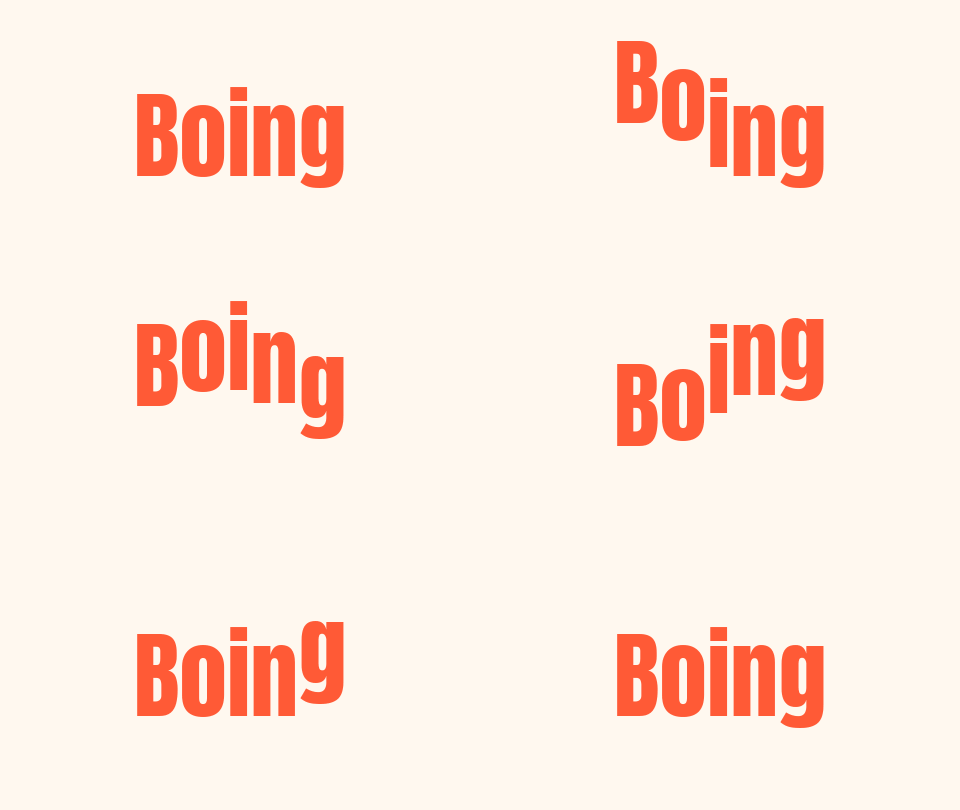 Original
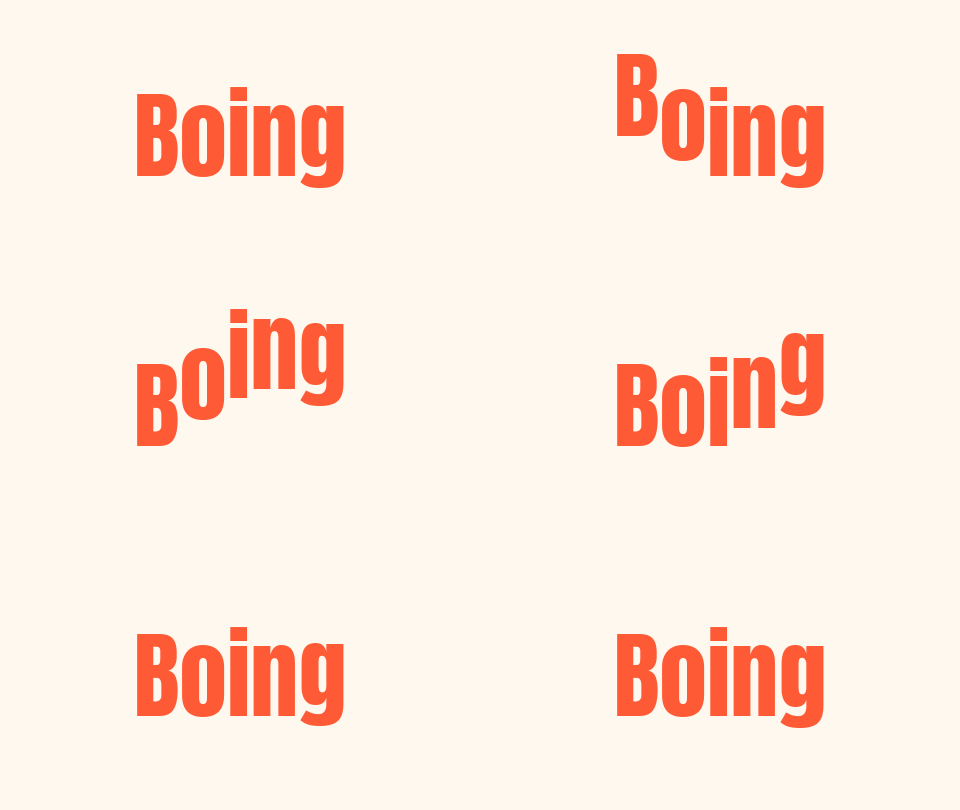 Cut GIF
All 16 frames in range, with frames 4 to 7 deleted. Frame deletion shortens the GIF without changing the start or end, and the animation jumps over the gap.Settings usedFrames 1 to 16 kept, and frames 4, 5, 6, 7 deleted.GIF 34 KB (480 × 270 px) → GIF 25 KB (480 × 270 px), 12 frames  Original
 Cut GIF
The first 28 of 57 frames of a scrolling banner. Each frame keeps its own delay, so the half that is left plays at the same speed as before.Settings usedFrames 1 to 28 kept.GIF 215 KB (480 × 120 px) → GIF 106 KB (480 × 120 px), 28 frames  Original
 Cut GIF
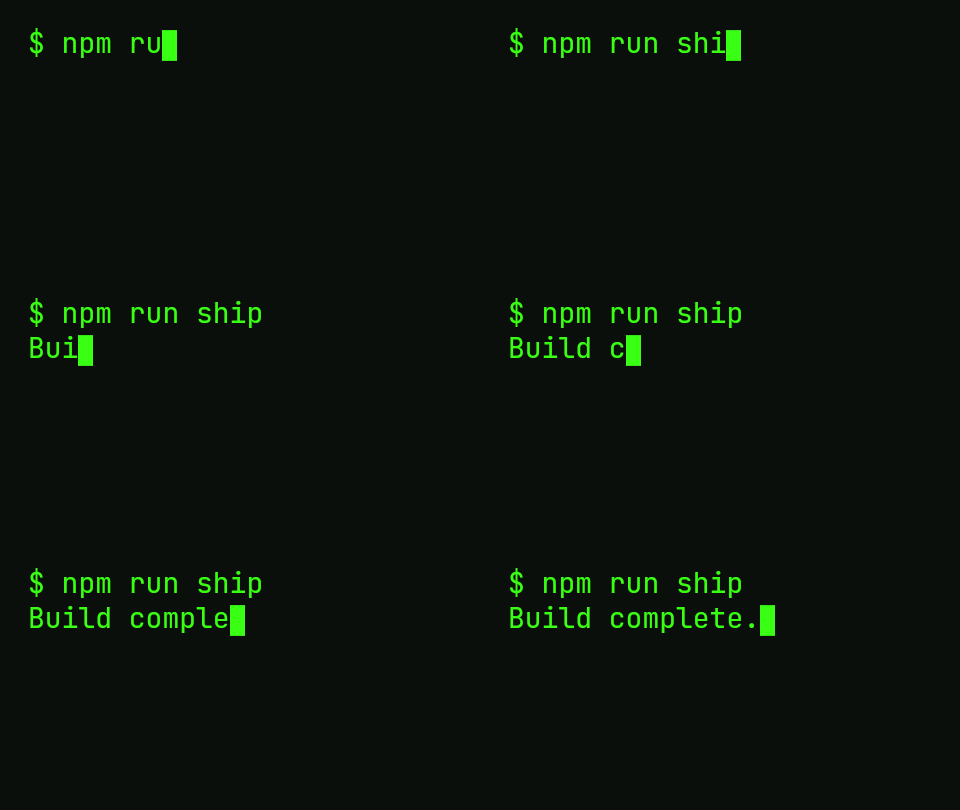
Frames 9 to 33 of a typing animation, which skips the empty start. Because every kept frame keeps its delay, the typing rhythm is unchanged.Settings usedFrames 9 to 33 kept.GIF 28 KB (480 × 270 px) → GIF 22 KB (480 × 270 px), 25 frames
How to cut a GIF
Cutting a GIF means keeping a run of frames and dropping the rest. Drag the Start slider to the first frame you want and the End slider to the last. The strip shows every frame as a thumbnail, with the part inside your range at full strength, so you can see the cut before you make it. The summary line gives the number of frames and the playing time in seconds.
When the range looks right, press Cut GIF. The tool draws the kept frames with their own delays and writes a new GIF in your browser. The cut is exact to the frame: a GIF has no sub-frame time, so frames are the unit of cutting.
Remove single frames from a GIF
Sometimes the problem is not the start or end but a frame in the middle: a glitch, a blink, a frame with a stray cursor. Click the frame in the strip and it is crossed out and left out of the new GIF. Click again to put it back. Only frames inside the Start and End range can be toggled.
Deleting a frame also deletes its time on screen, so the cut GIF is shorter and the animation jumps across the gap. If you would rather keep the length and have the previous frame stay longer, edit the timing with the GIF speed changer instead.
Cut vs crop
Cut works on time: it keeps some frames and drops others, so the GIF gets shorter and the picture stays the same size. Crop works on space: it keeps a rectangle of every frame, so the picture gets smaller and the length stays the same.
If you need both, cut first and crop second, because the crop then works on fewer frames. The related tools below link to the GIF cropper. If the cut GIF is still too big, the compressor can shrink it.
Other tools for the same GIF
These tools handle what usually comes after a cut.
- GIF speed changer: play the cut faster, slower or in reverse.
- GIF cropper: cut away part of the picture instead of part of the time.
- GIF compressor: shrink the cut GIF to a target size.
When cutting a GIF helps
Trim a long GIF to the good part
Keep the three seconds that carry the joke and drop the rest.
Remove a bad frame
Delete the single frame with a glitch or a stray pointer.
Make a smaller file
Fewer frames means fewer bytes. Cutting is a quick way to a lighter GIF.
Make a loop start where you want
Cut off a lead-in so the GIF begins on the action.
Prepare a GIF for combining
Trim each clip first, then join them with the combine tool.
How this tool works and its limits
This is what the tool does, and where it stops.
- Your GIF never leaves your device. It is opened, cut and re-encoded in your browser, with no upload and no account.
- GIFs up to 25 MB and 300 frames are accepted, and the cut is capped at 300 frames and 30 seconds of playing time.
- The unit of cutting is the frame. You cannot cut in the middle of a frame.
- Every kept frame keeps its own delay. The cut GIF is a fresh encode, so the file may be slightly different in size from a simple trim, and colour is reduced to a shared palette.
- Transparency is kept. The output is limited to 1024 px on the longer side.
- The cut GIF always loops forever.
- We built and tested the tool in current Chrome. The preview uses small thumbnails, and the exported GIF is the real thing.
Does your browser support this?
This list is checked against the browser you are using right now, by asking it directly. It is not a guess from the browser name.
- GIF files: checking
- Background encoding (Web Workers): checking
Questions, answered
How do I cut a GIF?
Drop the GIF above, move the Start and End sliders to keep the part you want and press Cut GIF. Download saves the shorter GIF.
How do I trim a GIF to a few seconds?
The strip shows each frame with its time. Set Start and End to cover the seconds you want, and the summary shows how long the result lasts.
Can I delete one frame from the middle of a GIF?
Yes. Click the frame in the strip to cross it out. It is left out of the cut, and you can click it again to restore it.
Does cutting keep the animation timing?
Yes. Every kept frame keeps its own delay, so the speed of the part you keep does not change.
What is the difference between cutting and cropping a GIF?
Cutting removes frames, so the GIF gets shorter. Cropping removes part of the picture, so the GIF gets smaller in size. Use the cropper for that.
Is my GIF uploaded?
No. The cut is made on your device. Nothing is sent to a server and you need no account.
Related tools
Other tools you may need next.
 GIF Speed ChangerFreeSpeed up, slow down or reverse any GIF and keep its timing.
 GIF CompressorFreeMake a GIF smaller: pick a level or a target size such as 256 KB.
 Add Text to GIFFreeCaption a GIF or short MP4 with several text layers and per-layer frame ranges.
 GIF ResizerFreeResize a GIF to an exact width and height, a percentage or a square emoji.