GIF to sprite sheet converter
Put every frame of a GIF into one PNG grid, and get a JSON file with each frame's position and delay, plus a CSS snippet that plays the sheet. It runs in your browser and nothing is uploaded.
Free · no sign-up · runs in your browser
GIF only · up to 25 MB · up to 300 frames · nothing is uploaded
Drop a GIF here
Your new GIF appears here.
How to use it
Drop your GIF
Drop a GIF onto the box or click to choose one. Up to 25 MB and 300 frames.
Set the grid
Leave Columns at 0 for a roughly square sheet, or type a number of columns. Add padding between frames if your engine needs gutters, and choose a transparent or coloured background.
Check the layout
The box under the controls shows the grid, the sheet size in pixels and the size of each cell. A sheet is never more than 4096 px on a side; bigger ones are scaled down evenly.
Create and download
Press Create sprite sheet. Download the PNG and the JSON, and copy the CSS from the text box under the result.
Examples made with this tool
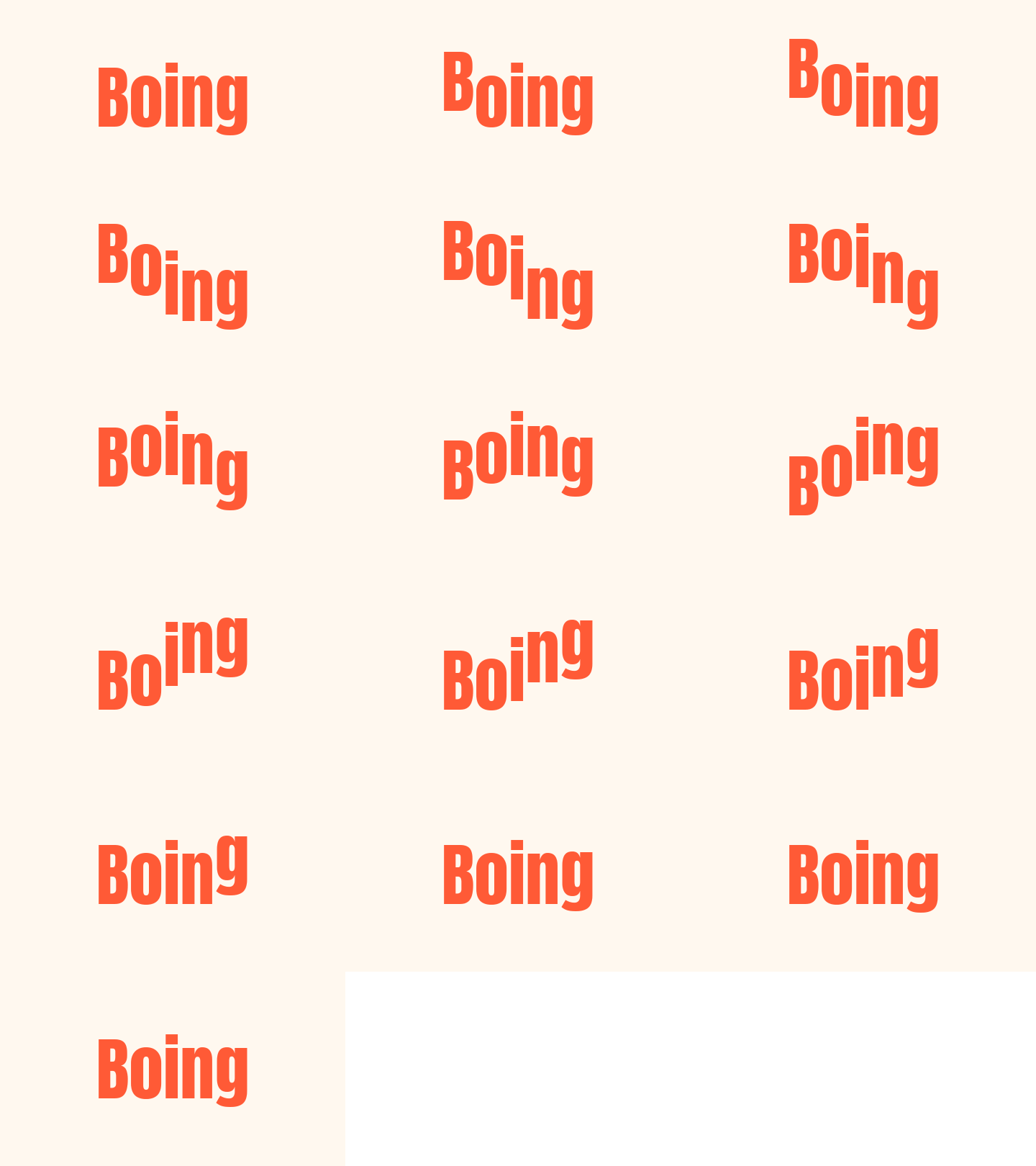
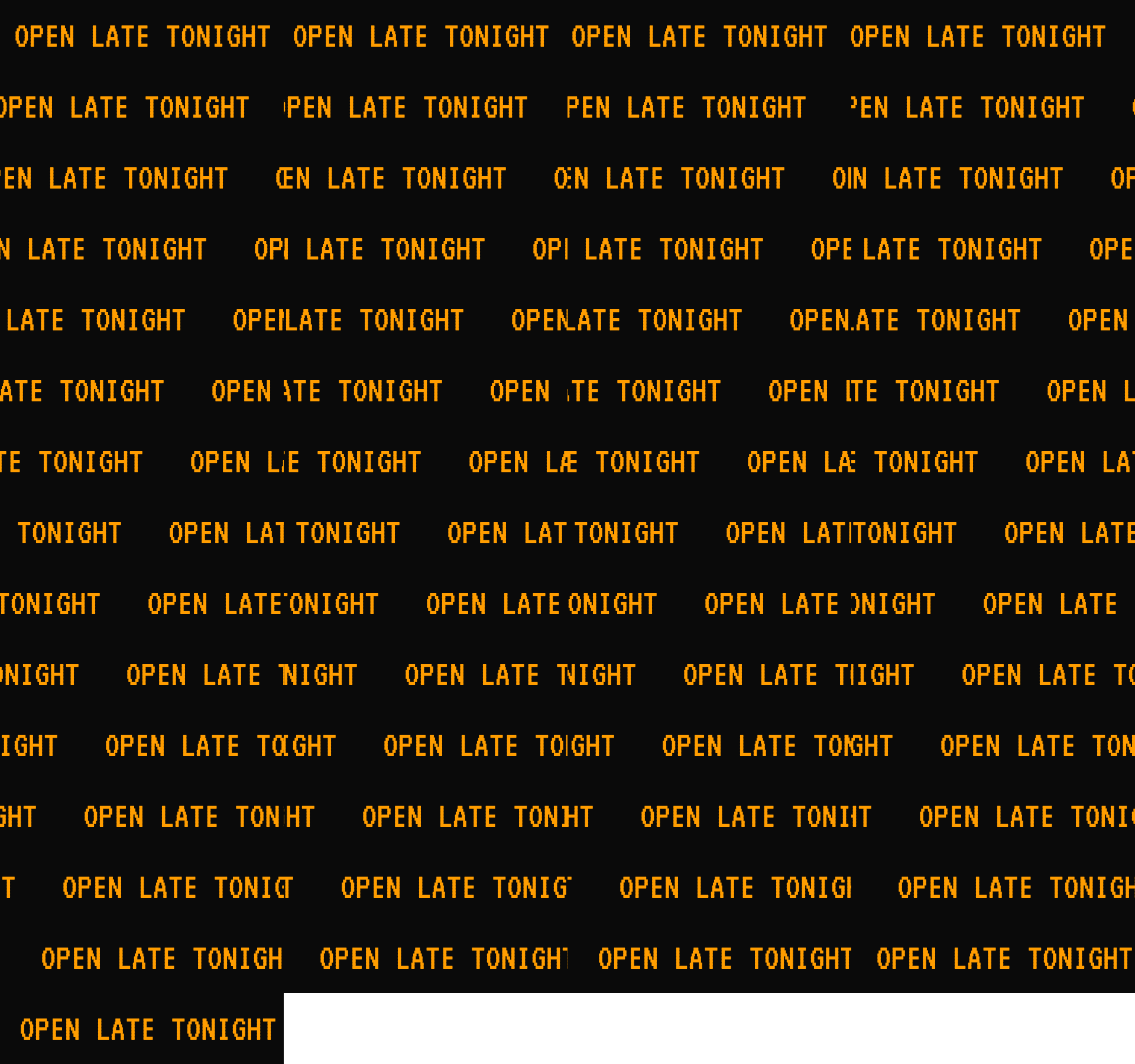
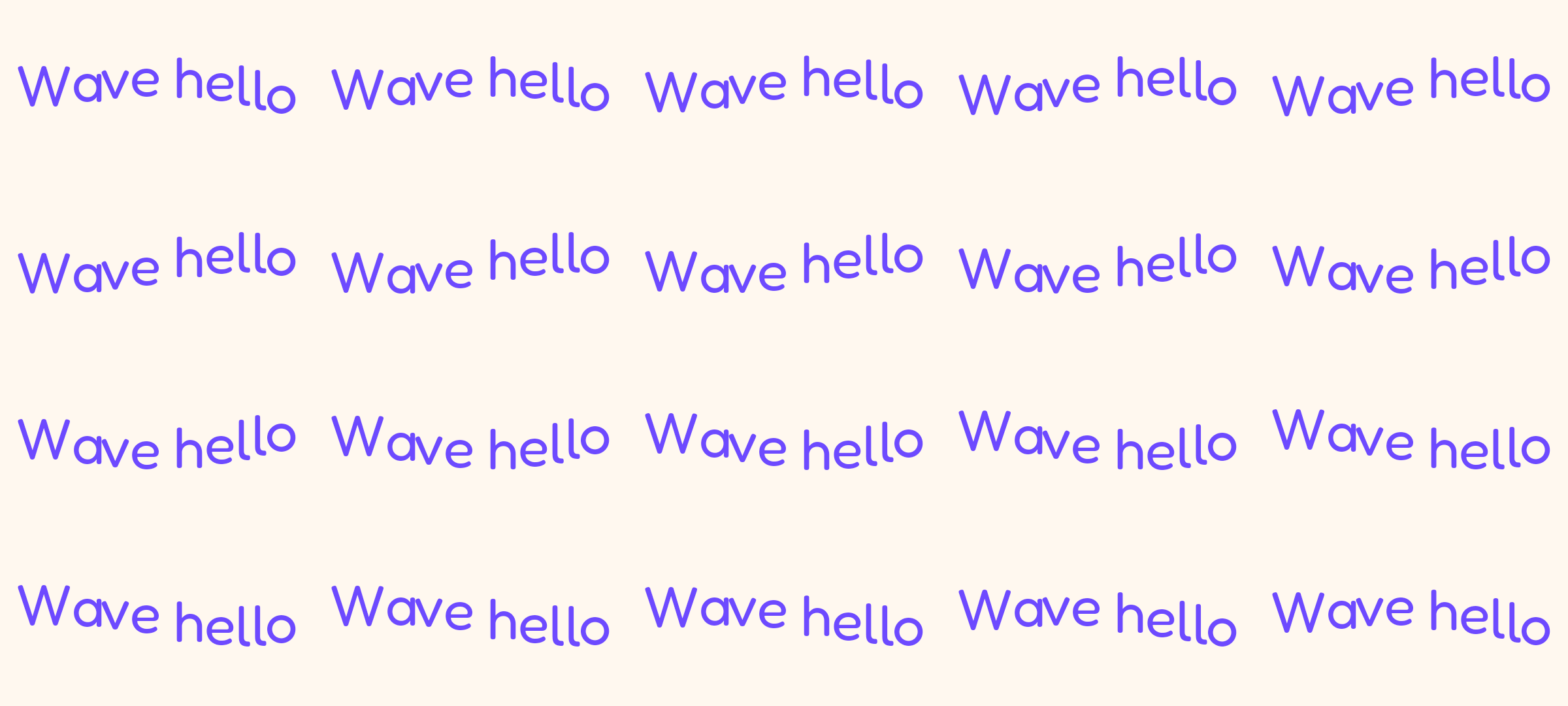
Each example turns one of our own GIFs into a sprite sheet with the tool's layout code. The GIF is on the left and the sheet is on the right, with its grid and size in the line below.
 Original
 Sprite sheet
An automatic layout: with Columns at 0 the tool chose a grid that is close to square. Each cell is the full 480 by 270 frame.Settings used3 columns by 6 rows, 0 px padding, 1440 × 1620 px sheet.GIF 34 KB (480 × 270 px) → PNG 56 KB (1440 × 1620 px)  Original
 Sprite sheet
Six columns with 4 px padding. The background is transparent, so the sheet can be placed over anything, and the gaps stop neighbouring frames touching when scaled.Settings used6 columns by 4 rows, 4 px padding, 1940 × 1292 px sheet.GIF 168 KB (320 × 320 px) → PNG 465 KB (1940 × 1292 px)  Original
 Sprite sheet
Four columns for a wide, short animation of 57 frames. Wide frames make tall sheets; choosing the column count yourself keeps the sheet a convenient shape.Settings used4 columns by 15 rows, 0 px padding, 1920 × 1800 px sheet.GIF 215 KB (480 × 120 px) → PNG 144 KB (1920 × 1800 px)  Original
 Sprite sheet
Five columns by four rows. Twenty frames at 480 by 270 make a sheet of 2400 by 1080 px, under the 4096 px side limit.Settings used5 columns by 4 rows, 0 px padding, 2400 × 1080 px sheet.GIF 91 KB (480 × 270 px) → PNG 154 KB (2400 × 1080 px)
How to turn a GIF into a sprite sheet
A sprite sheet is a single image that holds all the frames of an animation in a grid. Games and websites use it because one image loads faster than dozens, and the animation is played by moving a window over the grid. This tool builds the grid from your GIF, draws every frame into its cell at the cell size shown, and saves the result as a PNG.
Columns decides the shape. Leaving it at 0 picks a layout whose width and height are close to equal, which suits most uses. A single row, with Columns equal to the frame count, is the layout that the CSS steps() animation likes best. Padding adds a gap between cells, which avoids bleeding when the sheet is scaled.
Using the sheet in CSS
After you create the sheet, the tool prints a CSS snippet. For a single row with equal frame delays it is the classic form: a box the size of one cell, the sheet as its background, and an animation that moves the background across by the full sheet width in as many steps as there are frames.
For a grid, padding or frames with different delays, the snippet instead lists a keyframe for each frame with its background position, held with steps(1, end) so the frames switch rather than slide. Percentages are worked out from each frame's delay, so the timing matches the GIF. Copy it, change the class name and point the image at where you host the sheet.
Using the JSON in a game or script
The JSON file lists the image name, the sheet size, the cell size, the number of columns and rows and the total duration, then one entry per frame with its index, x, y, width, height and delay in milliseconds. It is plain JSON, so it is easy to read from a script or load into an engine that accepts custom atlas data.
The positions are in sheet pixels, and when the sheet had to be scaled to stay under 4096 px a side, the JSON describes the scaled sheet, not the original size. Delays come from the GIF, rounded to the hundredths of a second GIF stores.
Other tools for the same GIF
These tools help before or after you build a sheet.
- GIF splitter for separate files: download each frame as its own PNG or JPG in a ZIP.
- GIF resizer: make the frames smaller first so the sheet stays under the size limit.
- Cut GIF: trim the animation to the frames you need before you build the sheet.
When a sprite sheet helps
Game animations
Turn a GIF of a walk cycle or an effect into the sheet most 2D engines expect.
Lightweight web animation
Play an animation in CSS from one image, with no GIF and no script.
Emoji and sticker sets
Keep all the frames of a sticker in one file next to its timing data.
Design handoff
Give a developer one PNG and one JSON file instead of a folder of frames.
Checking an animation
See every frame side by side at a glance.
How this tool works and its limits
This is what the converter does, and where it stops.
- Your GIF never leaves your device. The sheet is drawn and saved in your browser, with no upload and no account.
- GIFs up to 25 MB and 300 frames are accepted. A sheet is at most 4096 px on each side; if the grid would be bigger, every frame is scaled down by the same factor.
- Columns 0 means automatic. Columns above the frame count are capped to the frame count, and padding runs from 0 to 64 px.
- The background is transparent by default. A coloured background fills the whole sheet, including the gaps.
- The CSS snippet is a starting point: one animation on one element. Change the class name and the image path to suit your page.
- The sheet is a PNG, so a sheet of detailed art can be large. Reduce the frame size or number of frames first if it is too heavy.
- We built and tested the tool in current Chrome. The JSON and CSS are plain text and work anywhere.
Does your browser support this?
This list is checked against the browser you are using right now, by asking it directly. It is not a guess from the browser name.
- GIF files: checking
Questions, answered
How do I convert a GIF to a sprite sheet?
Drop the GIF above, optionally set the columns and padding, and press Create sprite sheet. Download the PNG and the JSON, and copy the CSS if you want it.
What is a sprite sheet?
A single image that holds all the frames of an animation in a grid. An engine or a CSS animation shows one cell at a time to play the animation.
How many columns should I use?
Leave it at 0 for a near-square sheet, or use one row (columns equal to the frame count) for the classic CSS steps() animation.
What is the maximum sheet size?
No more than 4096 px on either side. If the grid would be bigger, the tool scales every frame down evenly and the JSON describes the scaled sheet.
Does the JSON keep the frame timing?
Yes. Each frame has a delay in milliseconds taken from the GIF, and the file also gives the total duration.
Is my GIF uploaded?
No. The sheet is built on your device. Nothing is sent to a server and you need no account.
Related tools
Other tools you may need next.
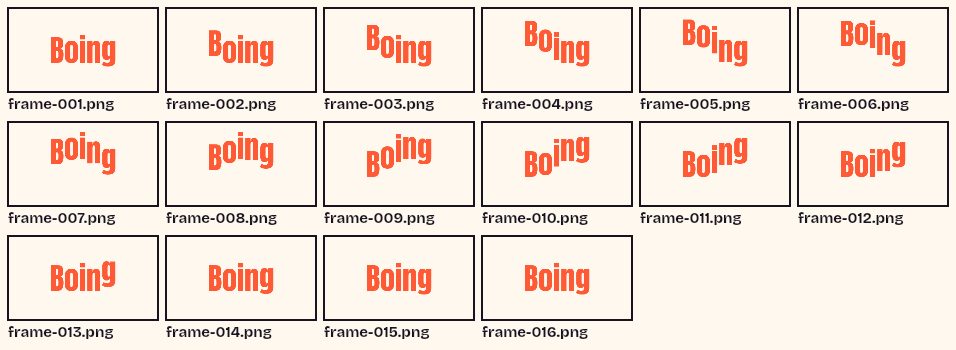 GIF SplitterFreeSee every frame of a GIF in a grid, pick the ones you want and download them as a ZIP.
 GIF ResizerFreeResize a GIF to an exact width and height, a percentage or a square emoji.
 Video to GIFFreeTrim an MP4 or MOV clip, pick a frame rate and width, and make a GIF in your browser.
 MOV to GIFFreeConvert an iPhone or QuickTime MOV to a GIF, with help for HEVC and HDR clips.