GIF color changer
Replace one colour in an animated GIF with another. Click the picture to pick the colour, choose the new one, set how close a colour has to be, and keep the shading so light and dark parts stay light and dark. It runs in your browser: no upload, no sign-up.
Free · no sign-up · runs in your browser
GIF only · up to 25 MB · up to 300 frames · nothing is uploaded
Drop a GIF here
The preview appears here.
Your new GIF appears here.
How to use it
Drop your GIF
Drop a GIF onto the box or click to choose one. Up to 25 MB and 300 frames. It is opened on your device and never leaves it.
Pick the colour to replace
Click the colour you want to change in the picture. Use the slider under it to look at other frames. You can also type a hex code.
Choose the new colour
Pick the new colour with the colour box or a hex code. Set the tolerance, which says how close a colour has to be to count, and the soft edge. Switch between New colour and Original to compare.
Create and download
Press Create recoloured GIF. The new GIF appears next to the preview with its size and dimensions, and Download saves it.
Examples made with this tool
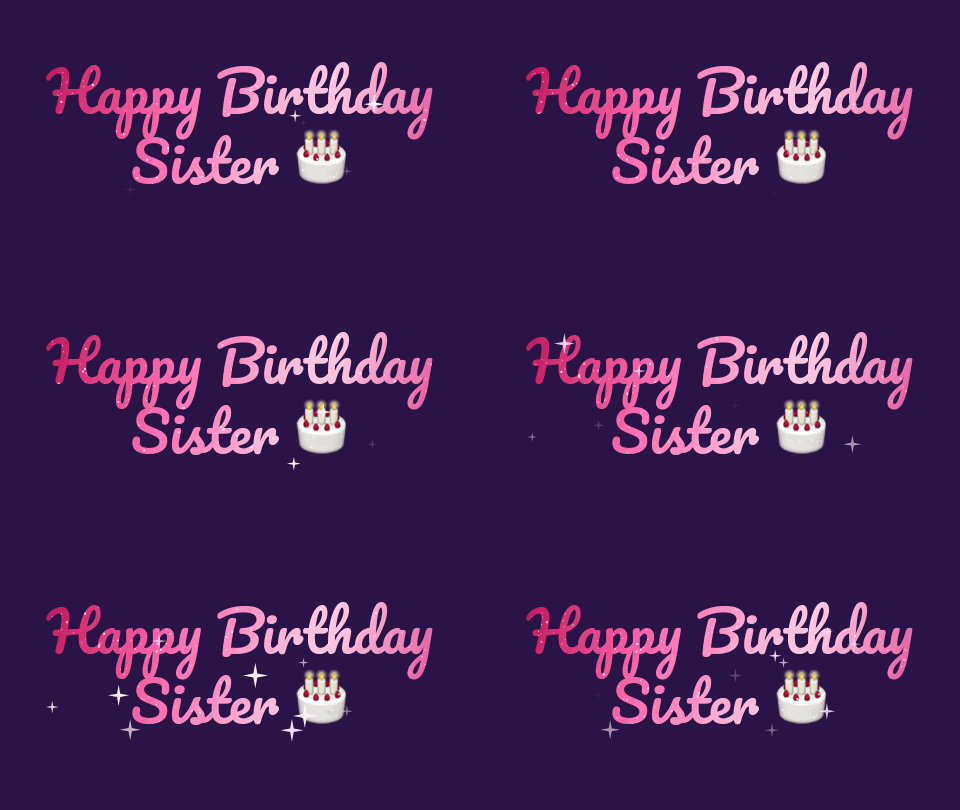
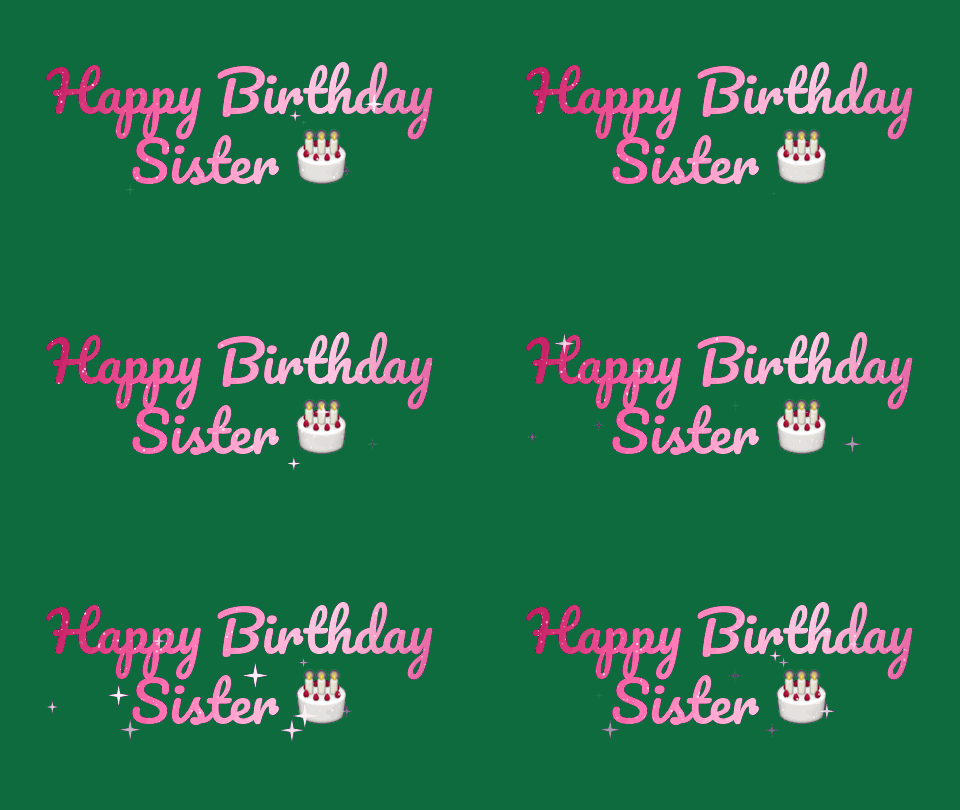
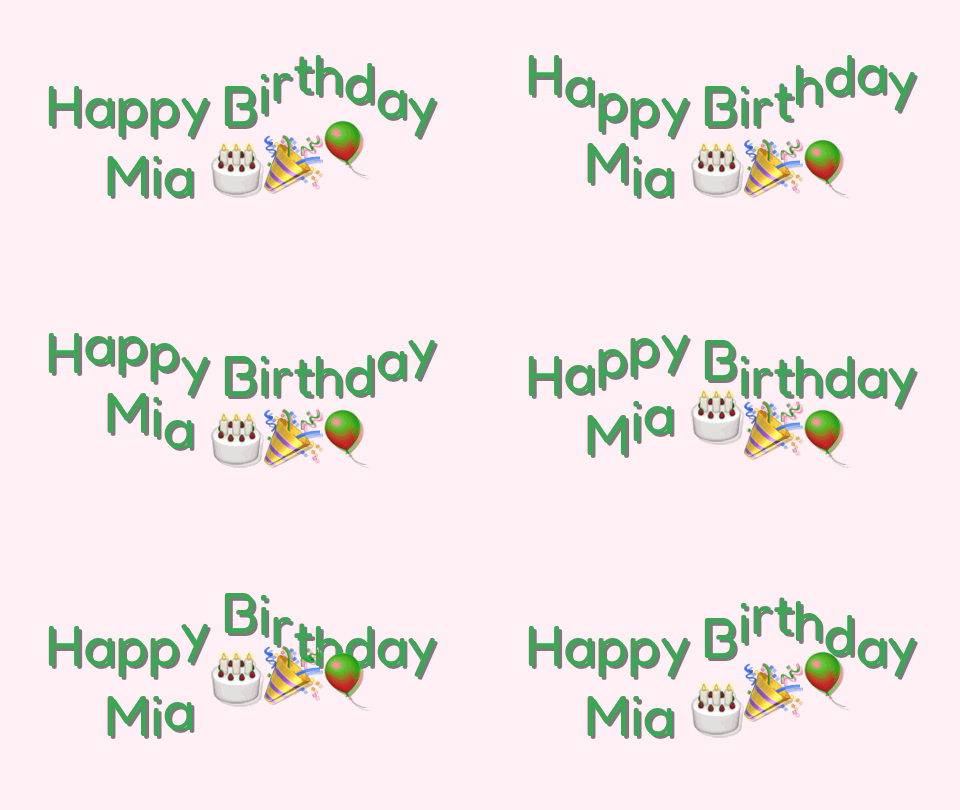
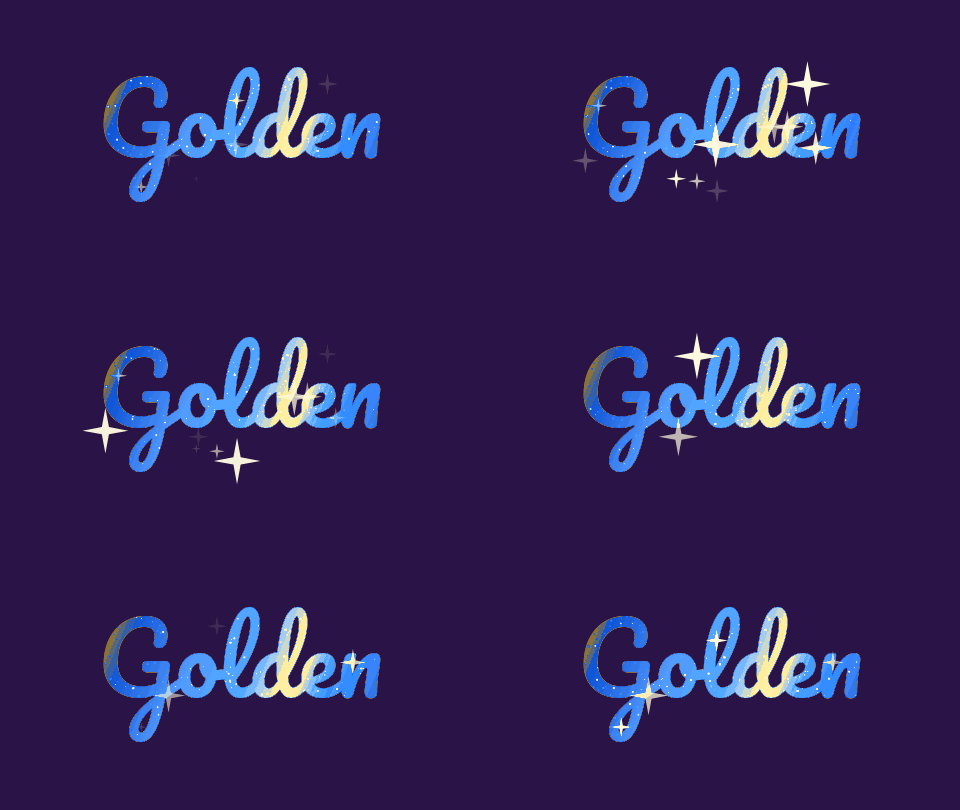
Each example replaces one colour in one of our own GIFs. The original is on the left and the recoloured GIF is on the right, and the settings line lists the colour that was picked, the tolerance and the new colour.
 Original
 Recoloured GIF
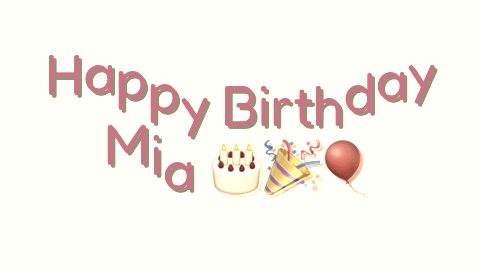
The most common edge colour, a dark purple, was replaced with a deep green at tolerance 40 and a soft edge of 20. The pink lettering is far from purple in colour space, so it did not change.Settings usedReplaced rgb(42,19,70) with #0d6b3d, tolerance 40, soft edge 20, shading kept. Output 480 × 270 px.GIF 43 KB (480 × 270 px) → GIF 43 KB (480 × 270 px), 12 frames 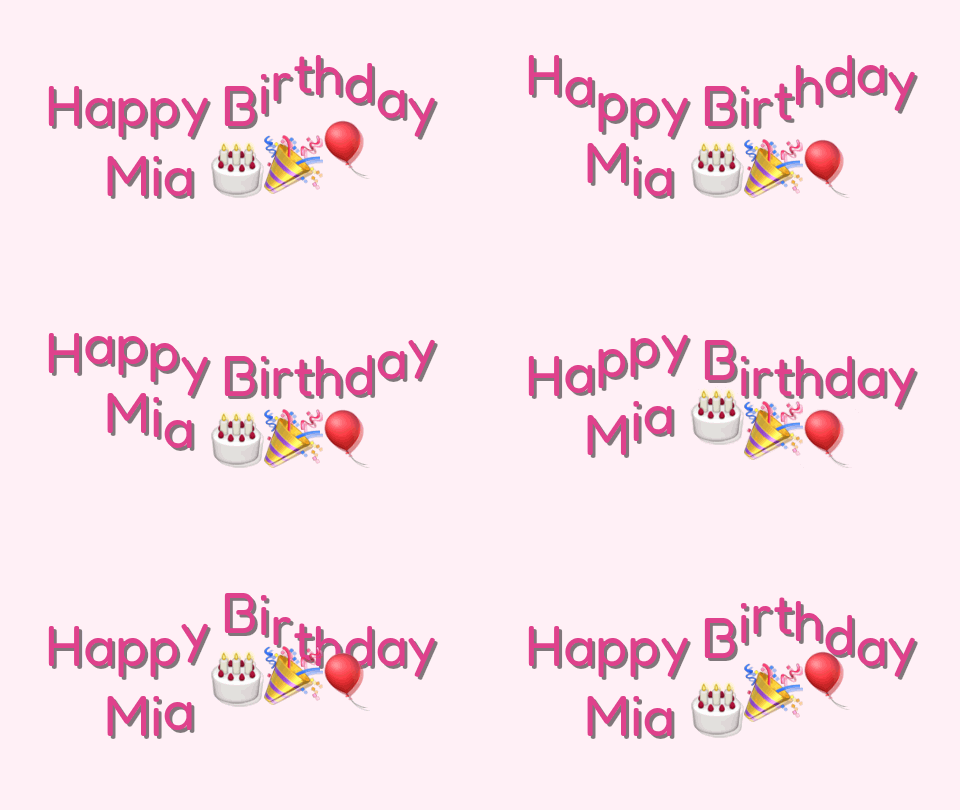 Original
 Recoloured GIF
The pink of the lettering was picked and replaced with a green at tolerance 60. Light and dark pinks in the letters became light and dark greens, because shading is kept.Settings usedReplaced rgb(208,64,128) with #2fa34a, tolerance 60, soft edge 30, shading kept. Output 480 × 270 px.GIF 118 KB (480 × 270 px) → GIF 118 KB (480 × 270 px), 16 frames  Original
 Recoloured GIF
The white background was picked and replaced with a pale yellow, without keeping shading, so every matching pixel becomes exactly the new colour. The bear's fur and the heart are far from white and did not change.Settings usedReplaced rgb(247,246,246) with #ffe9a8, tolerance 30, soft edge 20, flat replacement. Output 320 × 320 px.GIF 498 KB (320 × 320 px) → GIF 388 KB (320 × 320 px), 16 frames 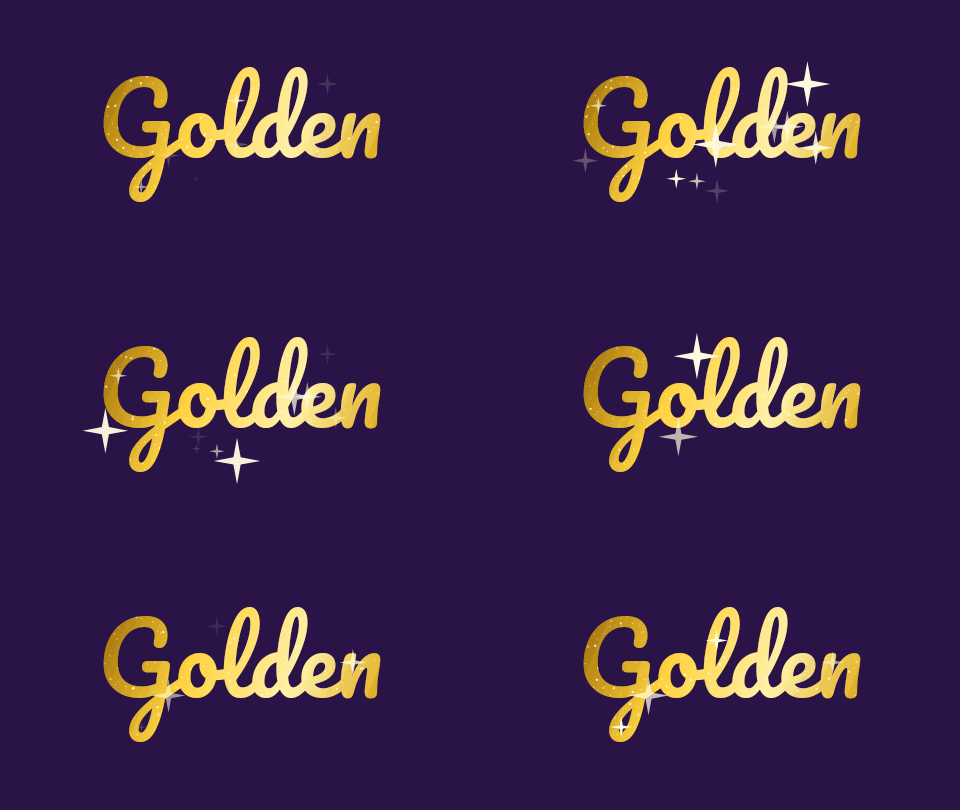 Original
 Recoloured GIF
The gold of the lettering was replaced with a blue at tolerance 75. The sparkles that move across the letters are made of lighter golds, and they were shifted by the same amount, so they stay lighter than the letters.Settings usedReplaced rgb(232,192,64) with #3a86ff, tolerance 75, soft edge 30, shading kept. Output 480 × 270 px.GIF 46 KB (480 × 270 px) → GIF 43 KB (480 × 270 px), 12 frames
What it replaces, and how
The colour changer measures how far each pixel is from the colour you picked, as a distance in red, green and blue. A pixel inside the tolerance is changed. A pixel outside it is left alone. The soft edge adds a band beyond the tolerance where the change fades out, so there is no hard step between changed and unchanged pixels.
The tool changes the colour wherever it appears, in every frame. It does not know where objects are. A blue sky and a blue shirt in the same GIF will both change if both are inside the tolerance. To change only one of them, lower the tolerance until the other falls outside it, or use the editor to crop first.
Keep shading, or replace flat
With Keep shading on, every matching pixel is shifted by the difference between the new colour and the colour you picked. A pixel a little lighter than the picked colour becomes a little lighter than the new one. That keeps shadows, highlights and soft edges, and it is the right choice for lettering, clothes and objects.
With Keep shading off, every matching pixel becomes exactly the new colour. That is the right choice for a flat background, where you want one clean colour and no leftover texture. The preview shows both choices, so try each. Results are limited to the range of each colour channel, so a large shift near white or black can lose some shading.
What this tool does not do
This tool replaces one colour. It does not rotate every hue in the picture. For a wider change, such as making the whole picture warmer, cooler, black and white or shifted around the colour wheel, use the GIF filter, which has a hue slider. To remove a colour and leave a hole, use the transparent GIF maker.
A GIF stores at most 256 colours, and the result is encoded again with a new shared palette. Smooth gradients can show bands, and file size can change. The tool keeps frame timing and transparency, and it never changes how see-through a pixel is. The After pane shows the real size of the new file.
Related tools
These tools handle the other colour jobs.
- GIF filter: change the whole picture with a preset, a hue slider and brightness controls.
- Transparent GIF maker: turn one colour clear instead of replacing it.
- GIF editor: combine a crop or a cut with other steps in one list.
When swapping a colour helps
A new background
Swap a flat background for a colour that matches your page.
Matching a brand
Change a coloured logo or lettering to a brand colour.
A seasonal variant
Turn a pink or gold design into a green or red one.
A team version
Make several colour versions of the same sticker or reaction.
Fixing a tint
Replace an unwanted colour cast in a flat area.
How this tool works and its limits
This is what the colour changer does, and where it stops.
- Your GIF never leaves your device. It is opened, processed and written in your browser, with no upload and no account.
- GIFs up to 25 MB and 300 frames are accepted. The result is capped at 300 frames, 30 seconds and 1024 px on the longer side.
- The tool replaces one colour, wherever it appears in the frame. It has no brush or mask, so it cannot change one object and leave another of the same colour.
- Tolerance is a distance in red, green and blue from 0 to 160. A high tolerance also changes colours near the one you picked, and a low one can leave a halo of the old colour around edges.
- The result is a new encode with a shared palette of up to 255 colours, so smooth gradients can show bands and the file size can change.
- Transparent GIFs stay transparent. The tool changes colours only, and a fully transparent pixel is never touched.
- We built and tested this tool in current desktop Chrome. It uses ordinary canvas, workers and GIF decoding, and the list below checks your own browser live. We have not tested other browsers ourselves.
Does your browser support this?
This list is checked against the browser you are using right now, by asking it directly. It is not a guess from the browser name.
- GIF files: checking
- Background encoding (Web Workers): checking
Questions, answered
How do I change a colour in a GIF?
Drop the GIF, click the colour you want to change, choose the new colour, and press Create recoloured GIF. Compare with Original first, and adjust the tolerance if the change reaches too far or not far enough.
What does tolerance mean?
It is how far a colour can be from the one you picked, in red, green and blue, and still be changed. A low number changes only almost-identical pixels. A high number changes a wider range of similar colours.
What does Keep shading do?
It shifts every matching pixel by the same amount as the picked colour, so lighter and darker shades stay lighter and darker. Without it, every matching pixel becomes exactly the new colour.
Can I change the hue of the whole GIF?
Not here. This tool swaps one colour for another. The GIF filter has a hue slider that turns every colour around the colour wheel.
Does it work on transparent GIFs?
Yes. Transparent areas stay transparent, and only the colours of visible pixels change.
Is my GIF uploaded?
No. The GIF is recoloured on your device. Nothing is sent to a server and you need no account.
Related tools
Other tools you may need next.
 GIF filterFreeAdd black and white, sepia, vintage and other filters to a GIF, with brightness, contrast, saturation and hue sliders.
 Transparent GIF makerFreeMake one colour of a GIF transparent, or build a transparent GIF from PNG images.
 GIF CompressorFreeMake a GIF smaller: pick a level or a target size such as 256 KB.
 GIF Speed ChangerFreeSpeed up or slow down any GIF and keep its timing.