Fade GIF
Fade an animated GIF in from or out to black, white, a colour you choose or transparent. Set how many frames the fade takes, and add extra frames at the start or the end so even a short GIF has room to fade smoothly. It runs in your browser: no upload, no sign-up.
Free · no sign-up · runs in your browser
GIF only · up to 25 MB · up to 300 frames · nothing is uploaded
Drop a GIF here
The preview appears here.
Your new GIF appears here.
How to use it
Drop your GIF
Drop a GIF onto the box or click to choose one. Up to 25 MB and 300 frames. It is opened on your device and never leaves it.
Choose what to fade to
Pick black, white, a colour or transparent. The preview shows the fade at once.
Set the length of the fade
Set how many frames to fade in and how many to fade out. If the GIF has few frames, add extra frames before or after it and set how long each lasts.
Create and download
Press Create faded GIF. The new GIF appears next to the preview with its frame count, size and dimensions, and Download saves it.
Examples made with this tool
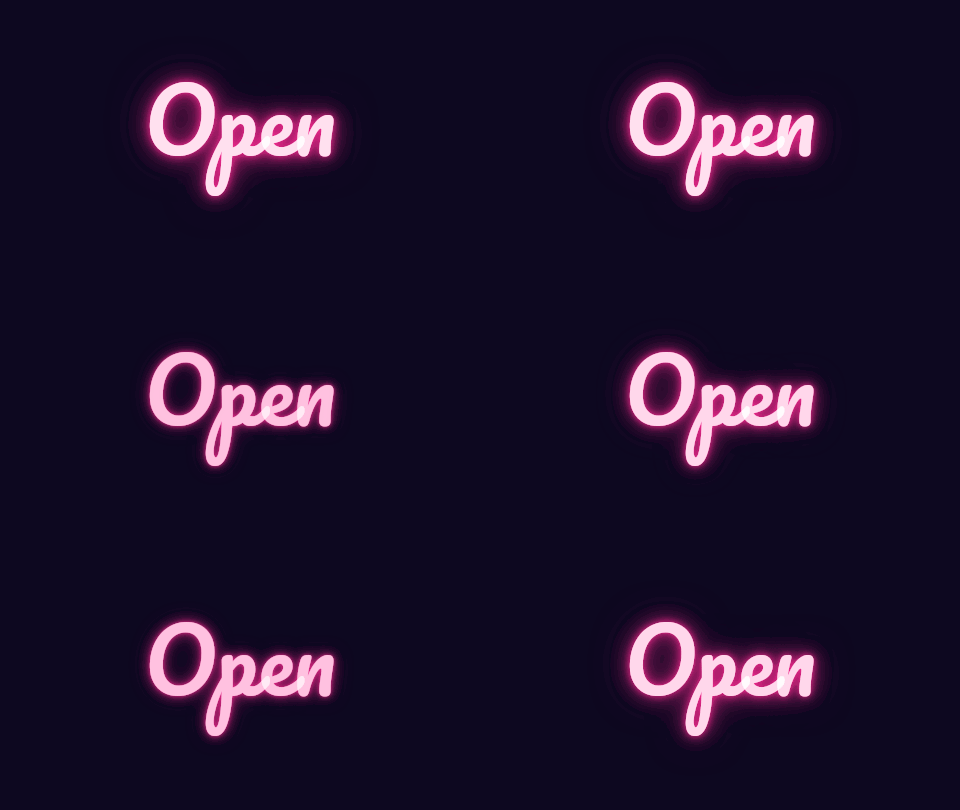
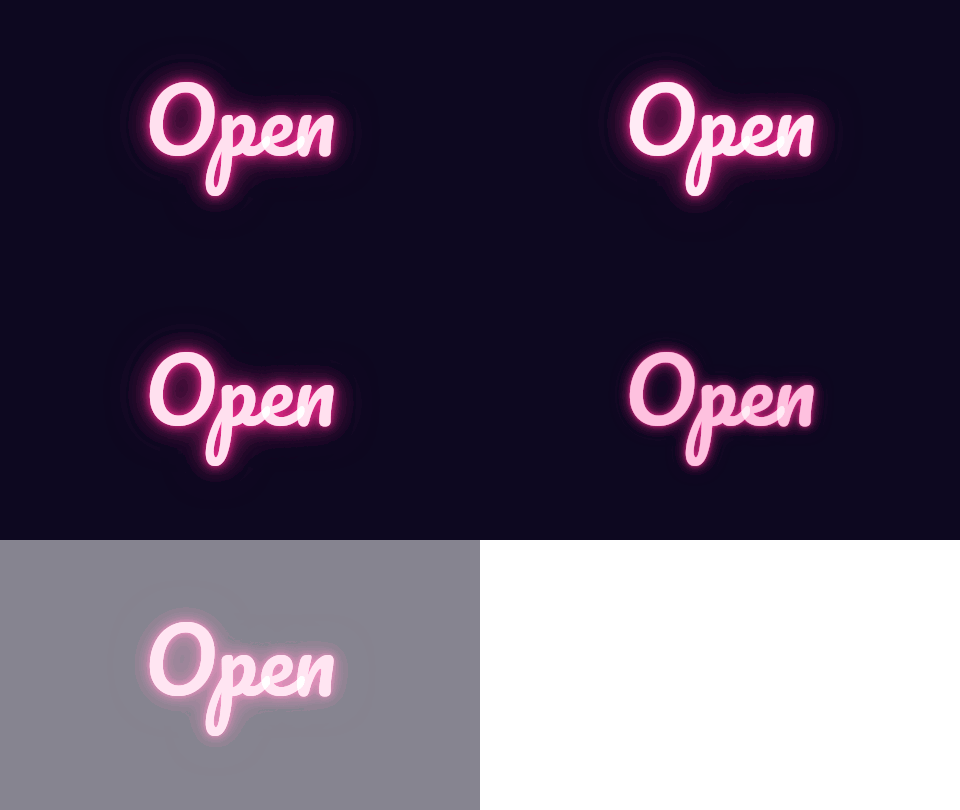
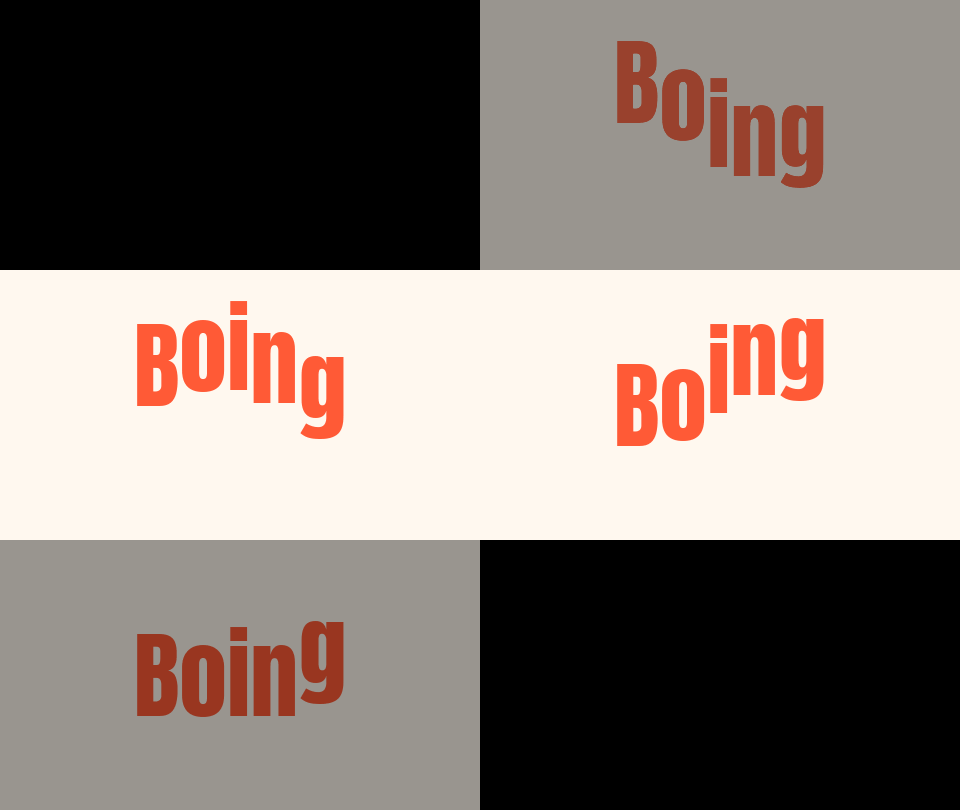
Each example fades one of our own GIFs. The original is on the left and the faded GIF is on the right, and the settings line lists the target, the fade lengths and the extra frames.
 Original
 Faded GIF
A fade out to white over 6 frames, with 4 extra frames after the GIF. The last frame is fully white, and the 4 extra frames repeat the last picture so the fade has room to run.Settings usedFade to #ffffff: 0 frames in, 6 frames out, 0 extra frames at the start and 4 at the end. 16 frames in all.GIF 130 KB (480 × 270 px) → GIF 135 KB (480 × 270 px), 16 frames 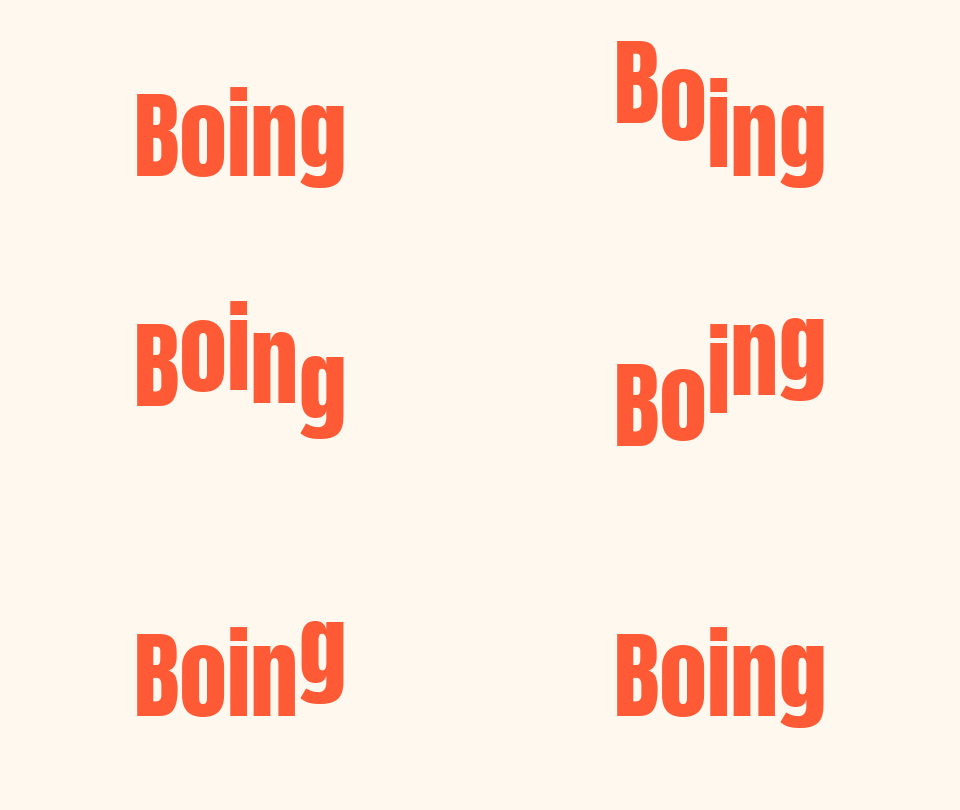 Original
 Faded GIF
A fade in over 4 frames and a fade out over 5 frames, to black. The first frame and the last frame are fully black, so the loop passes through two black frames in a row.Settings usedFade to #000000: 4 frames in, 5 frames out, 0 extra frames at the start and 0 at the end. 16 frames in all.GIF 34 KB (480 × 270 px) → GIF 39 KB (480 × 270 px), 16 frames  Original
 Faded GIF
A fade to transparent over 8 frames, with 4 extra frames. A GIF pixel is either clear or solid, so the bear dissolves in a fixed dotted pattern, and the last frames are empty.Settings usedFade to transparent: 0 frames in, 8 frames out, 0 extra frames at the start and 4 at the end. 20 frames in all.GIF 356 KB (320 × 320 px) → GIF 380 KB (320 × 320 px), 20 frames 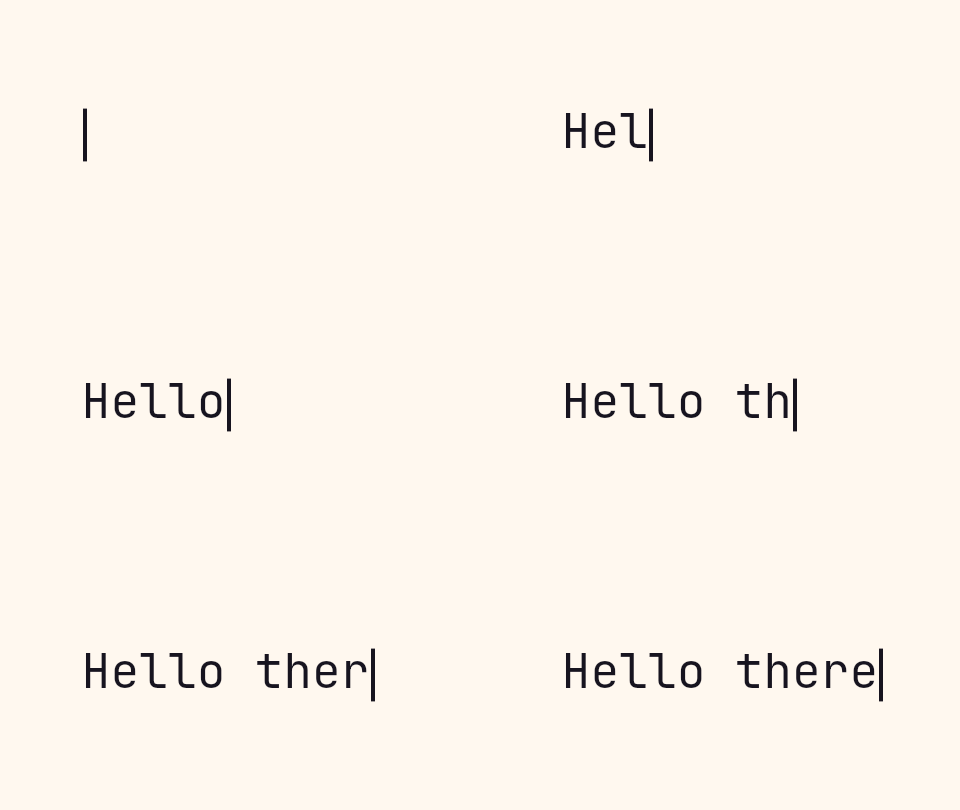 Original
 Faded GIF
Fade in over 3 frames and out over 6, to orange, with 2 extra frames at the start and 6 at the end. The extra frames repeat the first and last pictures at 120 ms each, so the text is readable before it fades.Settings usedFade to #ff5a36: 3 frames in, 6 frames out, 2 extra frames at the start and 6 at the end. 22 frames in all.GIF 14 KB (480 × 270 px) → GIF 26 KB (480 × 270 px), 22 frames
How the fade is timed
The fade is made of frames. Fading out over 6 frames means the last 6 frames of the GIF are blended with the target, from one sixth of the way to all the way. The final frame is entirely the target colour. Fading in works the other way: the first frame is entirely the target, and each frame after it is closer to the picture. Frames outside the fade are not touched.
If you set a fade in and a fade out that together are longer than the GIF, the fade out is shortened first, so the two never overlap. Frame timing is kept: each frame still lasts as long as it did in the original, and extra frames last as long as you set.
Extra frames for short GIFs
A GIF with 8 frames has no room for a 10 frame fade, and fading over all 8 frames would hide the animation. Extra frames before and after fix that. They repeat the first or the last frame, so the picture holds while the fade runs. You choose how many to add, up to 40 at each end, and how long each lasts, from 20 to 500 ms.
This also gives you a pause. A fade out followed by a few frames of the target colour is a clean ending. Remember that a GIF repeats, so a GIF that fades out and in passes through two target-coloured frames when it loops, which reads as a short pause. Set the fade out only if you do not want that.
Fading to transparent
GIF has no partial transparency: a pixel is either solid or clear. A fade to transparent therefore cannot lower the opacity of a pixel gradually. Instead, the tool switches pixels off in a fixed pattern of dots as the fade goes on, a little more on each frame, until the picture is gone. It looks like a dissolve, and it is the same on every frame so it does not shimmer.
Soft edges in a transparent result are blended with white. If the GIF will sit on a coloured page, the edges can show a faint light line. A fade to a solid colour avoids this. Fades add frames, and the result is capped at 300 frames and 30 seconds, so a long GIF with long holds can reach the limit.
Related tools
These tools handle what usually comes next.
- Zoom GIF tool: zoom in or out on a point while the GIF plays.
- GIF editor: combine the fade with cut, crop and speed in one list of steps.
- GIF compressor: bring the file size down after you add frames.
When a fade helps
A clean ending
Fade a GIF out to black so it does not cut off.
A soft start
Fade in from white to introduce a title card.
A brand colour
Fade a logo to your colour before it loops.
A dissolve
Fade a sticker to transparent so it fades out over a page.
Holding a message
Add extra frames so text stays readable before it fades.
How this tool works and its limits
This is what the fade does, and where it stops.
- Your GIF never leaves your device. It is opened, processed and written in your browser, with no upload and no account.
- GIFs up to 25 MB and 300 frames are accepted. The result is capped at 300 frames, 30 seconds and 1024 px on the longer side.
- The fade is from 0 to 40 frames at each end, and up to 40 extra frames at each end, each lasting 20 to 500 ms.
- The fade is linear and applies to the whole picture. There is no mask, and the fade does not follow part of the GIF.
- A fade to transparent is a dotted dissolve, because GIF pixels are either solid or clear. Soft edges are blended with white.
- Extra frames make the file longer and larger. Exports are capped at 300 frames and 30 seconds, and the page tells you when a setting goes over.
- We built and tested this tool in current desktop Chrome. It uses ordinary canvas, workers and GIF decoding, and the list below checks your own browser live. We have not tested other browsers ourselves.
Does your browser support this?
This list is checked against the browser you are using right now, by asking it directly. It is not a guess from the browser name.
- GIF files: checking
- Background encoding (Web Workers): checking
Questions, answered
How do I fade a GIF to black?
Drop the GIF, choose Black, set Fade out over to the number of frames you want, and press Create faded GIF. The last frame is fully black.
How do I fade a GIF in?
Set Fade in over to a number of frames. The first frame is fully the target colour, and each frame after it is closer to the picture.
My GIF has only a few frames. Can it still fade smoothly?
Yes. Add extra frames after the GIF for a fade out, or before it for a fade in. They repeat the last or first frame, so the fade has frames to work with.
Can a GIF fade to transparent?
Yes, as a dissolve. GIF pixels are either solid or clear, so the tool switches pixels off in a fixed pattern of dots instead of lowering their opacity.
Does the fade change the length of the GIF?
Only by the extra frames you add. Each original frame keeps its delay.
Is my GIF uploaded?
No. The GIF is faded on your device. Nothing is sent to a server and you need no account.
Related tools
Other tools you may need next.
 GIF ZoomerFreeZoom a GIF in or out around a point you click, with easing and optional zoom and return.
 GIF editorFreeCrop, resize, rotate, cut, change speed and filter one GIF as ordered steps, then export once.
 GIF CompressorFreeMake a GIF smaller: pick a level or a target size such as 256 KB.
 GIF Speed ChangerFreeSpeed up or slow down any GIF and keep its timing.