GIF looper
See how many times a GIF is set to loop and change it: forever, once or a number of plays. Only the loop block of the file is rewritten, so the frames are not touched and nothing is re-encoded. Some apps and sites ignore the loop setting. It runs in your browser: no upload, no sign-up.
Free · no sign-up · runs in your browser
GIF only · up to 25 MB · up to 300 frames · nothing is uploaded
Drop a GIF here
Your new GIF appears here.
How to use it
Drop your GIF
Drop a GIF onto the box or click to choose one. Up to 25 MB. The file is read on your device and never leaves it, and the page shows the loop setting it already has.
Choose the new setting
Choose Forever, Once or N times. For N times, set the number of plays, from 2 to 50.
Apply it
Press Apply loop setting. The page reads the setting back from the new file and shows it.
Download
Press Download. The new file is the old one with only the loop block changed.
Examples made with this tool
Each example changes the loop setting of one of our own GIFs. The original is on the left and the new file is on the right, and the settings line says what the setting was and what it became.
 Original
 New loop setting
The loop block was removed, so the GIF is set to play once and stop on its last frame. The file is 19 bytes smaller, and every frame is the same.Settings usedLoop setting changed from forever to once. The frames and their timing are untouched.GIF 34 KB (480 × 270 px) → GIF 33 KB (480 × 270 px), 16 frames  Original
 New loop setting
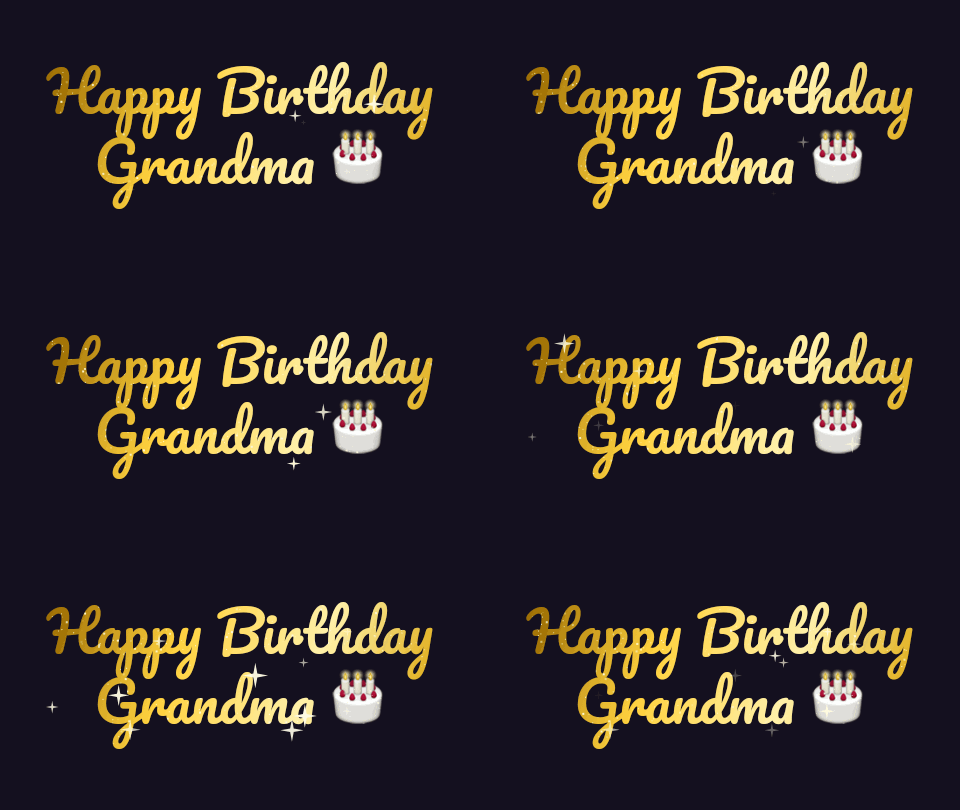
Set to 3 plays in all. The loop block stores 2, which is the number of repeats after the first play. The file is the same size, because only a number inside the block changed.Settings usedLoop setting changed from forever to 3 plays. The frames and their timing are untouched.GIF 43 KB (480 × 270 px) → GIF 43 KB (480 × 270 px), 12 frames 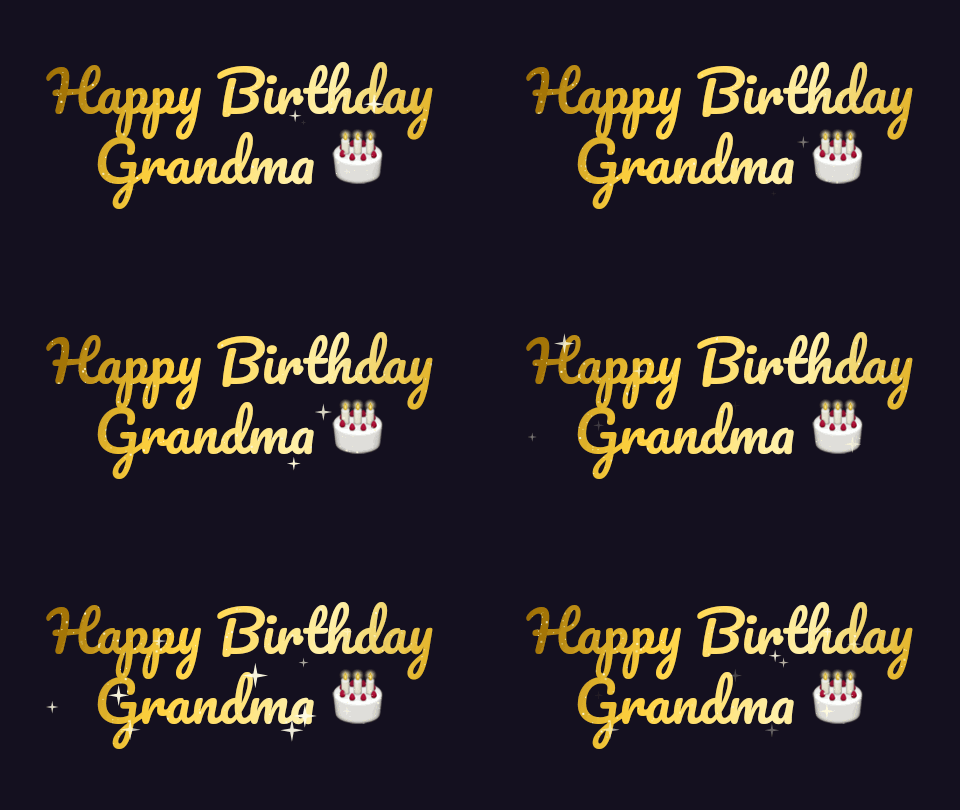 Original
 New loop setting
This copy had no loop block, so it played once. The tool added a 19 byte block that says forever. Nothing else in the file changed.Settings usedLoop setting changed from once to forever. The frames and their timing are untouched.GIF 48 KB (480 × 270 px) → GIF 48 KB (480 × 270 px), 12 frames  Original
 New loop setting
Set to 5 plays in all, stored as 4. A banner that scrolls five times and stops is a common use of a loop count.Settings usedLoop setting changed from forever to 5 plays. The frames and their timing are untouched.GIF 167 KB (468 × 60 px) → GIF 167 KB (468 × 60 px), 39 frames
What the loop setting is
A GIF can contain a small block of data, an application extension block, that says how many times to repeat the animation. A block with 0 means forever. A block with a number N means repeat N more times after the first play, so the animation plays N plus 1 times in all. A GIF with no block at all plays once.
The tool shows plays in all, which is easier to think about. Three plays in all is stored as 2. Once is the same as no block, so the tool removes the block when you choose Once. The number is stored in 16 bits, so the largest value is 65535, and the page offers 2 to 50 plays.
Only the loop block is rewritten
The looper does not decode or re-encode your GIF. It reads the structure of the file, finds the loop block, and changes only those bytes. If the file has no block, the tool adds one right after the colour table, at the start of the file, and nothing else moves. A file with the older GIF87a header is marked GIF89a when a block is added, because loop blocks belong to the newer version.
That means no quality loss, the same frames, the same palette and the same delays. The file size changes by at most 19 bytes. There is also no frame limit, because no frame is decoded. A new file is checked after it is written: the page reads the loop setting back from it and shows it to you.
Apps and sites that ignore it
The loop setting is a request in the file. Not every app follows it. Some apps and sites play every GIF forever, and some play every GIF once, whatever the file says. A chat app or a social site may also convert a GIF to video, and the loop setting may not survive that.
The safest check is to try the file in the app or site where you will use it. If an app ignores the setting, the GIF itself is fine. To stop a GIF at its last frame everywhere, there is no reliable setting. Cut or hold the last frame, or use a video format.
Related tools
These tools handle what usually comes next.
- GIF frame rate checker: read the loop count, delays and frame rate of a GIF.
- GIF speed changer: change the speed, or reverse the GIF.
- GIF compressor: bring the file size down.
When the loop setting helps
Stopping a GIF
Set a GIF to play once so it ends on its last frame.
A few repeats
Set a banner or a reaction to play three or five times.
Fixing a one-time GIF
Add a loop block to a GIF that plays once and should repeat.
Checking a file
See whether a GIF has a loop setting at all.
Making loops forever
Set an exported GIF that stops back to forever.
How this tool works and its limits
This is what the looper does, and where it stops.
- Your GIF never leaves your device. The file is read and rewritten in your browser, with no upload and no account. Files up to 25 MB are accepted. There is no frame limit, because no frame is decoded.
- The tool changes the loop block only. It does not change frames, timing, size or colours. To change those, use the other tools.
- Plays in all are from 2 to 50 in the page. A stored count above 65535 does not fit the 16-bit field.
- Some apps and sites ignore the loop setting of a GIF, and some convert a GIF to video. The setting is a request in the file, not a promise about every player.
- A file with a damaged block can be refused. The page then says the file ends in the middle of a block or has an unknown block.
- The loop block belongs to the GIF89a version. A GIF87a file is marked GIF89a when a block is added.
- We built and tested this tool in current desktop Chrome. It uses ordinary canvas, workers and GIF decoding, and the list below checks your own browser live. We have not tested other browsers ourselves.
Questions, answered
How do I make a GIF loop forever?
Drop the GIF, choose Forever and press Apply loop setting. Download saves the file with a loop block set to 0, which asks players to repeat without end.
How do I make a GIF play only once?
Choose Once. The tool removes the loop block, and a GIF without one plays once.
How do I set a GIF to loop a number of times?
Choose N times, set the number of plays in all and apply. The block stores one less, the number of repeats after the first play.
Does changing the loop count reduce quality?
No. The GIF is not decoded or re-encoded. Only the loop block changes, and the frames stay identical.
Why does my GIF still loop in some app?
Some apps and sites ignore the loop setting. The file is set correctly if the page reads the new setting back from it.
Is my GIF uploaded?
No. The file is rewritten on your device. Nothing is sent to a server and you need no account.
Related tools
Other tools you may need next.
 GIF Frame Rate CheckerFreeRead a GIF's frame count, delays, fps, duration, loop count and palette, without uploading it.
 GIF Speed ChangerFreeSpeed up or slow down any GIF and keep its timing.
 GIF CompressorFreeMake a GIF smaller: pick a level or a target size such as 256 KB.
 Add Text to GIFFreeCaption a GIF or short MP4 with several text layers and per-layer frame ranges.