Christmas GIF maker
Make a Christmas GIF with your own words and a name, such as Merry Christmas, Mia. Choose snowfall, twinkling lights, candy-cane stripes, gold sparkle or glitter, pick red and green or another scheme, and download it free. A transparent background is an option, and an AI tab can draw a card. No sign-up on the free tab.
Free tool in your browser · AI tab: 1 credit per GIF, account needed
estimating size
Encoding happens in your browser when you click Download. Nothing is uploaded.
How to use it
Pick a style
Choose Snowfall, Twinkling lights, Candy cane, Gold sparkle or Glitter. The preview changes at once.
Choose colours and words
Pick a colour scheme and a message, such as Merry Christmas or Happy Holidays. Type a name or two names, and switch the emoji on or off.
Check the preview
The preview plays the GIF with its frame count, length and an estimate of the file size. Open the font, size and canvas controls to change them, or turn on a transparent background.
Download
Press the download button. The GIF is made in your browser and saved to your device, with no sign-up and no watermark.
Examples made with this tool
Each example is a real output of the free tab. The settings line lists the text, the effect, the font, the canvas and the colours, so you can make the same GIF.
 seamless
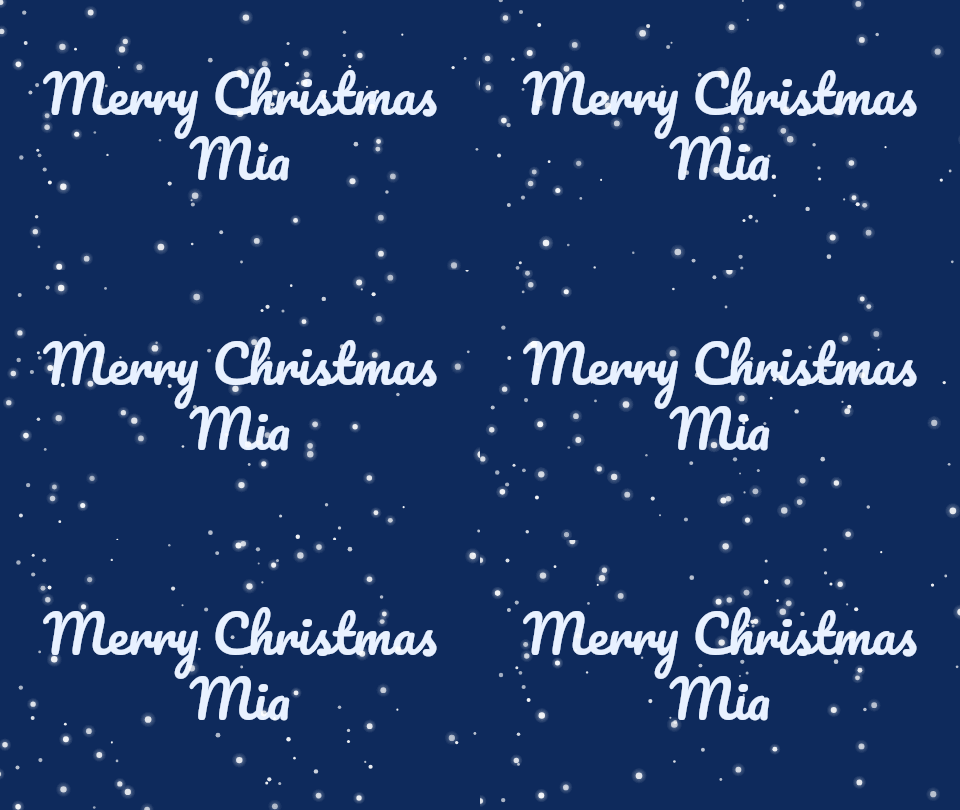
Snowfall on a blue night scheme. The flakes fall at two different speeds, so there are near and far ones, and they sway a little. The loop is 24 frames with no jump.Settings usedMerry Christmas / Mia. Pacifico, 52 px · 480 × 270 · #e8f1ff on #0e2a5c · snowfall: white flakes fall over the letters24 frames · 198 KB · 1.4 s loop 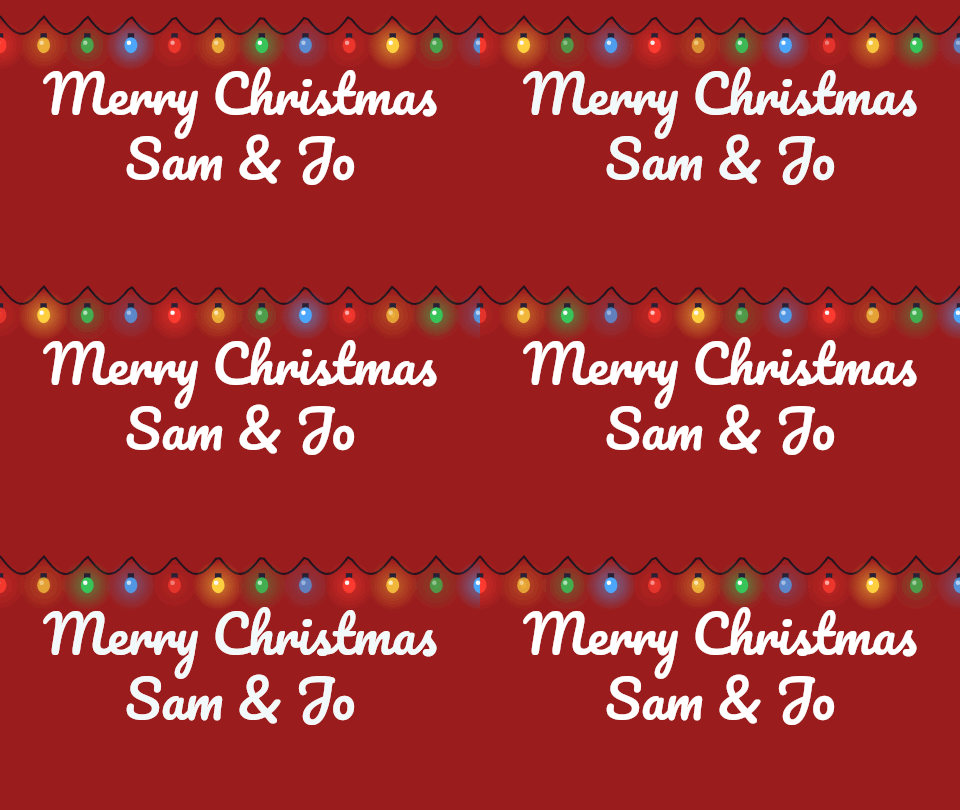 seamless
A string of lights along the top with red, gold, green and blue bulbs. The bulbs light up in three turns, so the string seems to chase. Two names, joined by an ampersand, fit on the second line.Settings usedMerry Christmas / Sam & Jo. Pacifico, 52 px · 480 × 270 · #ffffff on #9b1c1c · twinkling lights: a string of bulbs along the top24 frames · 178 KB · 1.4 s loop 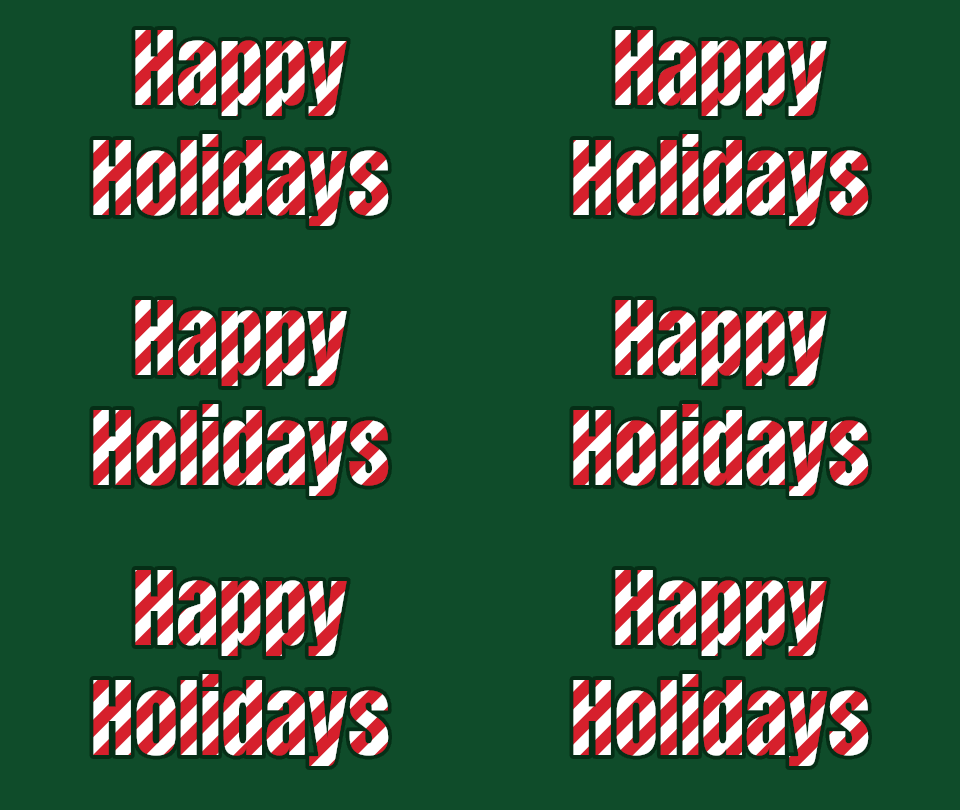 seamless
Candy-cane stripes slide through bold letters, with a dark outline so they read on the green. One slide of the stripes fits the loop exactly, so it repeats with no jump.Settings usedHappy / Holidays. Anton, 88 px · 480 × 270 · #d6202c on #0f4c2a · candy cane: red and white stripes slide through the letters24 frames · 120 KB · 1.4 s loop 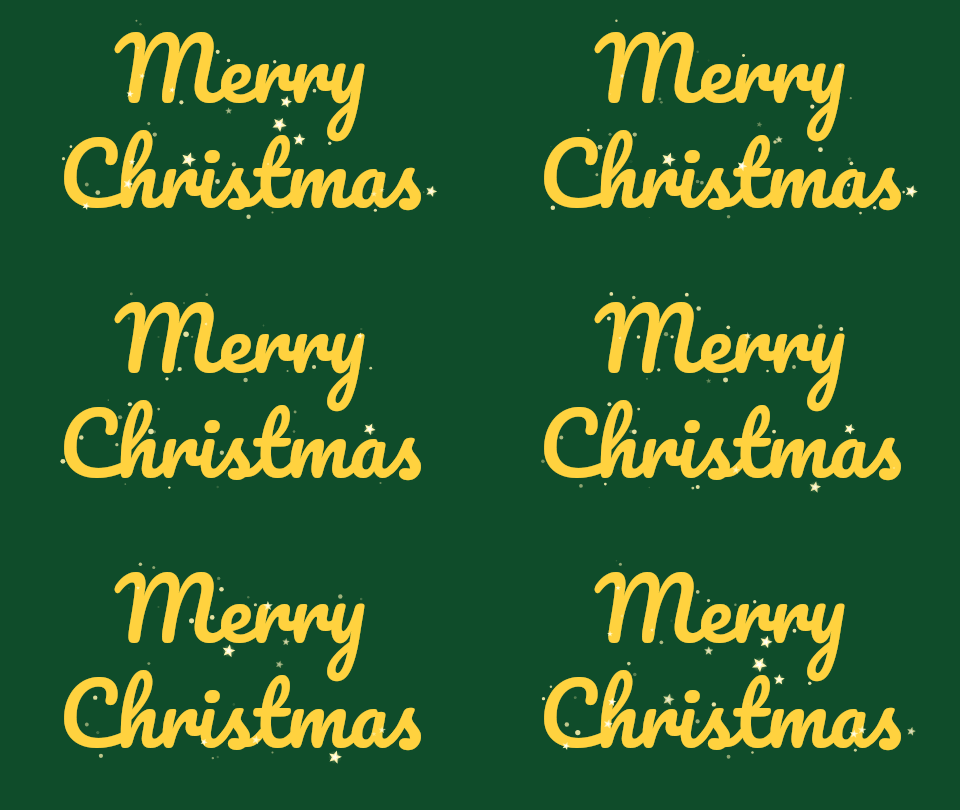 seamless
Gold sparkle uses the same twinkling stars as the sparkle text generator, with a pale gold star colour. The letters stay a plain colour and the stars flash around and on them.Settings usedMerry / Christmas. Pacifico, 84 px · 480 × 270 · #ffd23f on #0f4c2a · star stars in #fff3b0, sparkle density 5 of 5, star size 5 of 520 frames · 46 KB · 1.2 s loop 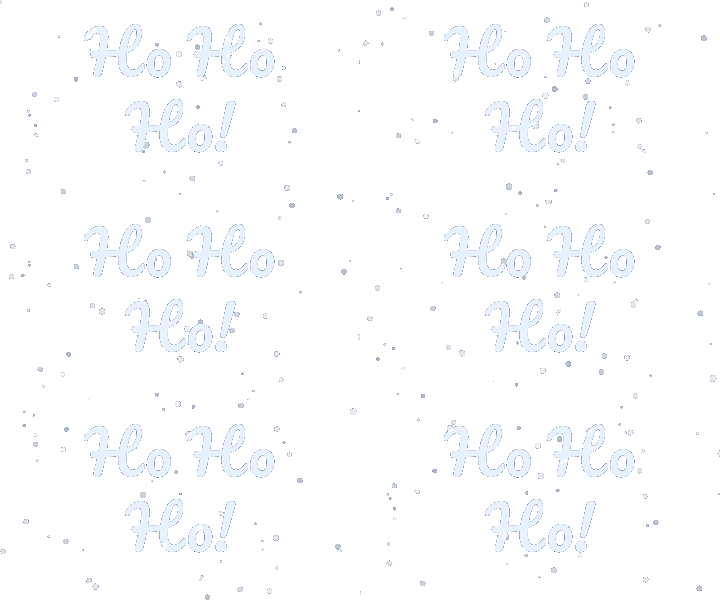 seamless
A transparent snowfall. GIF has no partial transparency, so the soft edges of the letters and the flakes are blended with the matte colour, set here to the navy of the page it would sit on.Settings usedHo Ho / Ho!. Pacifico, 60 px · 360 × 200 · transparent background · snowfall: white flakes fall over the letters24 frames · 92 KB · 1.4 s loop
Styles and colours
Snowfall draws white flakes over the letters, in two sizes that fall at different speeds. Twinkling lights hangs a string of coloured bulbs along the top, and the bulbs light up in turns. Candy cane fills bold letters with red and white stripes that slide through them. Gold sparkle and Glitter reuse two effects from the other text tools.
Four colour schemes set the letters and the background: red and green, snowy night, gold on green and cream and red. They work with every style. Snow needs a dark background to show, so the snowy night scheme is the natural match, and on the cream scheme the snow is hard to see. Pick the pair that reads best in the preview.
Names and messages
Pick one of four messages: Merry Christmas, Happy Holidays, Season’s Greetings or Ho Ho Ho. Add a name, up to 24 characters, for a message like Merry Christmas, Mia. The name goes on a second line, and a message with no name is split over two lines so the letters can be larger. You can type two names, such as Sam & Jo.
The emoji switch adds a tree, a snowflake, a sparkle or a Santa after the name. Emoji are drawn by your device's own emoji font, so they can look different from device to device, and the GIF shows what your preview shows. Fonts for the lettering are bundled with the site, so the text in the GIF matches the preview.
Transparent, AI and file size
A transparent background is an option for GIFs that will sit on a coloured page. Choose a matte colour close to that page, because soft edges are blended with the matte. The preview shows the frame count and an estimate of the size before you download.
The AI tab makes a described scene instead of a straight effect. Its Christmas card chips send a prompt and the exact words, such as Merry Christmas, to the AI tools. It costs 1 credit per GIF and needs an account. The free tab never does. Snowfall is the largest style, because every flake moves in every frame, and candy cane and sparkle are small.
More ways to make a greeting GIF
These pages use the same free engine.
- Happy birthday GIF maker: the same name and message presets for birthdays, anniversaries and thank-yous.
- Sparkle text generator: twinkling stars around plain letters, with colour and density controls.
- Glitter text generator: seven glitter textures with an outline and a transparent background.
When a Christmas GIF helps
A Christmas card
Send a short GIF with a name instead of a plain card.
A message in a chat
Share a Merry Christmas with a name in a group chat.
A sign-off
Add a seasonal GIF under an email or a post.
A holiday banner
Use a transparent snowfall over a coloured page.
A gift tag
Make a small GIF with the name of the person it is for.
How this tool works and its limits
This is what the Christmas GIF maker does, and where it stops.
- Your text never leaves your device on the free tab. The GIF is drawn and written in your browser, with no upload, no account and no watermark.
- Messages are up to 200 characters, a name is up to 24, and the canvas is up to 640 pixels wide and 640 high, with at most 307,200 pixels in all.
- The loop is a fixed 24 frames for snowfall, lights and candy cane, so the file is a few seconds at most and the loop has no jump.
- GIF has no partial transparency. A transparent background switches pixels fully on or off and blends soft edges with the matte colour you choose.
- Emoji are drawn by your device's own emoji font, so they can look different on another device.
- The AI tab costs 1 credit per GIF and needs an account. The result is whatever the AI makes, and we cannot promise how a given prompt will look.
- We built and tested the free tab in current desktop Chrome. It uses ordinary canvas, workers and GIF writing. We have not tested other browsers ourselves.
Questions, answered
How do I make a Christmas GIF with a name?
Choose a style and a scheme, pick a message, type the name in the Name box, check the preview and press the download button. The name appears on the second line.
Is the Christmas GIF maker free?
Yes. The free tab needs no sign-up and adds no watermark. Only the AI tab uses credits, 1 credit per GIF.
Can I make a Christmas GIF with a transparent background?
Yes. Turn on Transparent background and choose a matte colour close to the page the GIF will sit on, because GIF has only fully clear or fully solid pixels.
Can I use two names?
Yes. Type both in the Name box, for example Sam & Jo, up to 24 characters.
Which style should I choose?
Snowfall on the snowy night scheme is the easiest to read. Twinkling lights suit a red or green card, candy cane suits big short words, and gold sparkle suits a script font.
What does the AI tab do?
It describes a scene around your exact words, for example a Christmas card with a tree and snow. It costs 1 credit per GIF, and the free tab does not.
Related tools
Other tools you may need next.
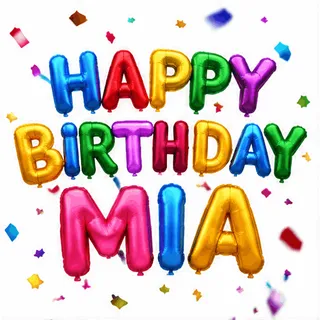 Happy Birthday GIF MakerFree + AIType a name, pick a style and download a happy birthday GIF free, plus an AI tab for cakes and balloons.
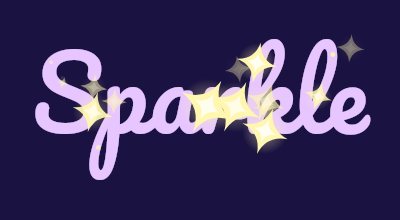 Sparkle Text GeneratorFreeTwinkling stars around and over your letters, with a choice of star colour, shape and density.
 Glitter Text GeneratorFreeSparkling glitter text with seven textures, an outline and a transparent background option.
 Text to GIFFree + AIDescribe a GIF, or animate exact words with AI.