Boomerang GIF maker
Turn a GIF into a boomerang: it plays forward and then backward, again and again. The tool skips the repeated end frames so the turns do not stutter, and you can pause at both ends and change the speed. It runs in your browser: no upload, no sign-up.
Free · no sign-up · runs in your browser
GIF only · up to 25 MB · up to 300 frames · nothing is uploaded
Drop a GIF here
The preview appears here.
Your new GIF appears here.
How to use it
Drop your GIF
Drop a GIF onto the box or click to choose one. Up to 25 MB and 300 frames. It is opened on your device and never leaves it.
Choose how the turns look
Leave Skip the repeated end frames on for a smooth turn. Turn it off to show the first and last frame twice.
Add pauses and set the speed
Add a pause at the far end, which is the last frame of the GIF, or at the start. Change the speed from a quarter to four times. The preview plays the result.
Make it and download
Press Make boomerang. The new GIF appears next to the preview with its frame count, size and dimensions, and Download saves it.
Examples made with this tool
Each example turns one of our own GIFs into a boomerang. The original is on the left and the boomerang is on the right, and the settings line says how the end frames were handled and how long each hold is.
 Original
 Boomerang GIF
The default boomerang with a 500 ms hold at the far end. The 16 frames become 30, the cat holds its thumbs up for half a second, and then it goes back.Settings usedForward then back, end frames shown once, hold 500 ms at the far end and 0 ms at the start, speed 1×. 30 frames in all.GIF 337 KB (320 × 320 px) → GIF 638 KB (320 × 320 px), 30 frames 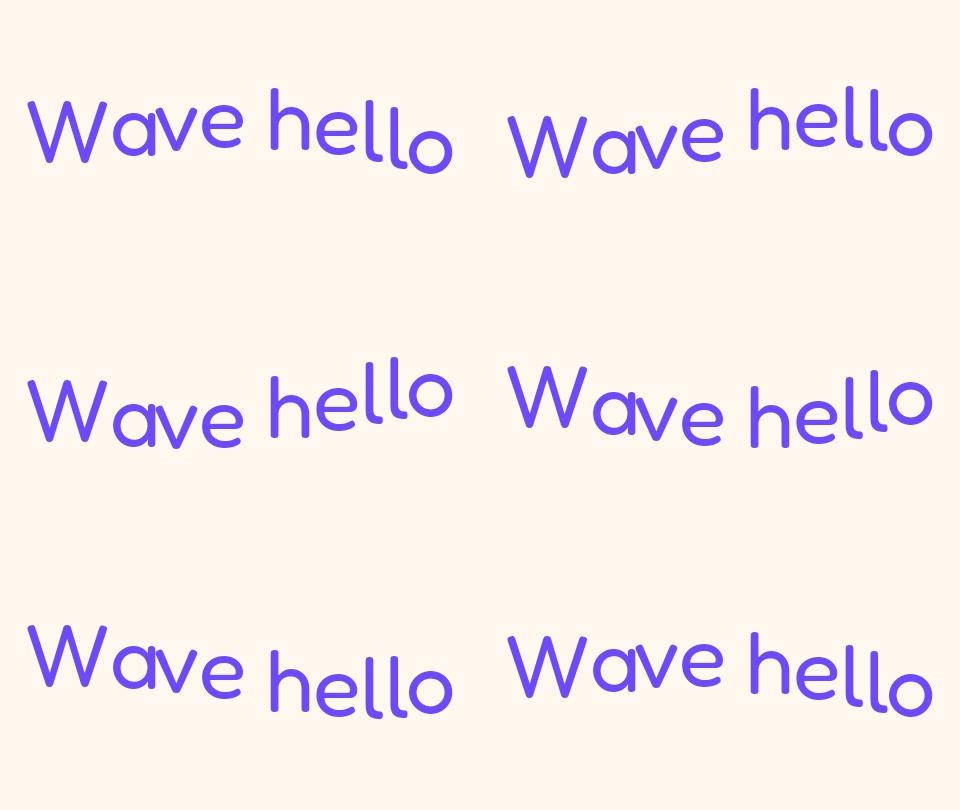 Original
 Boomerang GIF
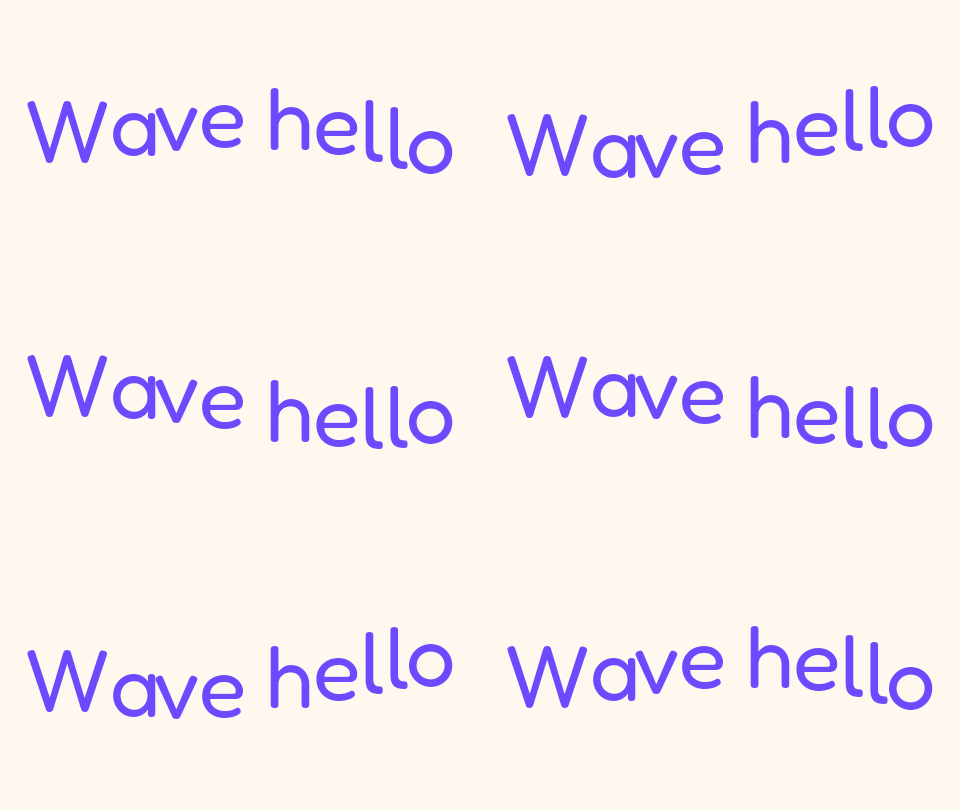
A wave that already loops becomes a rocking motion. The 20 frames become 38, with no repeated end frames.Settings usedForward then back, end frames shown once, hold 0 ms at the far end and 0 ms at the start, speed 1×. 38 frames in all.GIF 91 KB (480 × 270 px) → GIF 172 KB (480 × 270 px), 38 frames 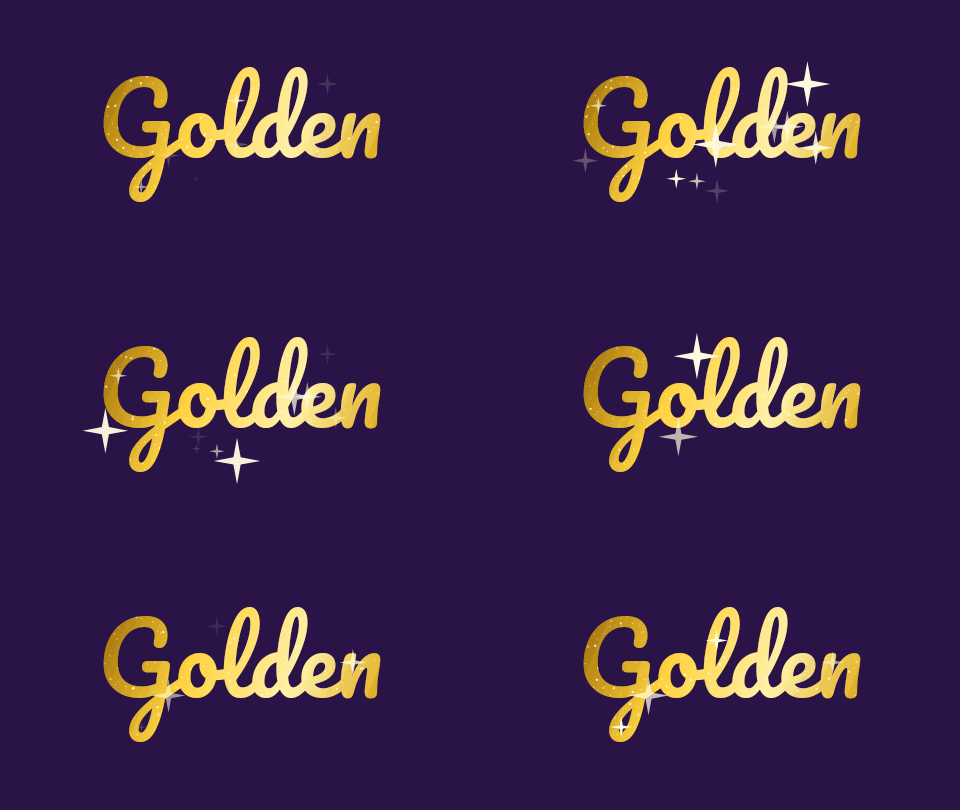 Original
 Boomerang GIF
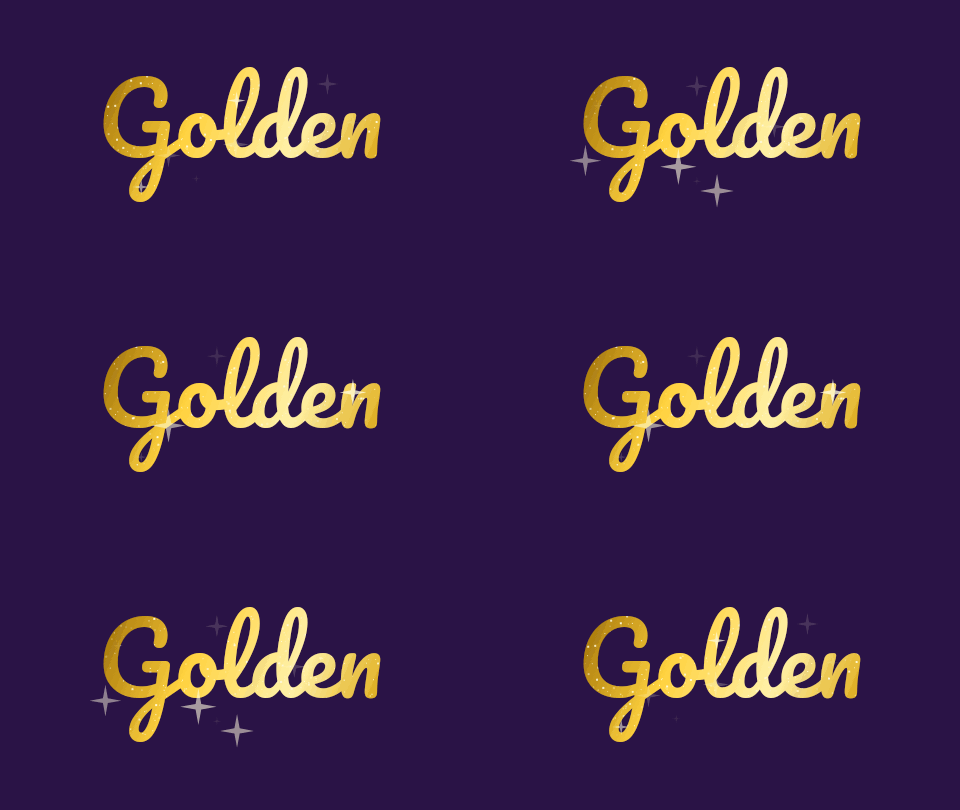
With Skip the repeated end frames turned off, the 12 frames become 24, and the first and last picture each stay on screen for two frames at the turns. This is the stutter the default setting removes.Settings usedForward then back, end frames repeated, hold 0 ms at the far end and 0 ms at the start, speed 1×. 24 frames in all.GIF 46 KB (480 × 270 px) → GIF 83 KB (480 × 270 px), 24 frames 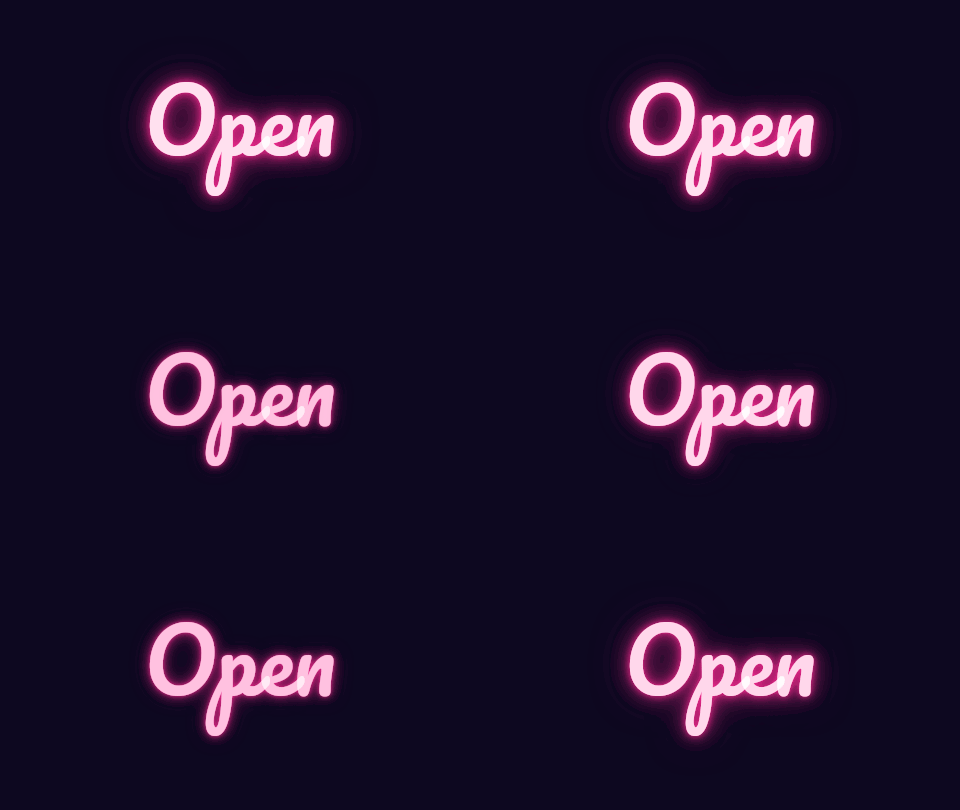 Original
 Boomerang GIF
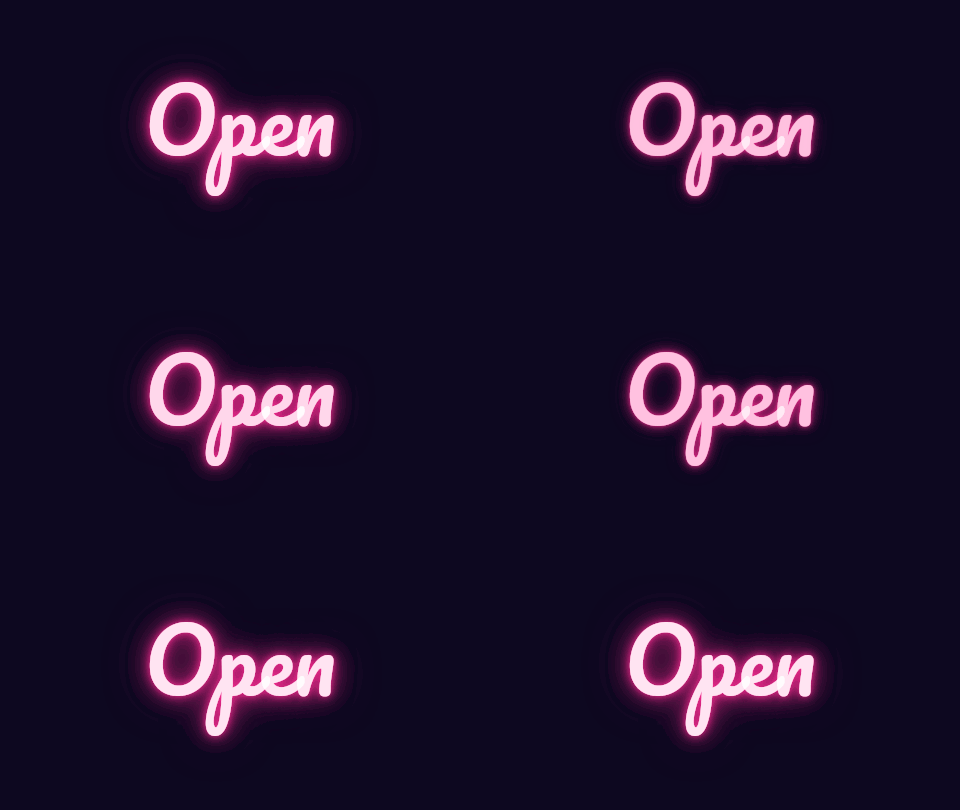
Speed 1.5 times, with a 300 ms pause at the start and at the far end. The 12 frames become 22 and the whole boomerang lasts about 1.4 seconds.Settings usedForward then back, end frames shown once, hold 300 ms at the far end and 300 ms at the start, speed 1.5×. 22 frames in all.GIF 130 KB (480 × 270 px) → GIF 237 KB (480 × 270 px), 22 frames
Why the end frames matter
A simple ping-pong plays the frames in order and then in reverse order. If the reverse run starts with the frame you just showed, that frame appears twice in a row, and the same thing happens at the start of the loop. The motion seems to catch for a moment at each turn. That is the stutter.
This tool avoids it by default. A GIF with N frames becomes a GIF with 2N minus 2 frames: the first and last frame appear once, and the frames in between appear twice, once on the way out and once on the way back. Turn the option off to see the difference, or if you want the end frames to linger.
Pauses, speed and timing
Every frame keeps its own delay, forward and backward, so a GIF with uneven timing stays uneven. A pause adds time to the frame at the turn: the pause at the far end is added to the last frame of the GIF, and the pause at the start is added to the first frame. Each pause can be up to 2 seconds.
The speed control scales all the delays, from a quarter to four times. Delays are whole hundredths of a second and never below 2, so a very fast boomerang of a GIF that is already fast cannot go faster than the limit. The page shows the frame count and the length of the new GIF before you make it.
Boomerang, reverse and ping-pong
A boomerang plays forward and then backward. A reversed GIF plays only backward. If you want that, use the reverse tool. The speed changer also has Reverse and Ping-pong switches, and it is the right place to change speed or to set one fixed delay. This page is for the boomerang itself, with pauses and clean turns.
A boomerang works best when the motion makes sense in both directions: a wave, a bounce, a blink, a spinning object. A person walking forward and then backward looks odd. A GIF that already loops smoothly is often better left as it is, because the boomerang doubles the frames and the file grows.
Related tools
These tools handle the other ways to change the direction of a GIF.
- Reverse GIF: play a GIF backwards only, with its timing kept.
- GIF speed changer: change the speed or set one fixed delay for every frame.
- GIF compressor: bring the file size down, since a boomerang has about twice the frames.
When a boomerang helps
A rocking loop
Turn a one-way motion into a loop that never jumps.
A blink or a wave
Boomerang a short reaction so it repeats smoothly.
A pause on the best frame
Hold the far end for half a second before the GIF turns back.
A product turn
Show a product turning one way and back.
A clean seam
Replace a loop that jumps from the last frame to the first.
How this tool works and its limits
This is what the boomerang maker does, and where it stops.
- Your GIF never leaves your device. It is opened, processed and written in your browser, with no upload and no account.
- GIFs up to 25 MB and 300 frames are accepted. The result is capped at 300 frames, 30 seconds and 1024 px on the longer side.
- The boomerang has about twice as many frames as the original, so the file is larger and a long GIF can reach the 300 frame limit. The page tells you before you start.
- Each pause is up to 2 seconds. Delays are whole hundredths of a second and never below 2.
- The boomerang plays forward first, and then backward. There is no option to start backward. For that, reverse the GIF first.
- Transparent GIFs stay transparent, and soft edges are blended with white.
- We built and tested this tool in current desktop Chrome. It uses ordinary canvas, workers and GIF decoding, and the list below checks your own browser live. We have not tested other browsers ourselves.
Does your browser support this?
This list is checked against the browser you are using right now, by asking it directly. It is not a guess from the browser name.
- GIF files: checking
- Background encoding (Web Workers): checking
Questions, answered
How do I make a boomerang GIF?
Drop the GIF, check that Skip the repeated end frames is on, add a pause if you want one, and press Make boomerang. The result plays forward and then backward.
What is the stutter at the end of a ping-pong GIF?
It is the first or last frame appearing twice in a row where the GIF turns around. Skipping the repeated end frames shows each of them once, so the motion does not catch.
How many frames will a boomerang have?
With the end frames skipped, 2 times the original minus 2. With them kept, 2 times the original.
Can I pause at the end of the boomerang?
Yes. Set Pause at the far end, up to 2 seconds. You can pause at the start too.
What is the difference between a boomerang and a reversed GIF?
A boomerang plays forward and then backward. A reversed GIF plays only backward. Use the reverse tool for the second.
Is my GIF uploaded?
No. The GIF is made on your device. Nothing is sent to a server and you need no account.
Related tools
Other tools you may need next.
 Reverse GIFFreePlay a GIF backwards and keep every frame's own timing, with optional speed.
 GIF Speed ChangerFreeSpeed up or slow down any GIF and keep its timing.
 GIF CompressorFreeMake a GIF smaller: pick a level or a target size such as 256 KB.
 Add Text to GIFFreeCaption a GIF or short MP4 with several text layers and per-layer frame ranges.